Retention Predictor, and Creator Benchmarks
Predict where viewers will drop off before you film, segment by segment, with re-hook scripts for each drop. Then see how your numbers compare with creators at your stage in your niche, and which metric to fix first.
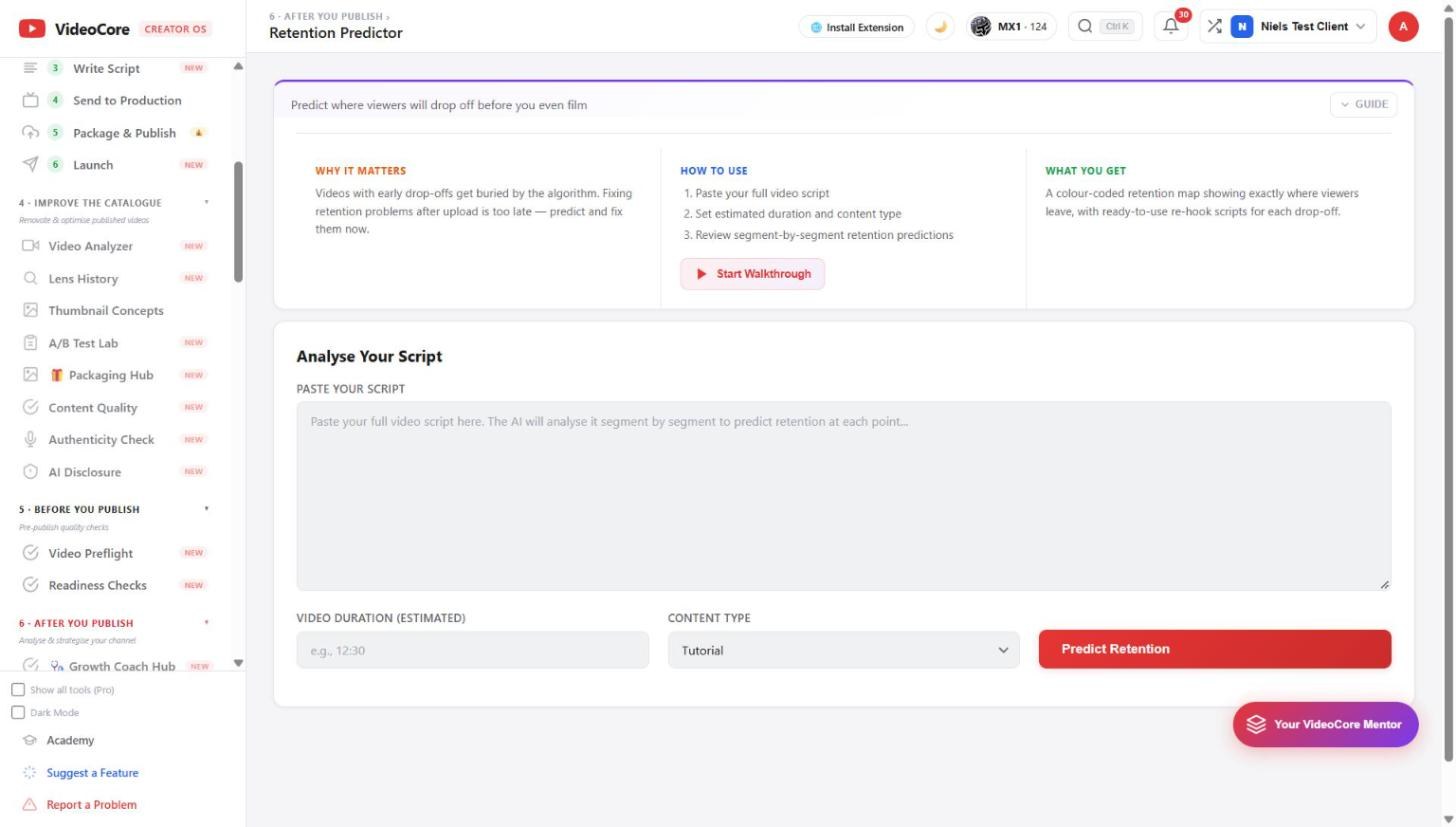
Retention Predictor
Paste the full script, set the estimated duration and content type, and the map comes back colour-coded: where viewers leave, and a ready re-hook for each drop-off. Fixing retention after upload is too late; this runs before.
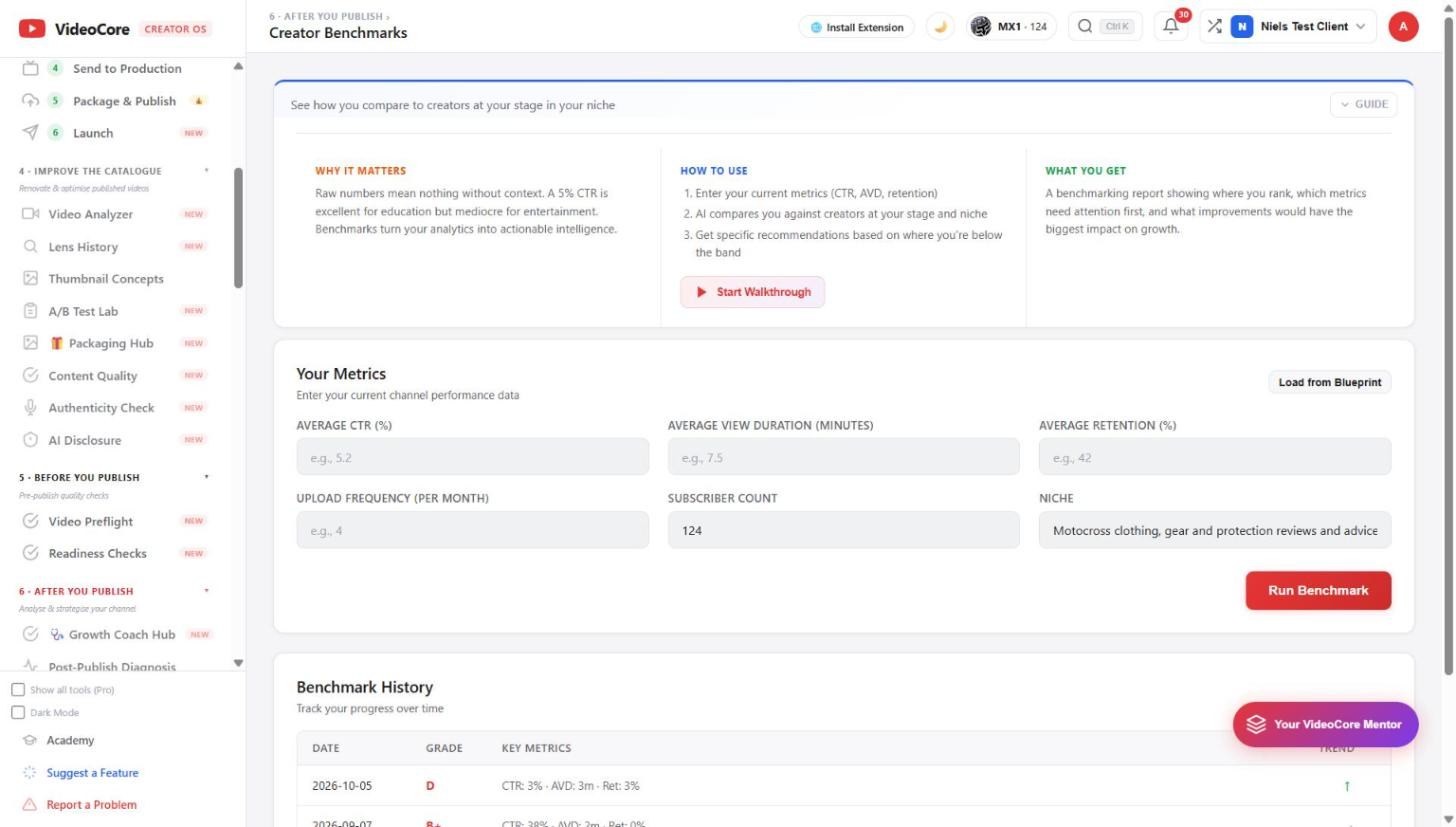
Creator Benchmarks
Enter CTR, average view duration, retention, upload frequency; subscribers and niche are filled from the Blueprint. The report says where you rank against creators at your stage, which metric needs attention first, and what would move growth most.
Why it works this way
A five percent click-through rate is excellent in one niche and mediocre in another, so every number here is read against your stage and your niche rather than a single rule of thumb.