What's new, and how to ask for a feature or report a problem
Every change to VideoCore and the Lens extension is dated on the What's new page, newest first, with the how-to it links to. Suggest a Feature and Report a Problem sit at the bottom of every page's nav, and the Mentor panel answers questions in place.
What's new
Dated entries, newest first, each in plain words with a link to the page or how-to it touches. The same entries go out as the fortnightly email to anyone with a connected channel. Extension version notes are on the Lens page too.
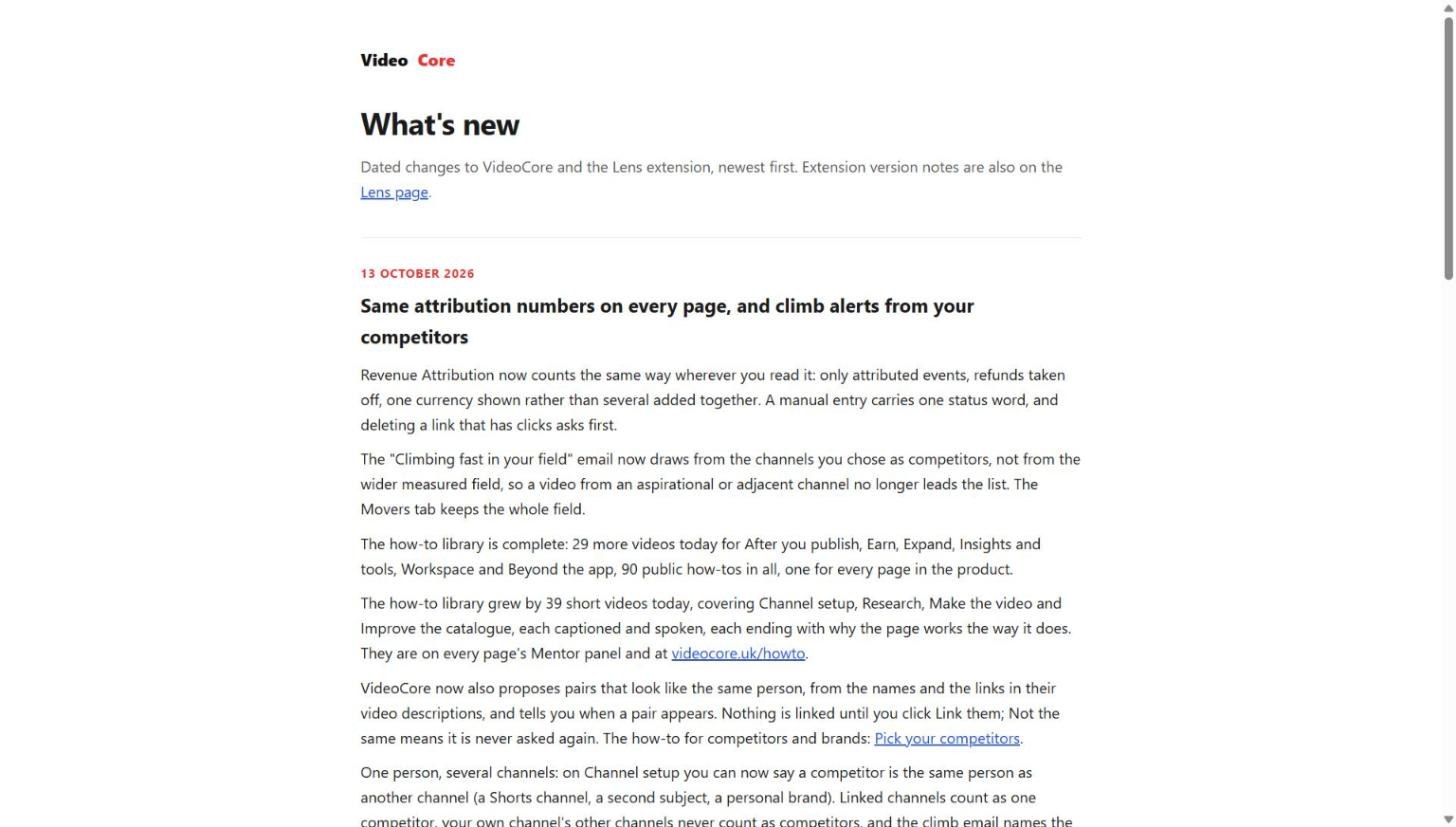
Ask, suggest, report
Suggest a Feature and Report a Problem are at the bottom of the nav on every page; both reach us with the page you were on. Your VideoCore Mentor, bottom right, answers how-do-I questions and lists the how-tos for the page you are on.
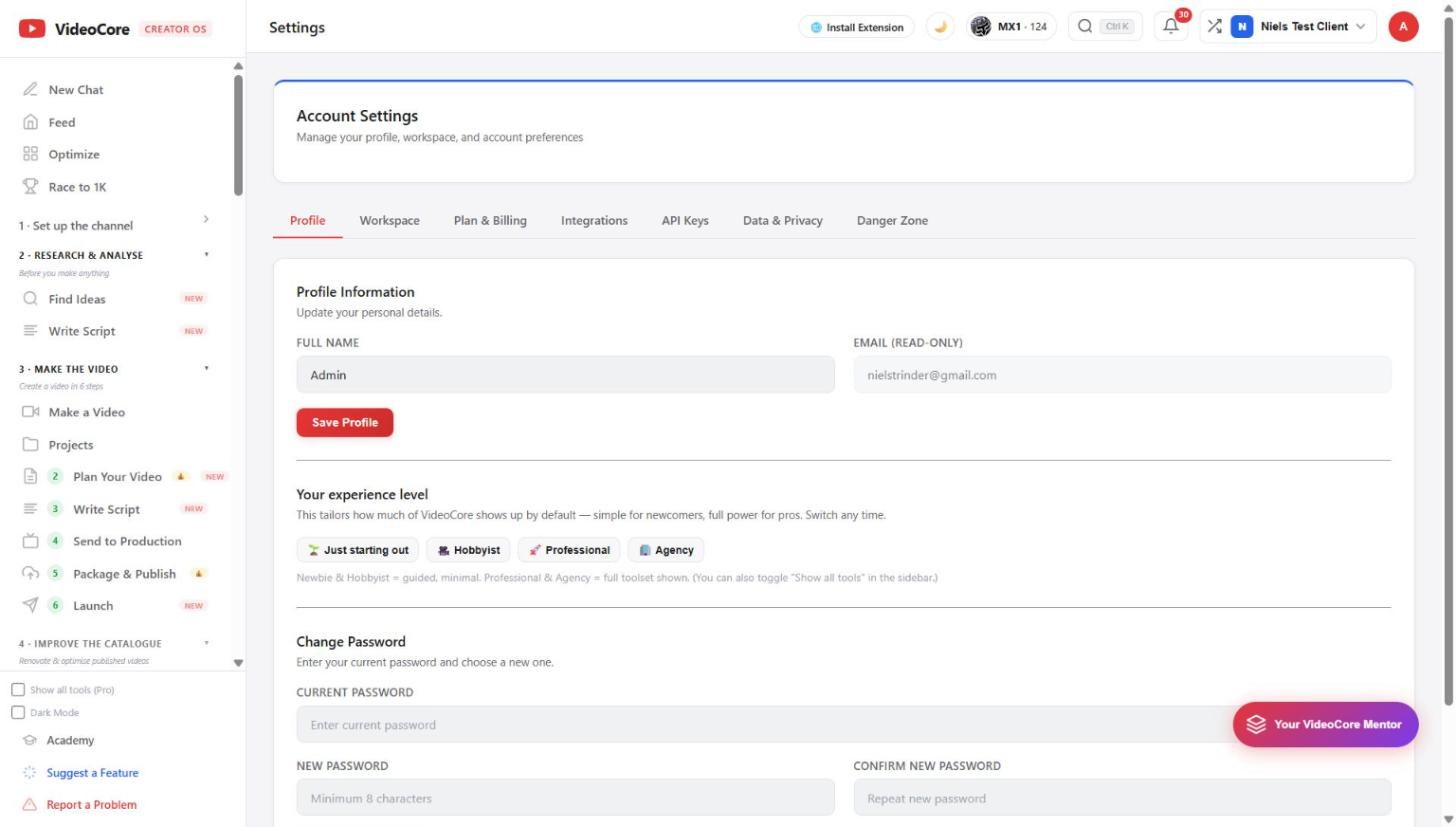
Why it works this way
A change is not finished until it is dated on What's new, so the page is the record of what shipped and when, and a feature request lands with the page it came from.