Community Posts, and the Livestream Planner
Community posts that prime subscribers for what is coming: quick posts by type and tone, a launch sequence, engagement boosters and a post calendar. The Livestream Planner plans a stream, converts members mid-stream, and extracts the Shorts highlights afterwards.
Community Posts
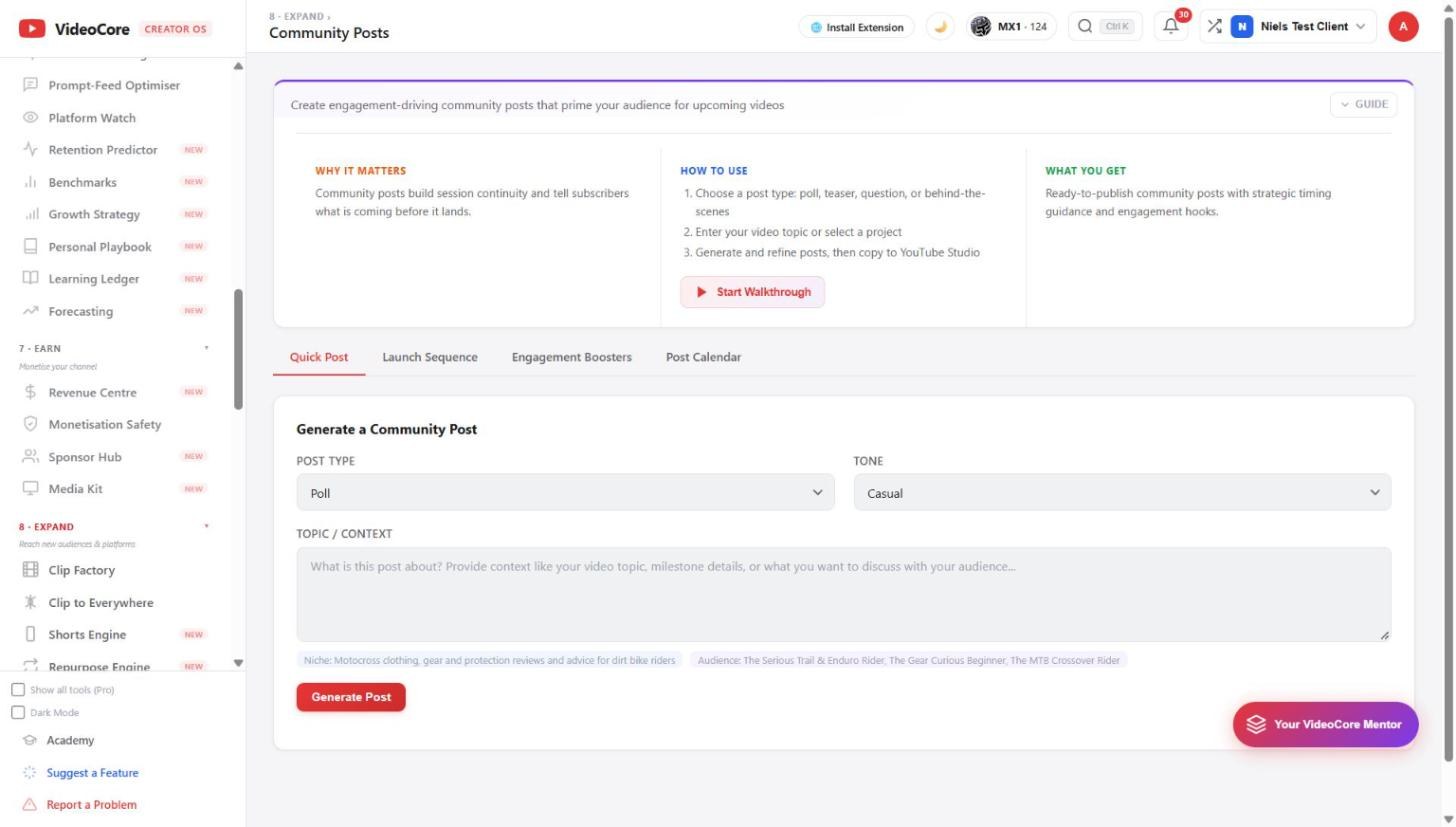
Quick Post: choose poll, teaser, question or behind-the-scenes, a tone, the topic or a project, and generate; refine, then copy to Studio. Launch Sequence writes the posts around a release; Engagement Boosters and the Post Calendar keep the cadence.
Livestream Planner
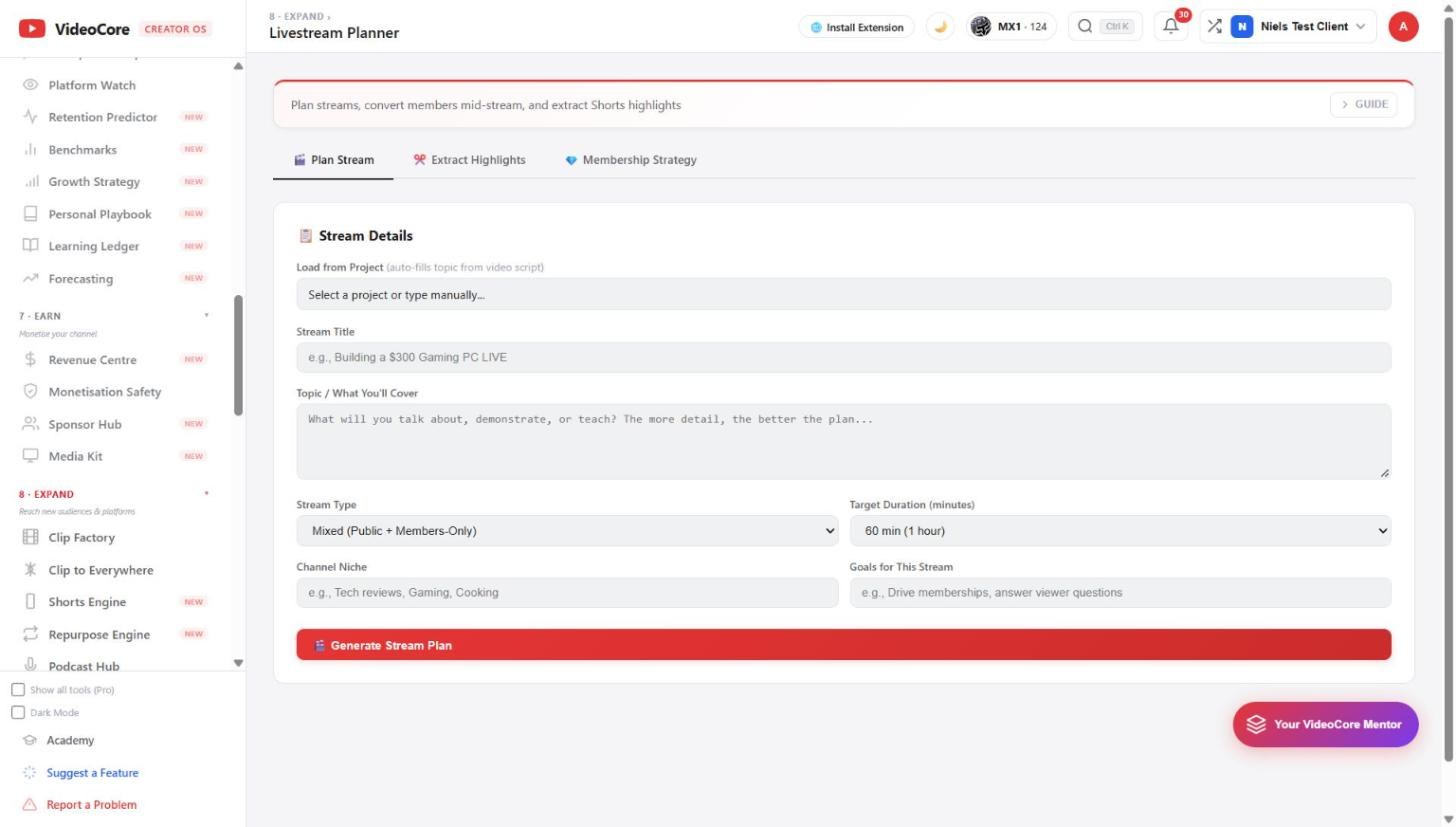
Plan Stream: load a project or type the title and topic, stream type, target duration, niche and goals, and the plan comes back with segments and the membership conversion moments. Extract Highlights finds the Shorts in the recording; Membership Strategy sets the offer.
Why it works this way
Posts and streams are planned from a project the platform already knows, so the teaser says what the video actually promises and the stream's highlights go back into the same pipeline as every other clip.