VideoCore how-to · 8 · Expand
Podcast Hub: audio out of a video, episode prep, publish to Buzzsprout
Extract the audio track from any video as a podcast-ready MP3, build the episode metadata from the Repurpose Engine's script or write it, and publish through Buzzsprout to Spotify, Apple Podcasts, Amazon Music and the rest.
1
Three tabs
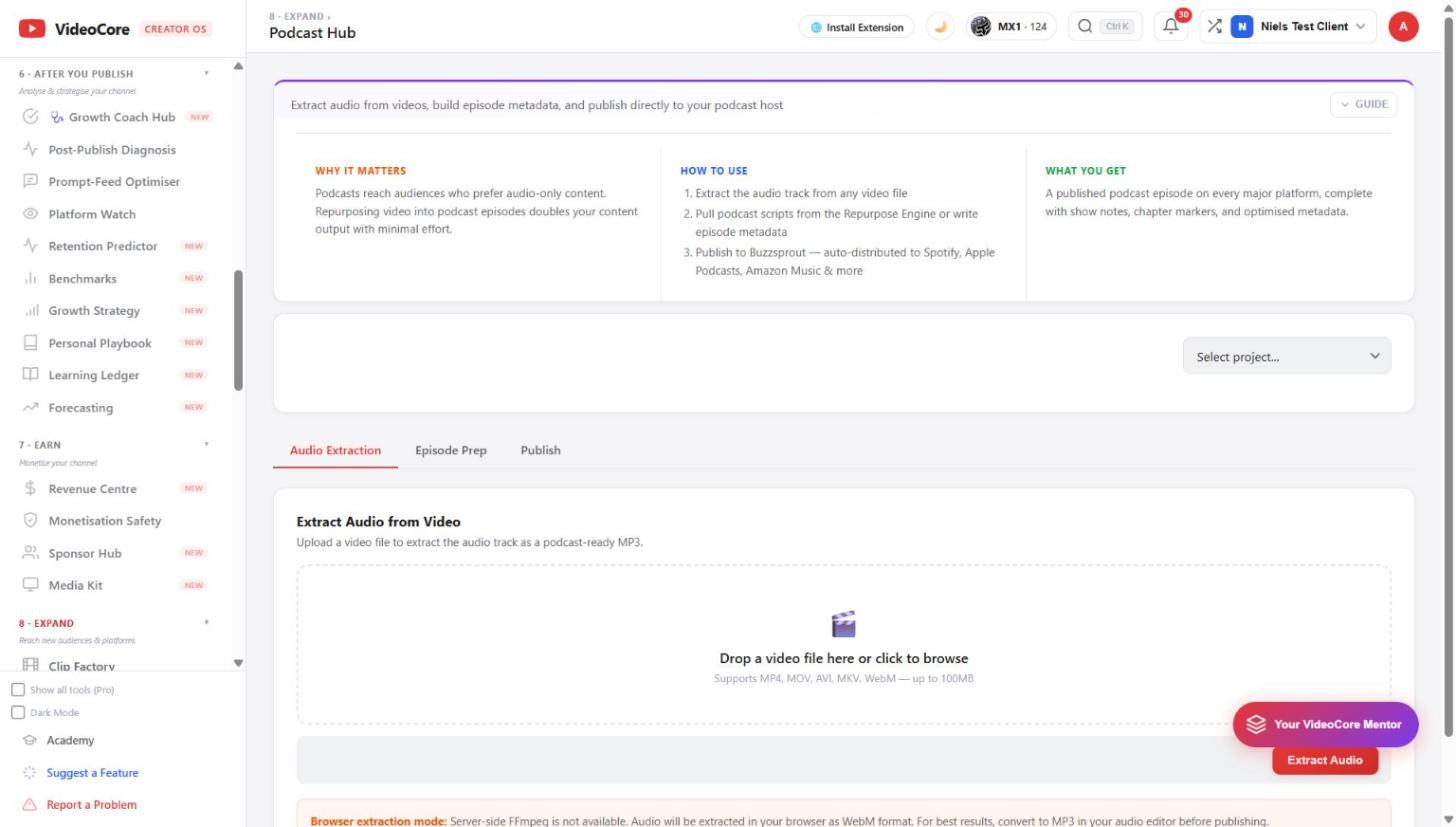
Select the project. Audio Extraction turns the video file into an MP3; Episode Prep writes the show notes, chapter markers and metadata; Publish sends it to Buzzsprout, which distributes everywhere. On shared hosting the extraction runs in your browser, so keep the tab open.
?
Why it works this way
The episode is built from the same project as the video, so the show notes and chapters are the ones the video already had, and publishing goes through your own podcast host rather than a copy of it.