Video Analyzer: upload a file, get timestamped findings, markers and an EDL
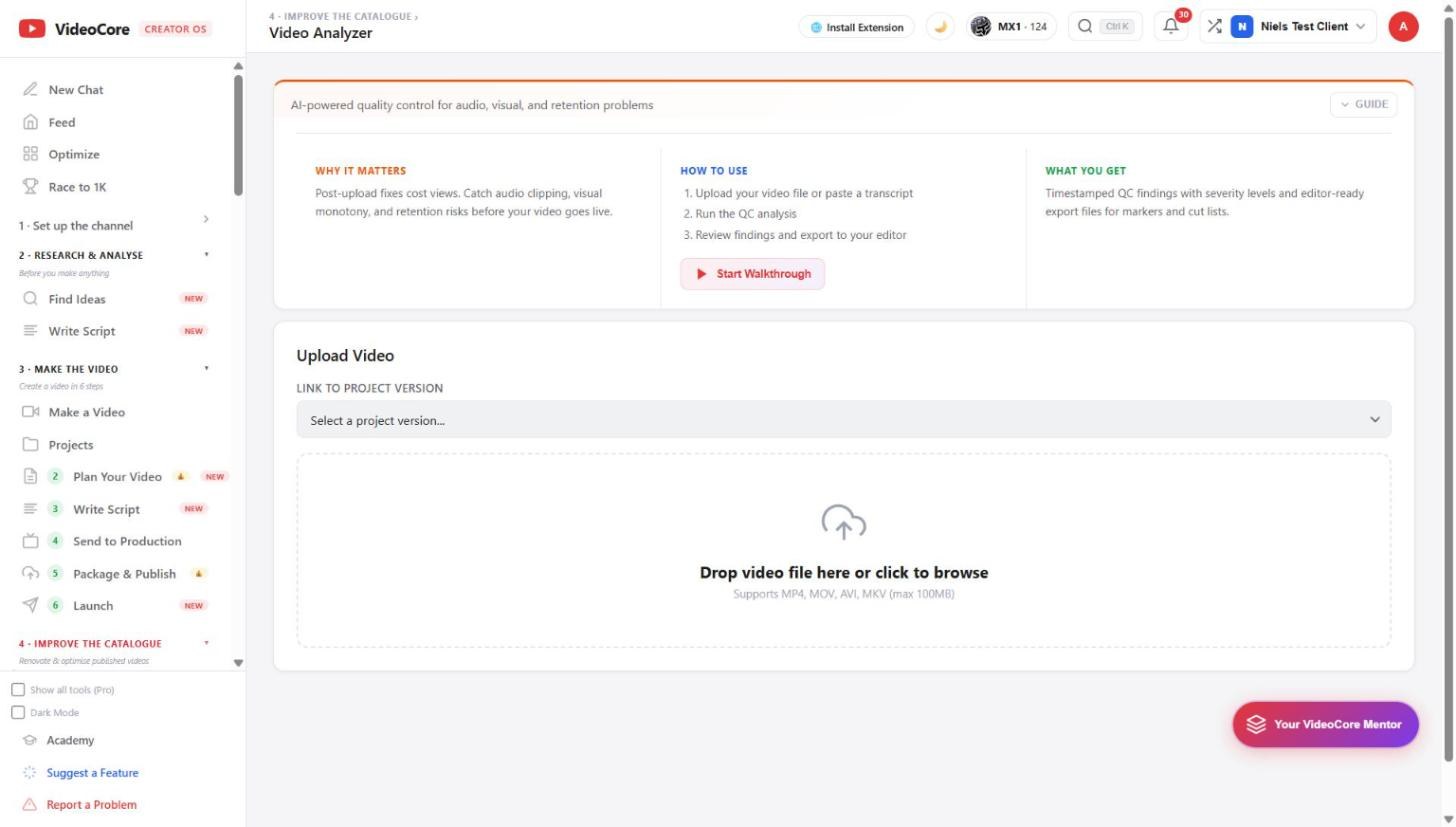
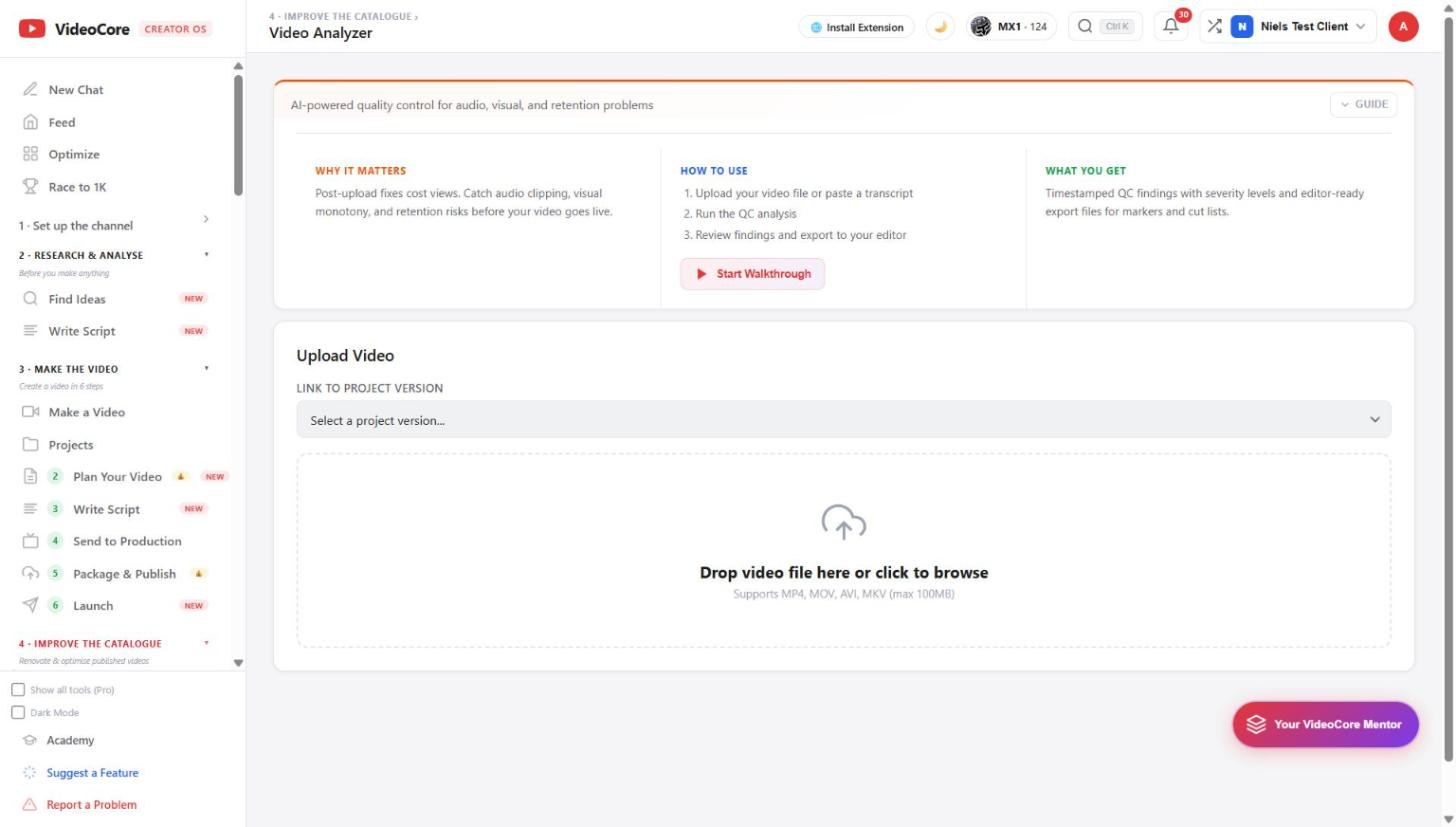
Quality control for a cut: upload the file or link a project version, run the analysis across audio, visual and retention risks, and export the findings as CSV markers or an EDL with notes for the editor.
Upload and run
Link a project version, drop the file, MP4, MOV, AVI or MKV up to 100 MB, and run the QC analysis. The findings come back timestamped with a severity each: clipping, dead air, visual monotony, unreadable overlays, retention risks.
Export to the editor
CSV markers drop onto a timeline; the EDL carries the cut list; editor notes say what to change at each timestamp. Video Preflight, in the Before you publish section, is the same check for a rough cut up to 500 MB.
Why it works this way
A problem found on the timeline costs an edit; the same problem found after upload costs retention, so the check runs on the file before it goes anywhere.