From Lens to VideoCore: what an account adds
Lens shows you the numbers on YouTube. A VideoCore account turns them into the next video: ideas with evidence, scripts in your voice, packaging, publishing and the fixes to your catalogue.
Start free with your channel
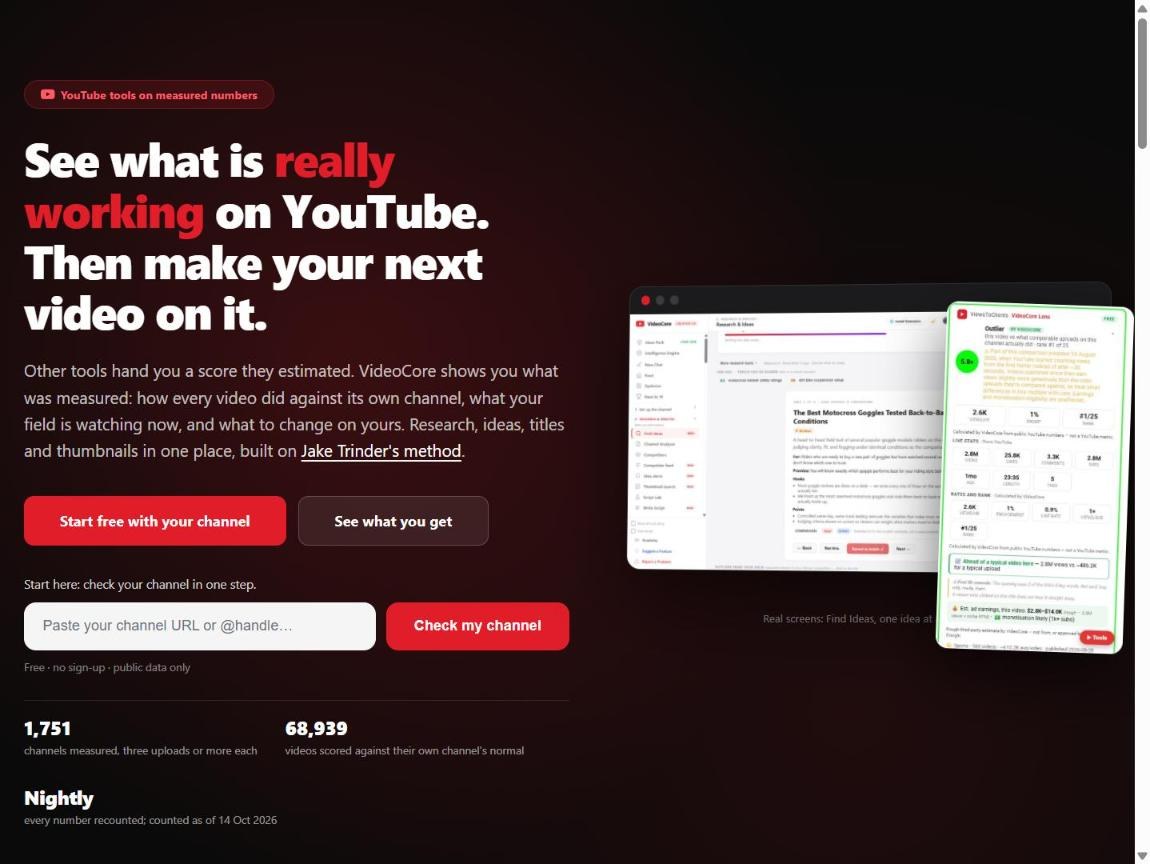
videocore.uk: Start free with your channel, or check a channel in one step with no sign-up. The right-hand side is the product itself: Find Ideas one idea at a time, and Lens on a YouTube video. Under the check, what the database holds, counted nightly.
Sign up
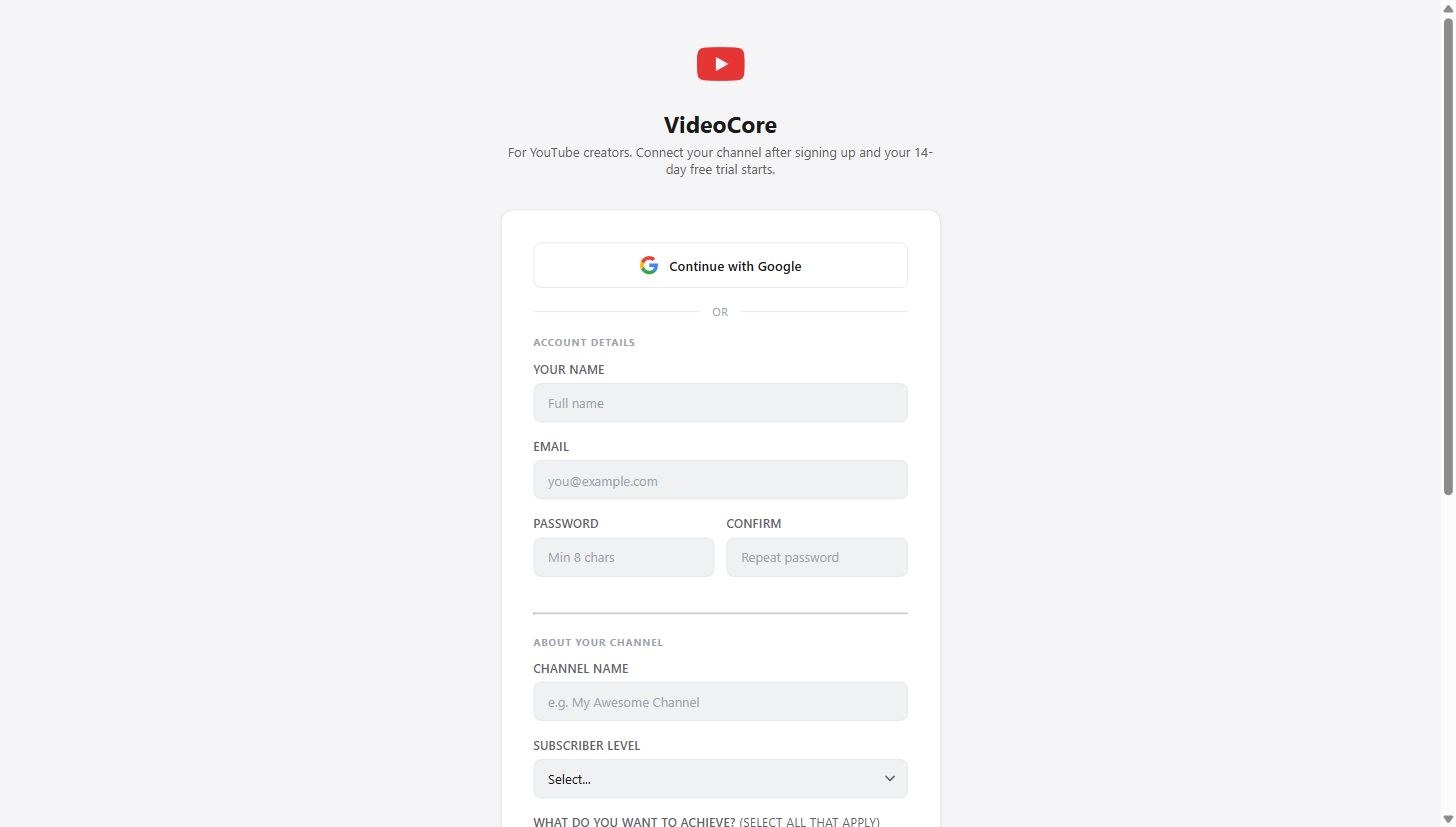
Continue with Google, or the form. Your 14-day free trial starts when you connect a channel, not when you sign up.
The first step
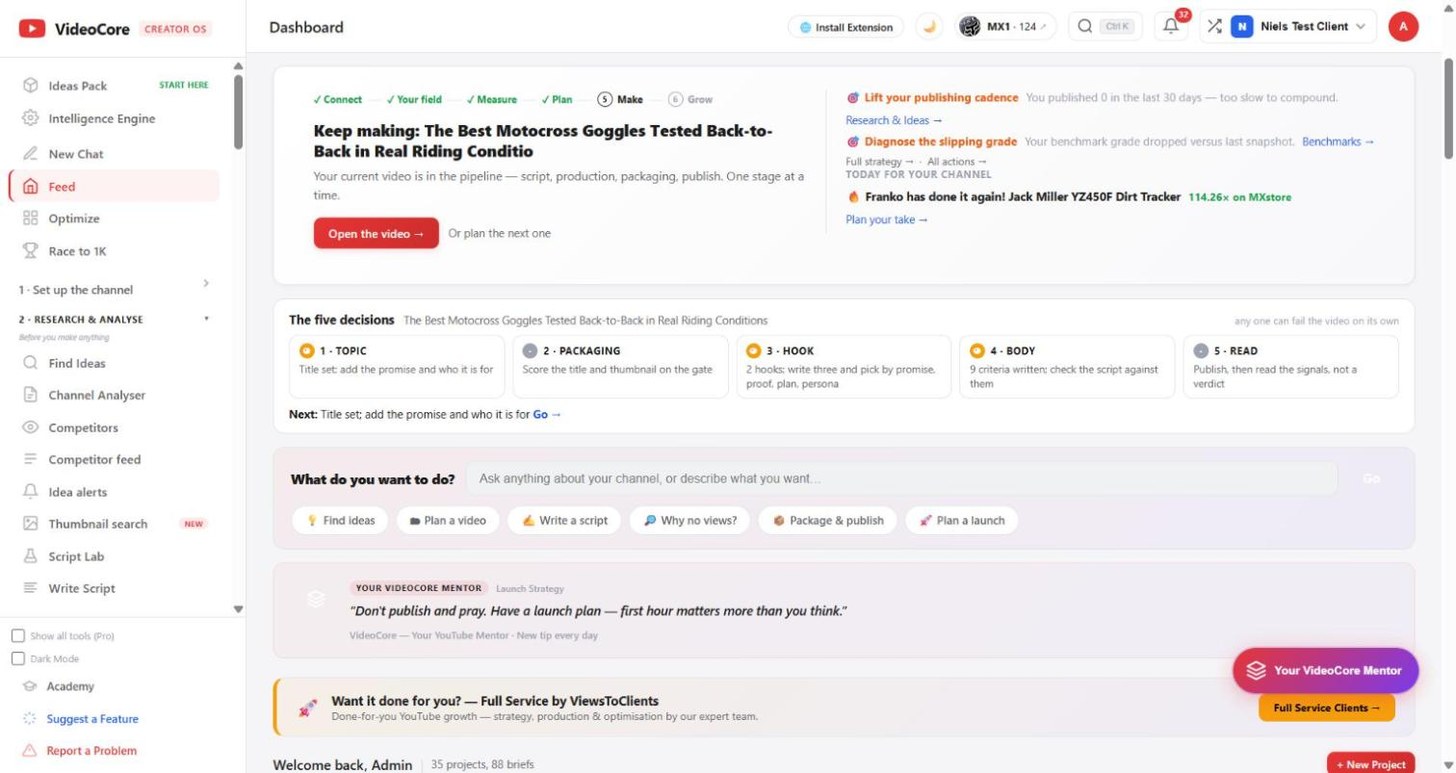
The Feed shows one next step at a time. The first is Connect your channel: one click, read-only until you say otherwise.
Why it works this way
VideoCore runs on your real channel data, so the trial starts at connect and you are never timed while you set up.