Advanced: the Thumbnail Lab and Video Preflight
Build a thumbnail on a real 1280 by 720 canvas, check it at every screen size, read pattern memory and style warnings; and run a rough cut through Preflight for audio, visual and pacing problems before upload.
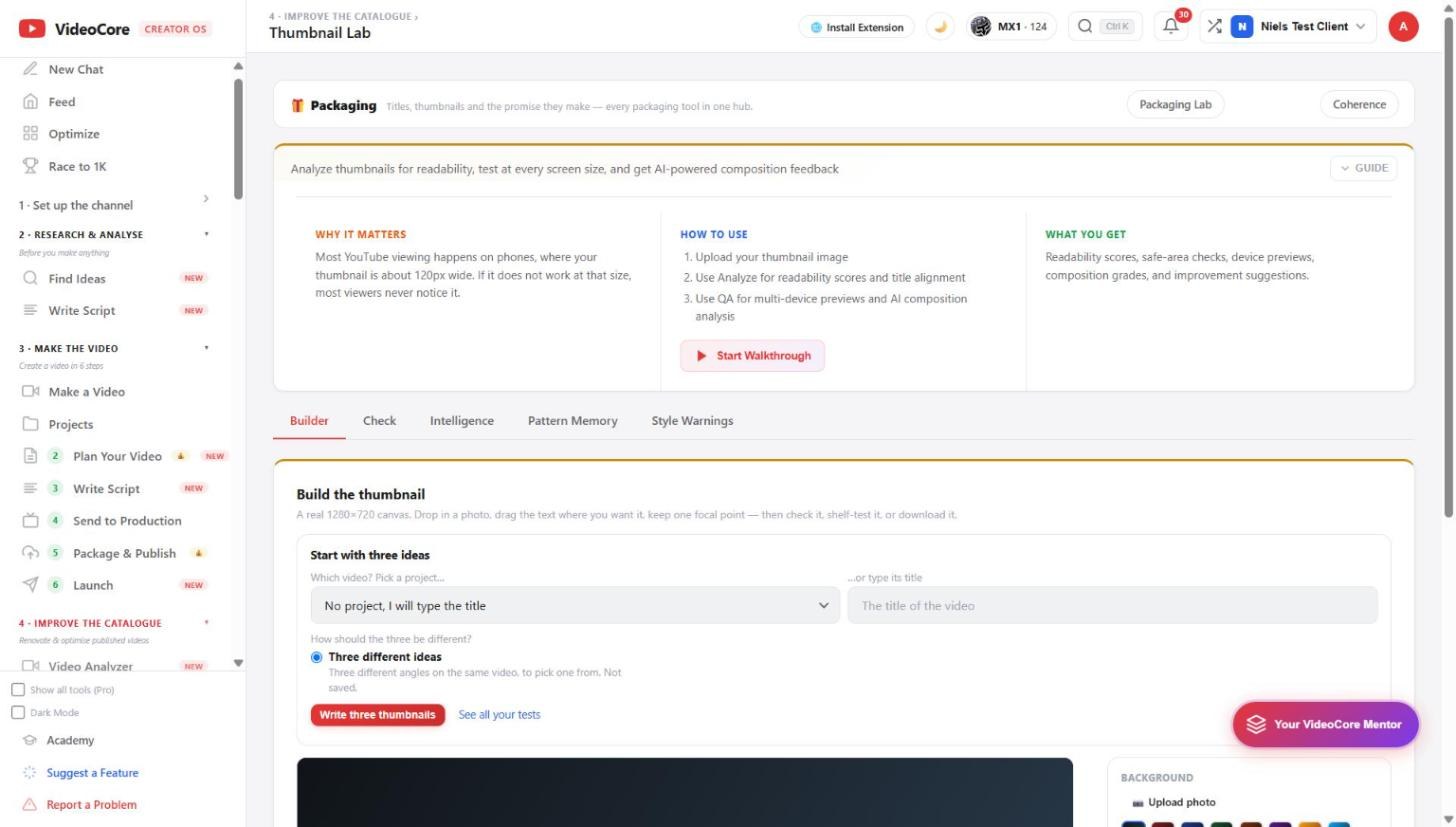
Thumbnail Lab
Builder, Check, Intelligence, Pattern Memory, Style Warnings. Start with three ideas for a project or a typed title, Write three thumbnails, then build: drop a photo, drag the text, keep one focal point, check it, shelf-test it, download it. Most viewing is on phones at about 120 pixels wide, so the check is at that size.
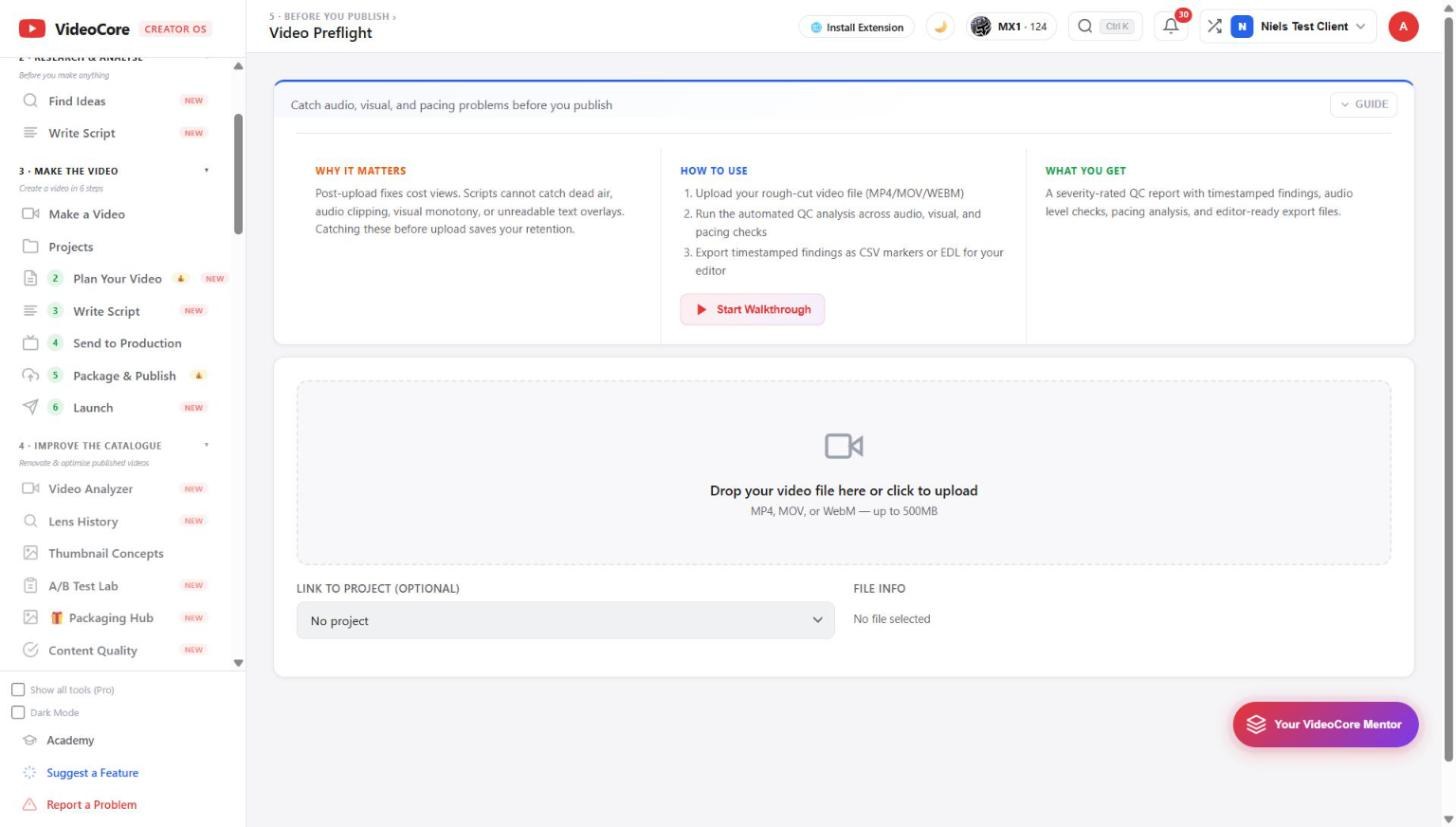
Video Preflight
Drop the rough cut, MP4, MOV or WebM up to 500 MB, link it to a project, and the automated QC runs across audio, visual and pacing: dead air, clipping, monotony, unreadable overlays. Findings are timestamped and export as CSV markers or an EDL for the editor.
Why it works this way
A thumbnail is checked at the size most viewers actually see it, and a cut is checked for the problems a script cannot catch, both before upload, because fixes after publish cost views.