Launch Centre: the 7-day sequence, the Hype strategy, the war room
The last step. A day-by-day launch plan with tasks and templates, community posts, the Hype module; the eligibility check and best posting times; and the war room for the first sixty minutes with early numbers typed in from Studio.
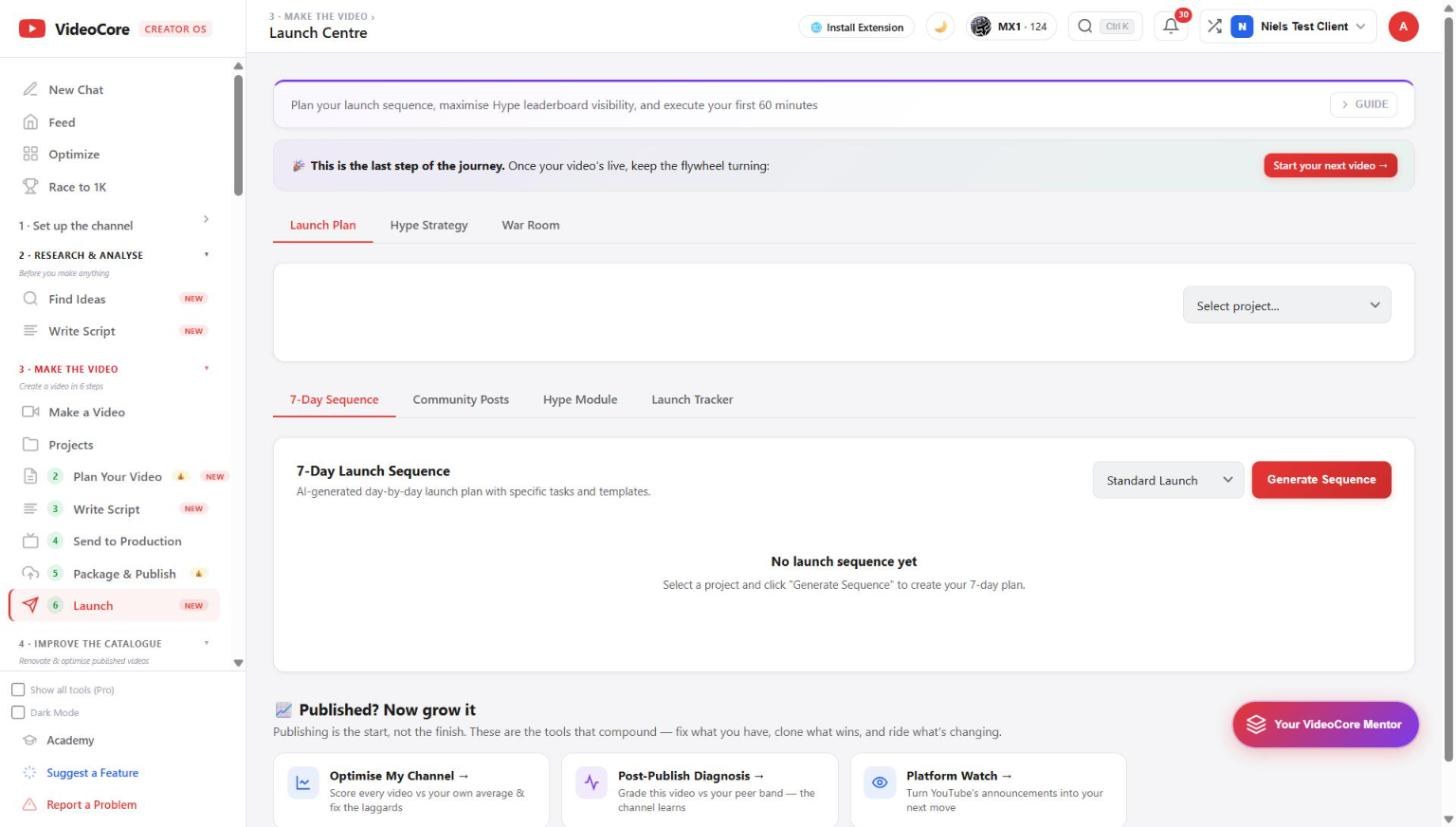
Launch Plan
Select the project, pick Standard Launch or another preset, Generate Sequence: seven days of tasks and templates. The tabs below: 7-Day Sequence, Community Posts, Hype Module, Launch Tracker. Under it, Published? Now grow it points at Optimise, the diagnosis and Platform Watch.
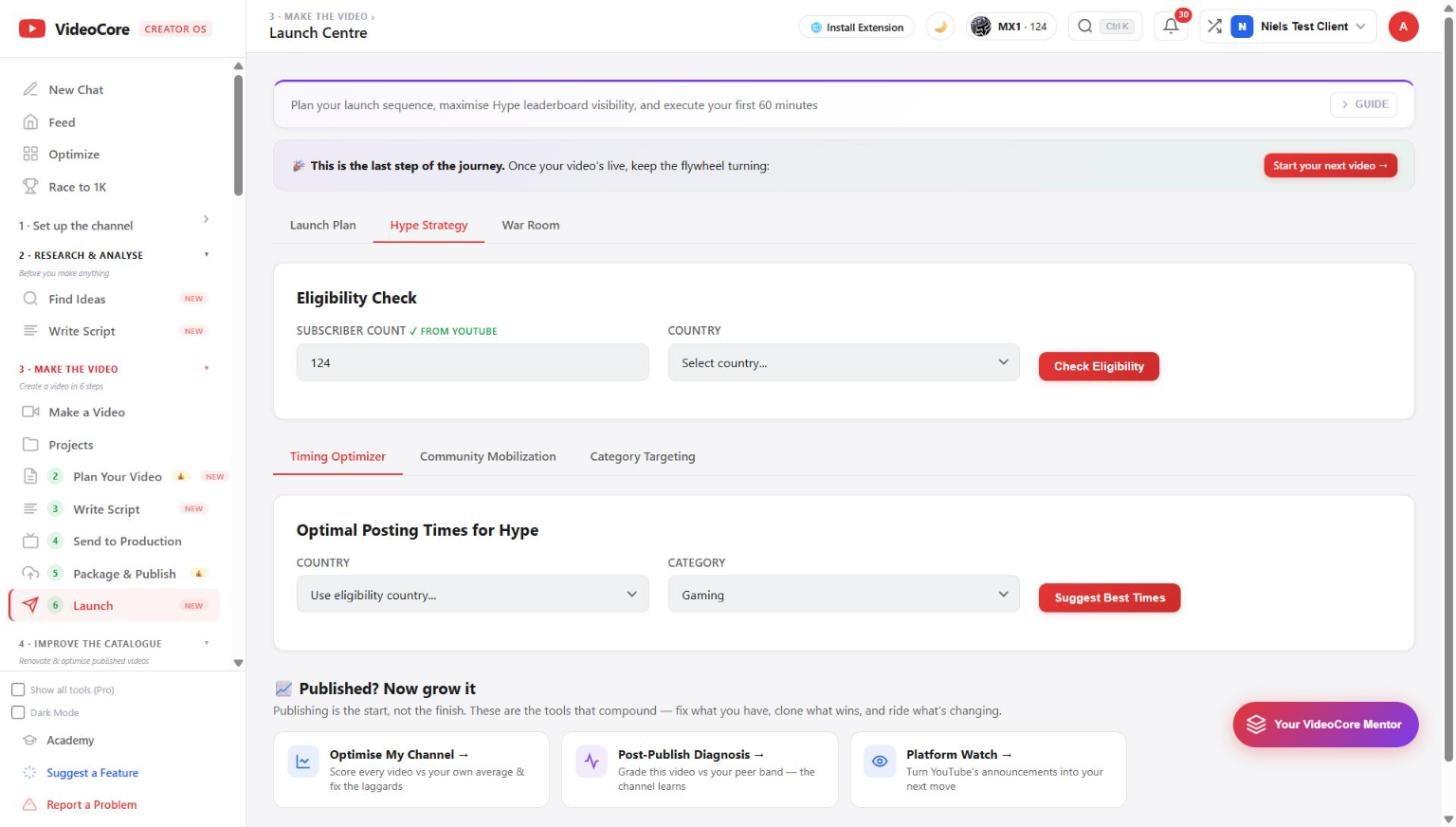
Hype Strategy
Eligibility: subscriber count from YouTube, your country, Check Eligibility. Then the timing optimiser for the Hype leaderboard, community mobilisation and category targeting; Suggest Best Times by country and category.
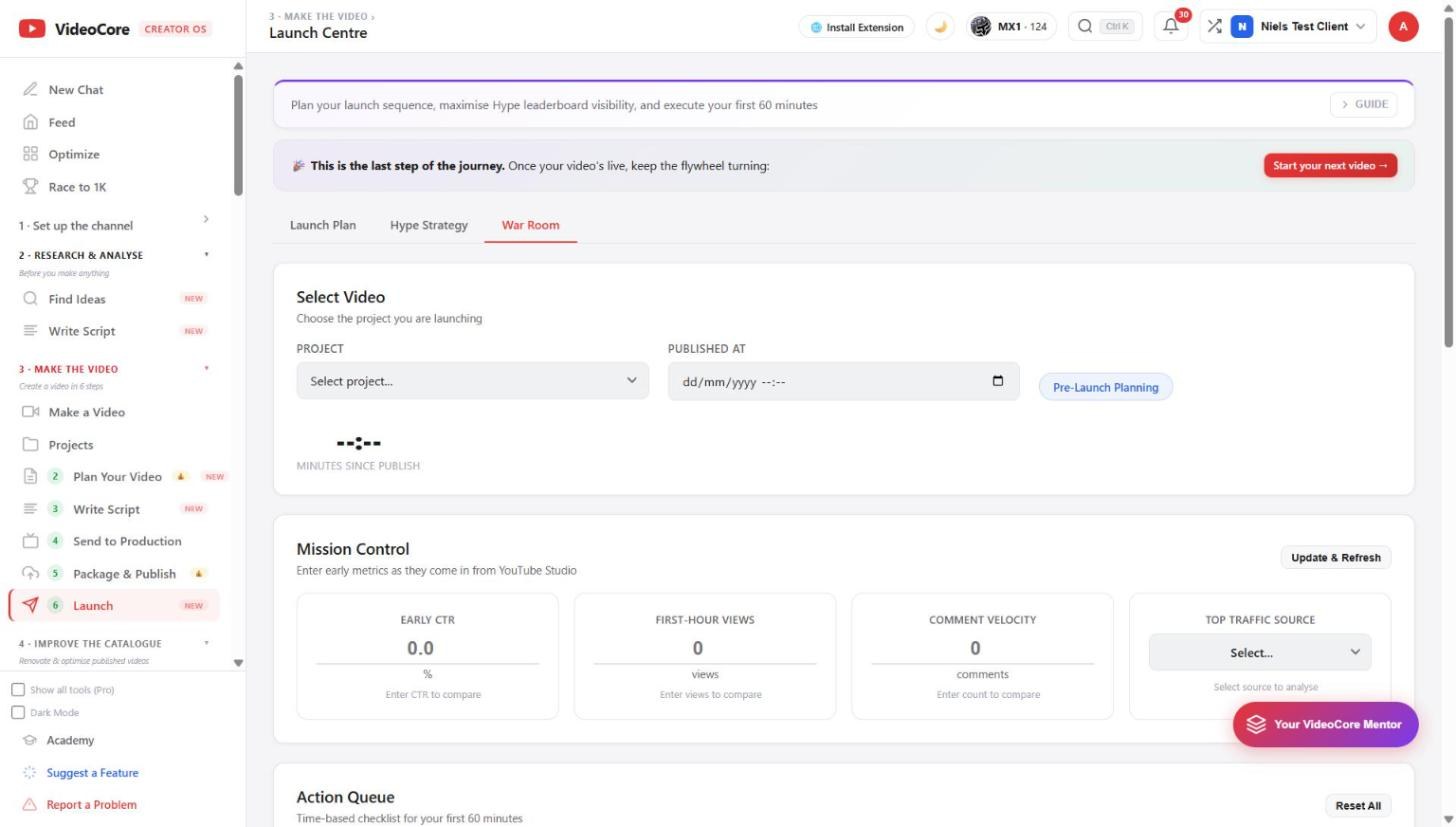
War Room
Select the video and its publish time; the clock counts minutes since publish. Mission Control takes early click-through rate, first-hour views, comment velocity and top traffic source as they appear in Studio, Update and Refresh, and the action queue is the timed checklist for the first sixty minutes.
Why it works this way
The first sixty minutes are the one window you can still act in, so the war room asks for the numbers Studio shows you, compares them, and keeps a timed checklist rather than a vague plan.