Competitor feed: what the channels you watch did
Every upload, every title change with before and after, every thumbnail change with both images, every video they took down, and their outliers of the last 60 days. All of it public behaviour, dated, measured against each channel's own normal.
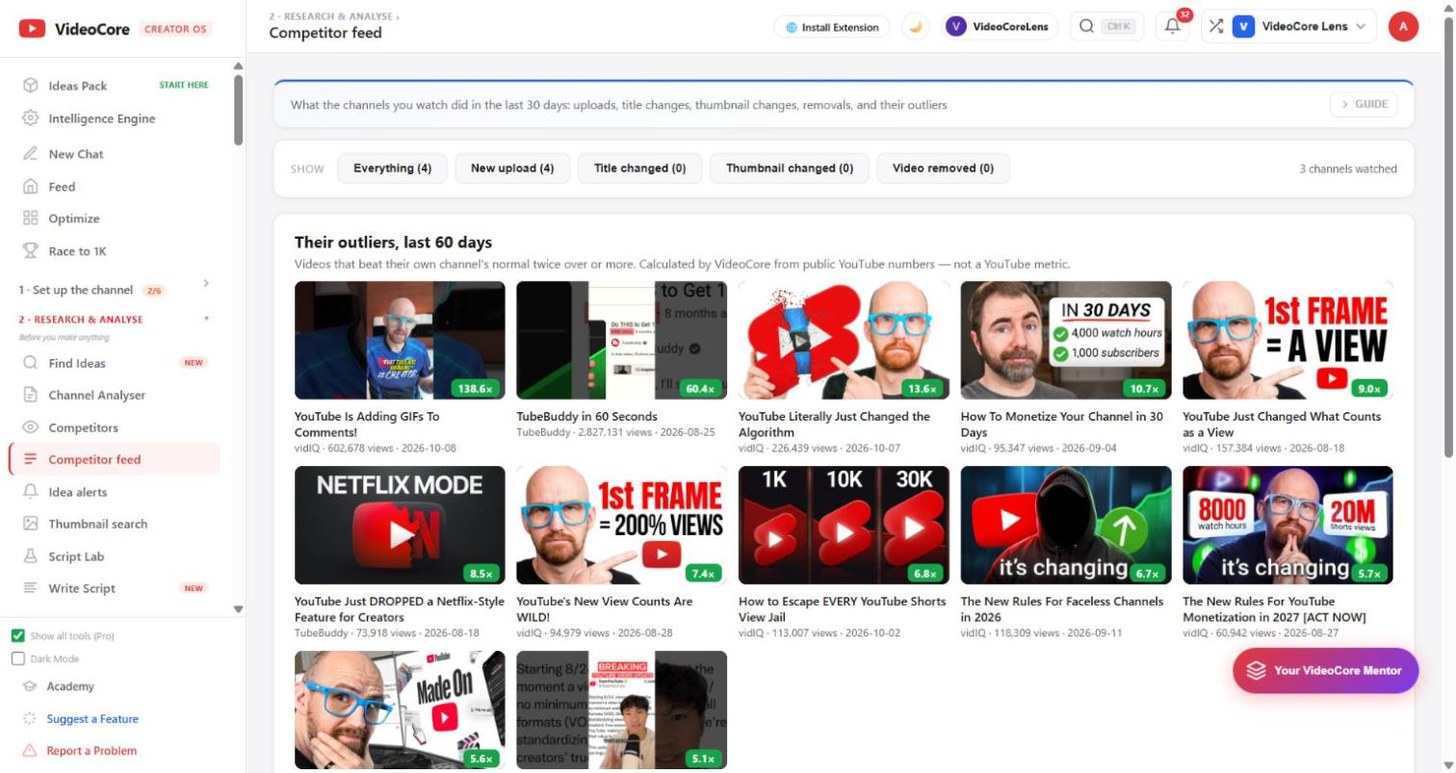
Their outliers first
Filter by what happened along the top. Under it, the videos from your watched channels that beat their own channel's normal twice over or more in the last 60 days, each with its multiple. Click one to open it on YouTube.
The events
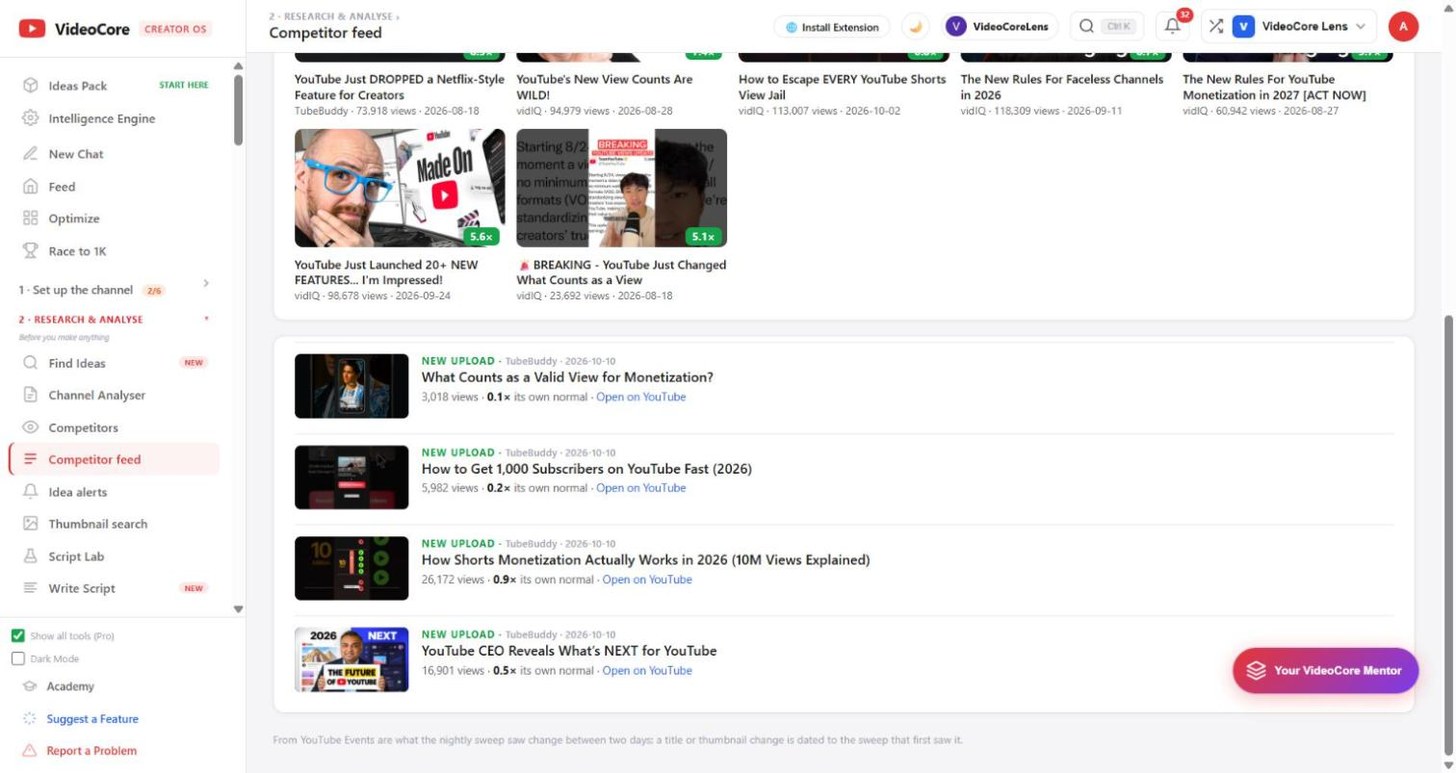
New uploads with their views and multiple so far. A title change shows the old title struck through and the new one. A thumbnail change shows before and after. A removed video says what it had when last seen. The sweep runs nightly, so each appears the morning after.
Why it works this way
A competitor changing a title or thumbnail mid-flight is them reacting to their numbers; a removed video is a flop they killed. Both are lessons you did not have to pay for, and both are only visible if someone looks every night.