Find Ideas: one question, then one idea at a time
Type what you want to make videos about and press the button. The ideas arrive one at a time, each with who it is for, the promise, the hooks and the angle; save it, pass, next. The eleven research tabs are still here, folded under one line until you want them.
One question
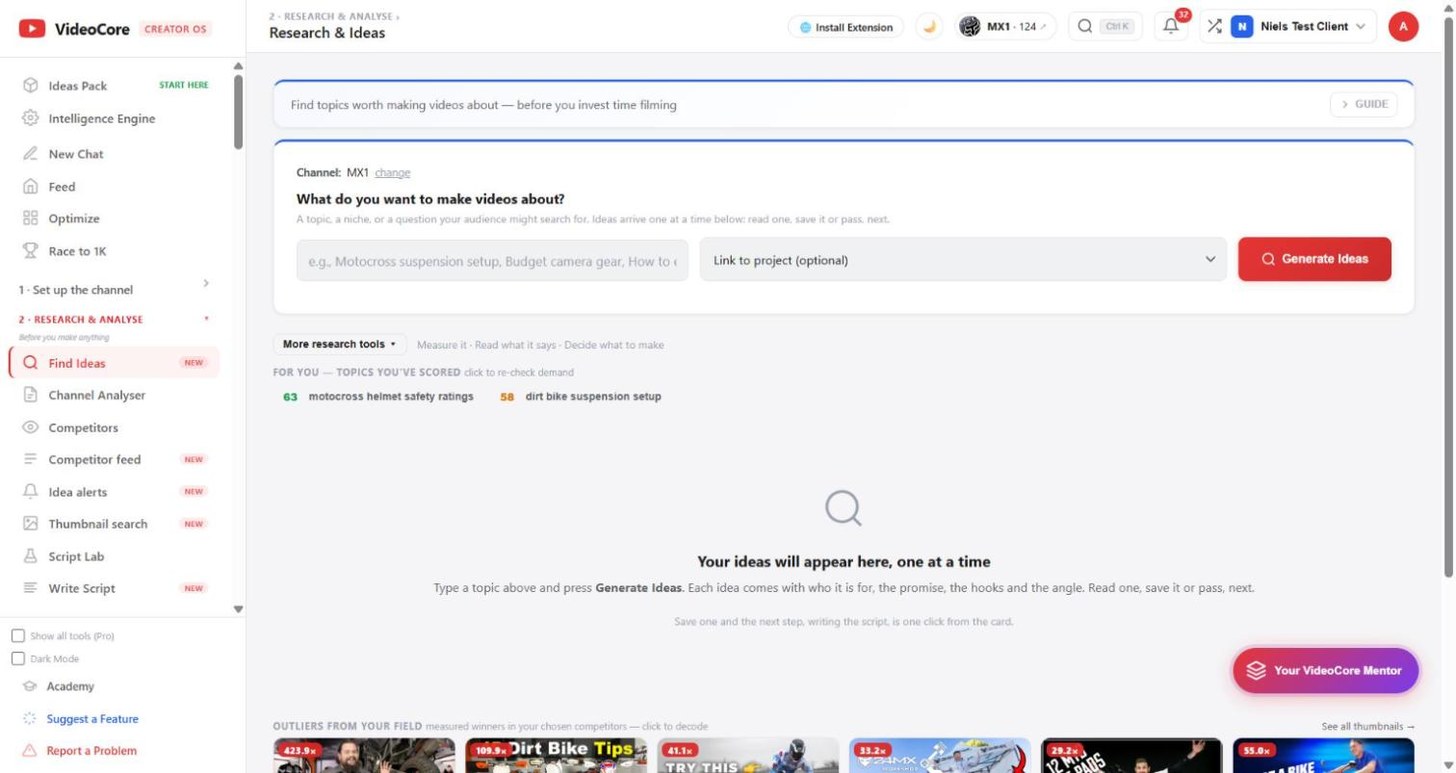
The channel every tool measures against is the one line at the top; change opens it. Type a topic, a niche or a question your audience would search for, link a project if you like, and press Generate Ideas. Everything else waits below.
One idea at a time
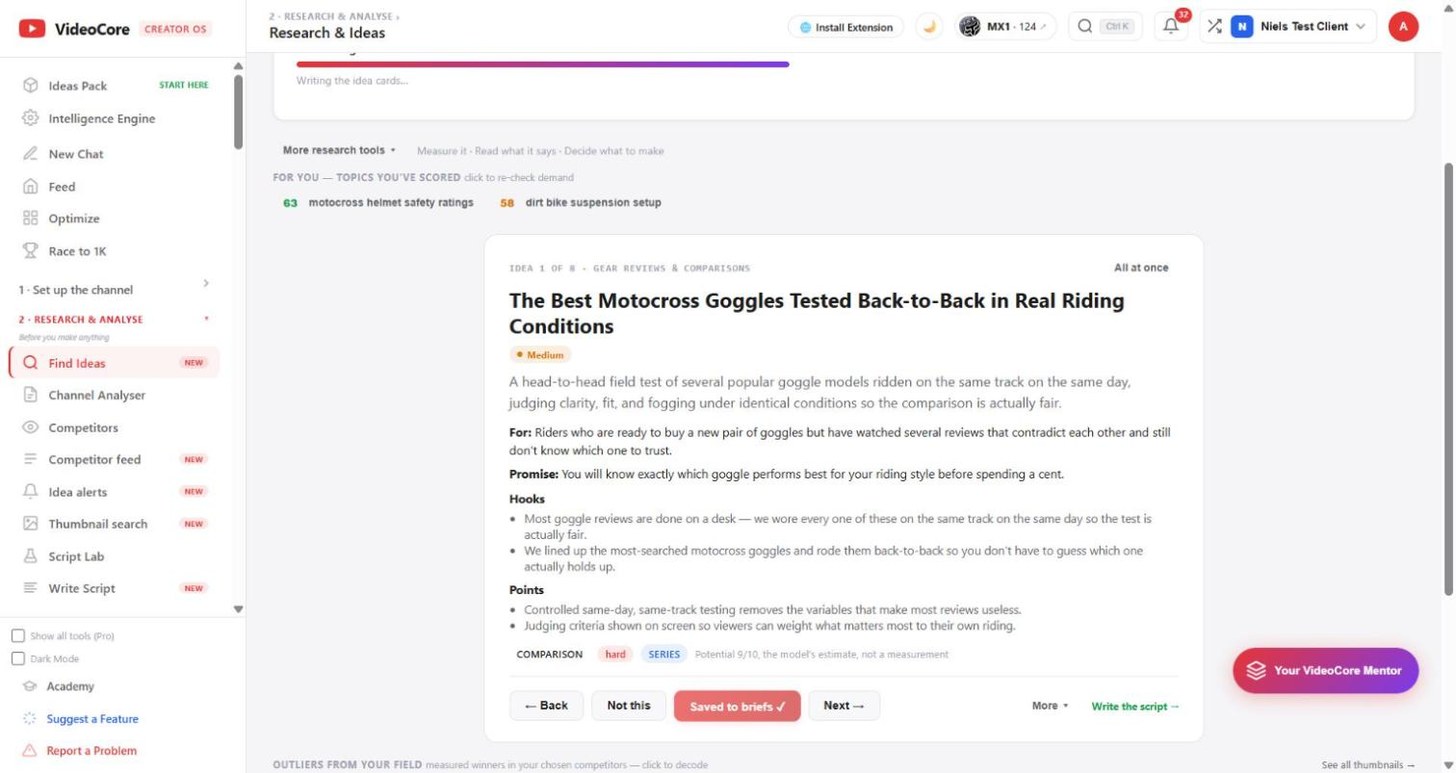
Each idea is a card: the title, the angle, who it is for and what they already believe, the promise, the hooks, the points, the format and difficulty. Potential is the model's estimate and says so. Back, Not this, Save to brief, Next; the arrow keys work too, and All at once shows the whole set as a grid.
Save it, then write the script; the outliers underneath
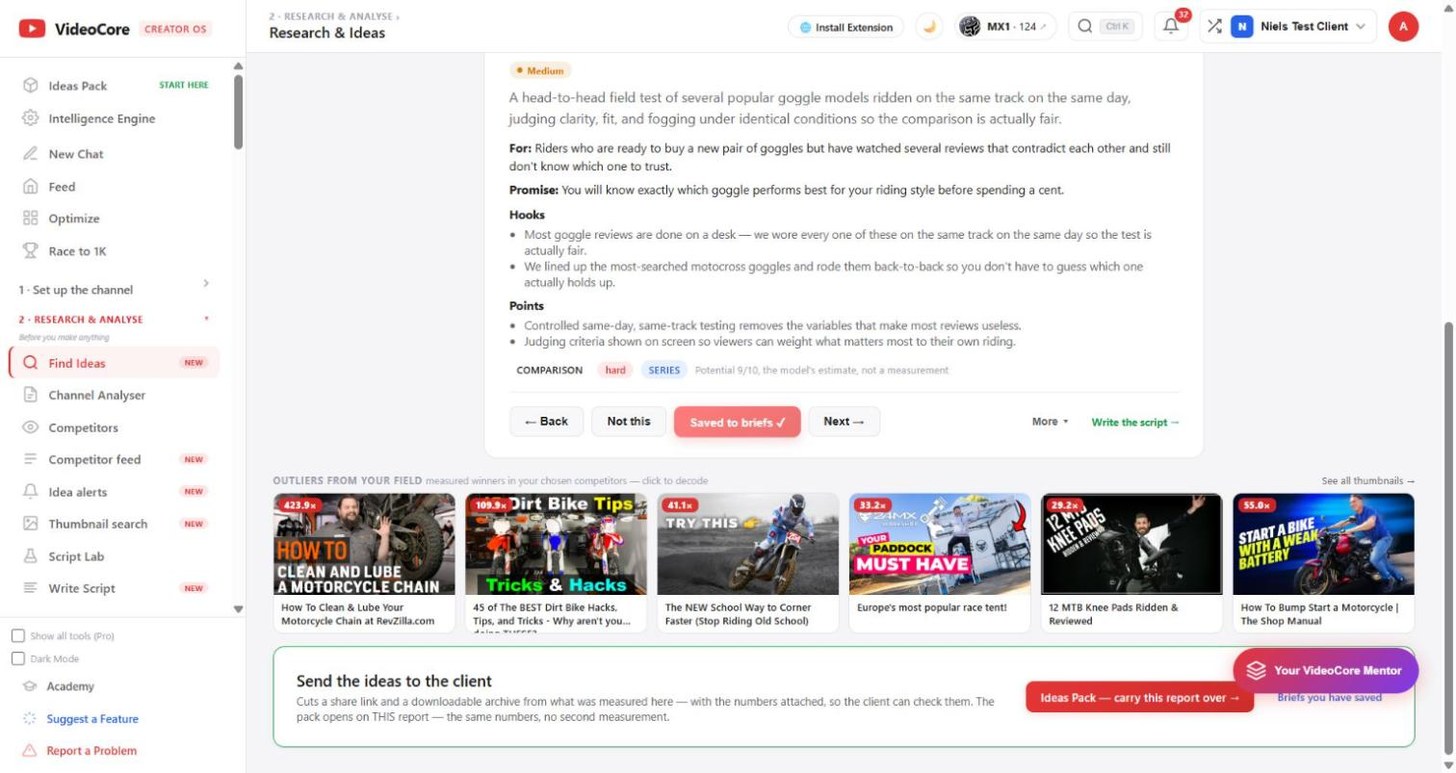
Save to brief keeps the idea with everything on the card, and the card then offers Write the script with the brief ready. Under the deck, Outliers from your field: measured winners from your chosen competitors, each with its multiple against that channel's own normal. Click one to decode it. More research tools, the line above, unfolds the Measure, Read and Decide rows.
Why it works this way
Every idea here starts from a measured winner or a scored demand, never from a blank prompt, and the multiple on each card is against that channel's own normal, so a small channel's breakout counts as much as a big one's.