The Blueprint: niche, promise, pillars, audience, cadence, guardrails
Step 2 is the Blueprint, six tabs. The niche and the promise are the only two things nobody can look up for you; the rest is optional depth the AI reads whenever it is filled in. Your own measured numbers appear where they can guide a choice.
Niche and promise
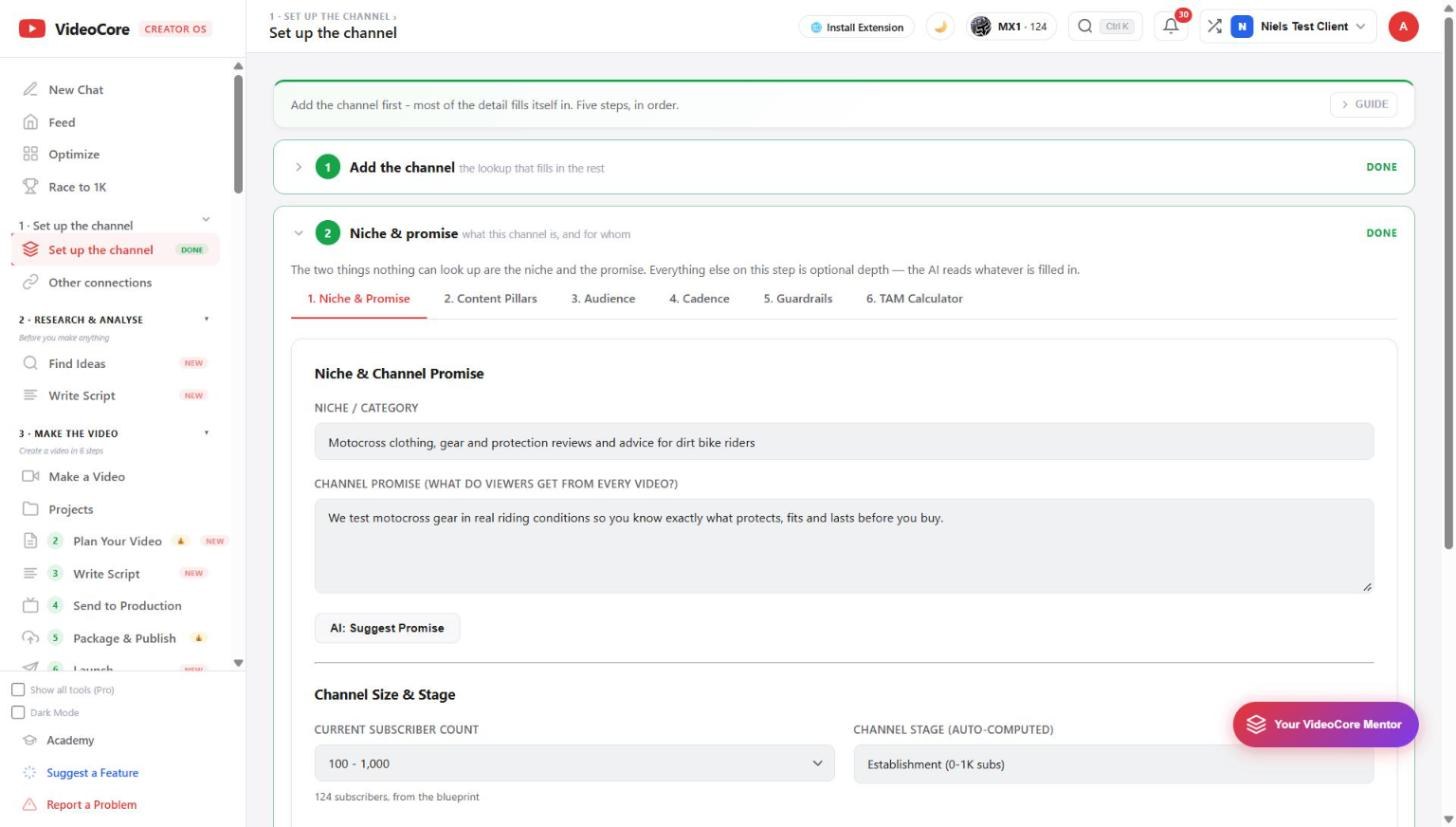
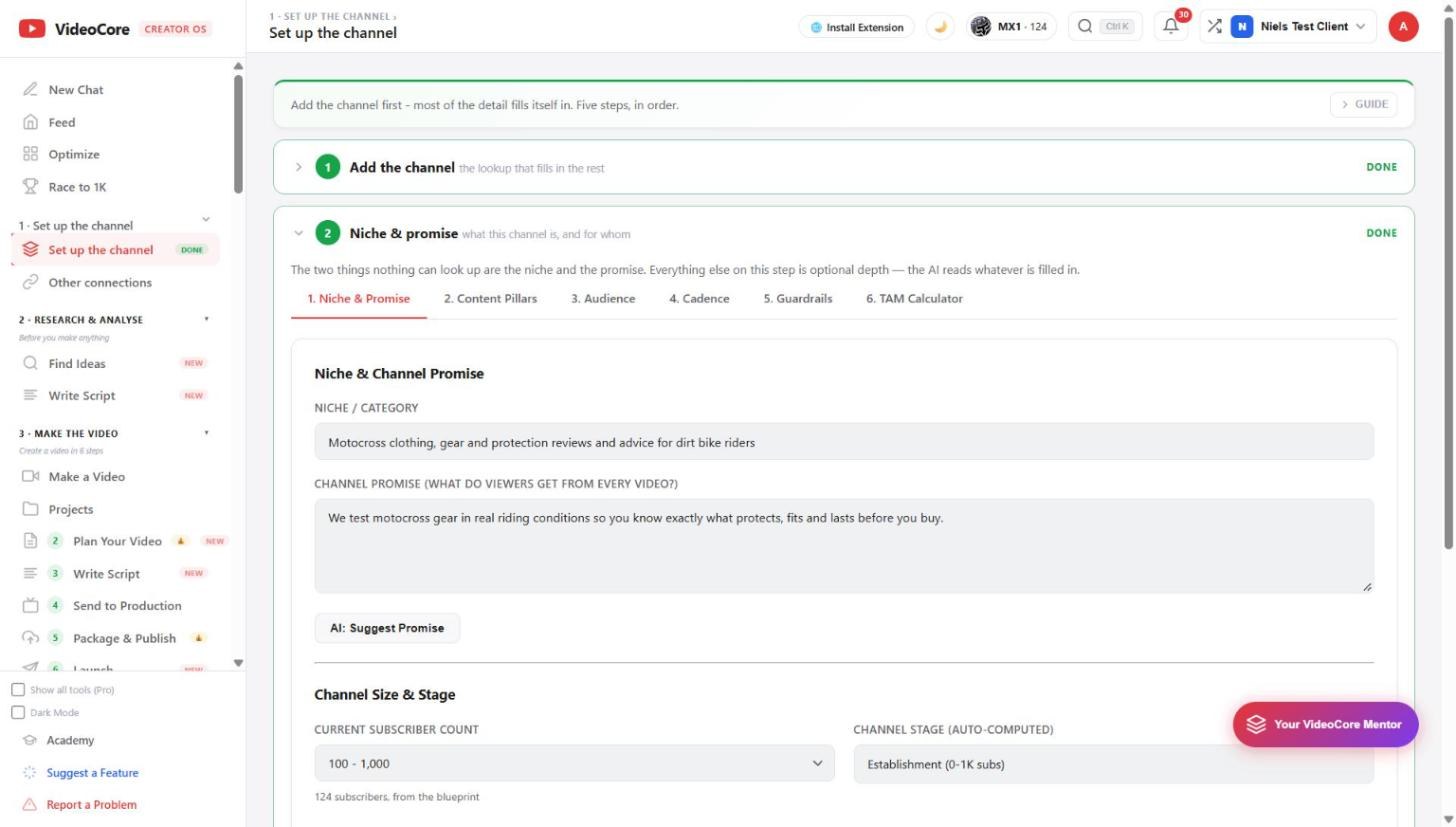
Tab 1. The niche in one line, and the promise: what a viewer gets from every video. AI: Suggest Promise drafts one from your channel description; edit it until it is true. Size and stage below are filled from YouTube.
Pillars and audience
Tabs 2 and 3: the three to five content pillars every video sits under, and who it is for. Each has a suggest button that reads what you already wrote. Keep them short; they are read by every generator later.
Cadence, from your own numbers
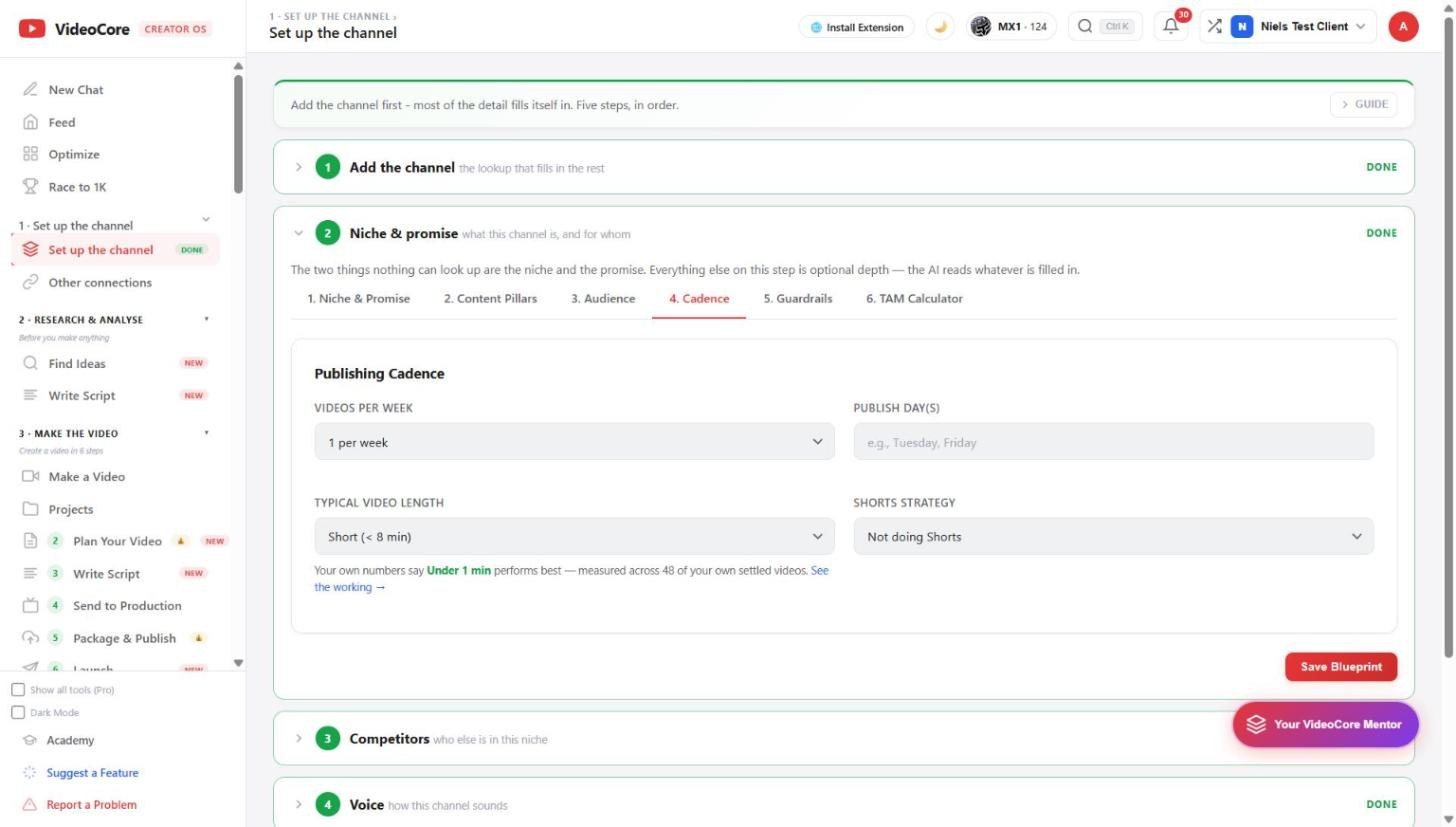
Tab 4. Videos per week, publish days, typical length and your Shorts strategy. The line under length is measured: here, under one minute performs best across 48 of this channel's settled videos, with See the working. Guardrails and the TAM calculator are tabs 5 and 6. Save Blueprint when done.
Why it works this way
The Blueprint is written once and read everywhere, and where a choice can be measured, like typical length, the page shows your own channel's numbers next to the field instead of a generic rule.