Your instant audit: what the grades mean, Diagnose, Open
The moment the channel connects, Optimise pulls your real videos and scores every one against your own average. No setup: the grid, the grades and the quick wins are there on the first visit.
The landing
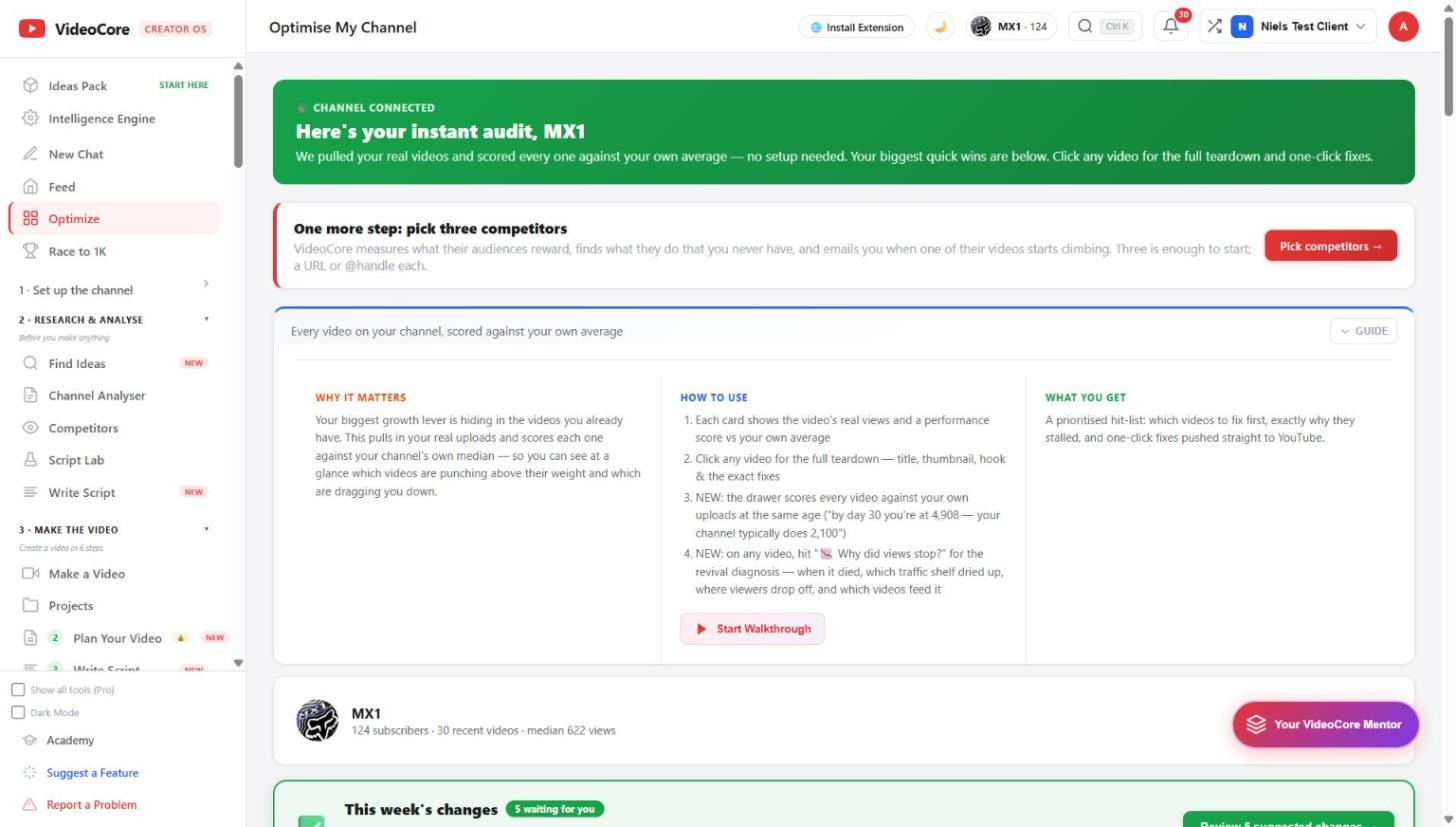
Channel connected, here is your instant audit. Every video scored against your own median; the biggest quick wins first. The card under it asks for three competitors, which switches on the field measurement.
Under five uploads
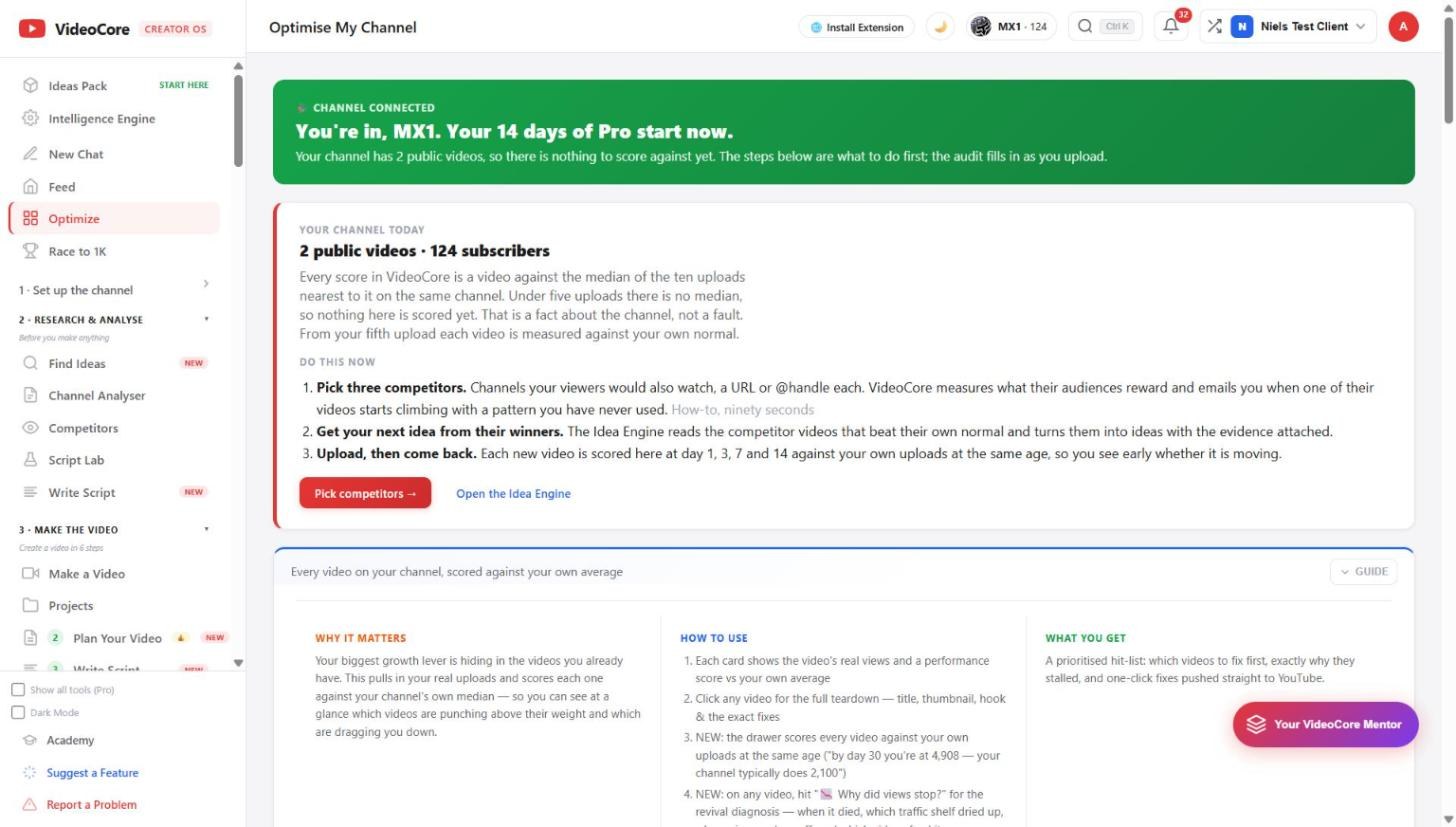
A channel with fewer than five public videos has no median to score against, so the page says so and gives three things to do first: pick three competitors, get your next idea from their winners, upload and come back. From the fifth upload every video is measured against your own normal.
What the grades mean
The number top left is the video's score against your own channel; the T grade top right is the title. The multiple on each card is views against your average, so 36 times means that video did 36 times your normal. Diagnose for the full teardown; click the card for the fixes.

The revival queue
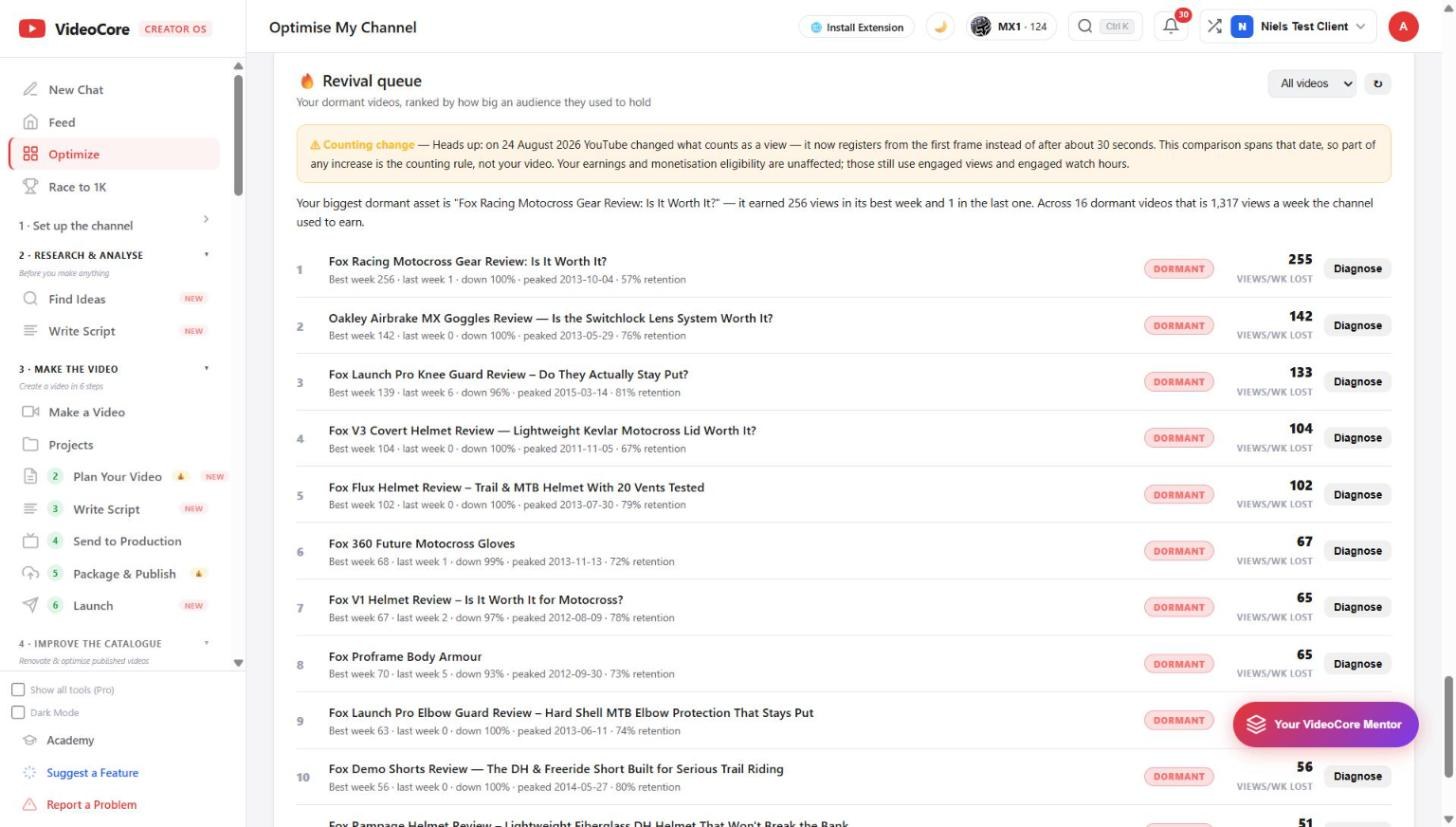
Dormant videos ranked by the audience they used to hold. The headline says which one is the biggest dormant asset and what the channel used to earn from them each week.
Why it works this way
The audit scores each video against this channel's own median, so it works on day one with no benchmark to choose and nothing to type, and every number on it is from your own uploads.