Settings: API keys and the connector, export your data, delete the account
Generate a key for the Copilot extension or the connector, export every piece of workspace data as a ZIP of JSON files, and delete the account from the Danger Zone, which also cancels the subscription.
API keys and the connector
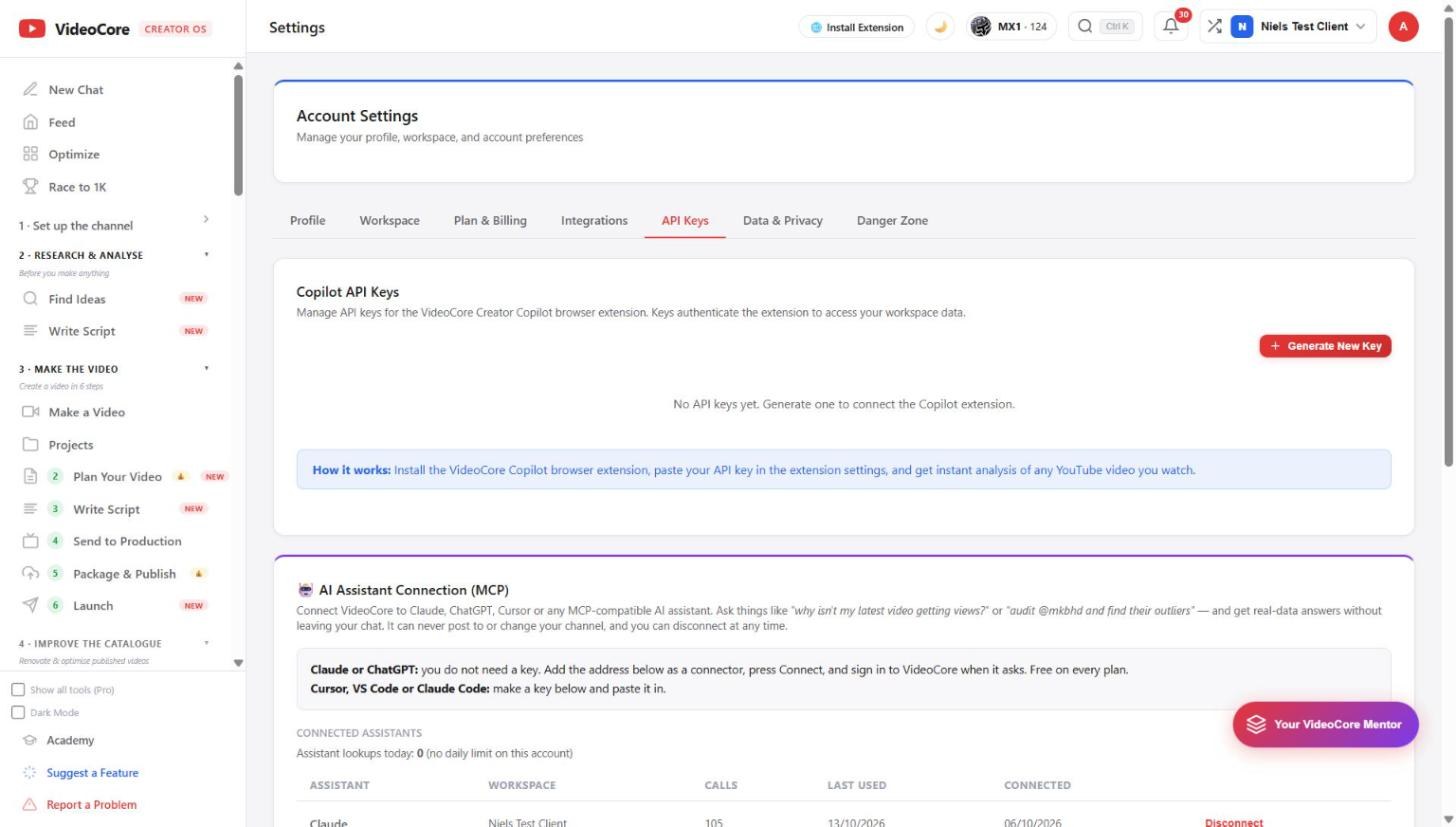
Generate New Key makes a key for the Copilot browser extension or a pasted-key connector. The connector for Claude and ChatGPT uses its own sign-in instead, so there is nothing to paste there. Keys can be revoked here at any time.
Export and delete
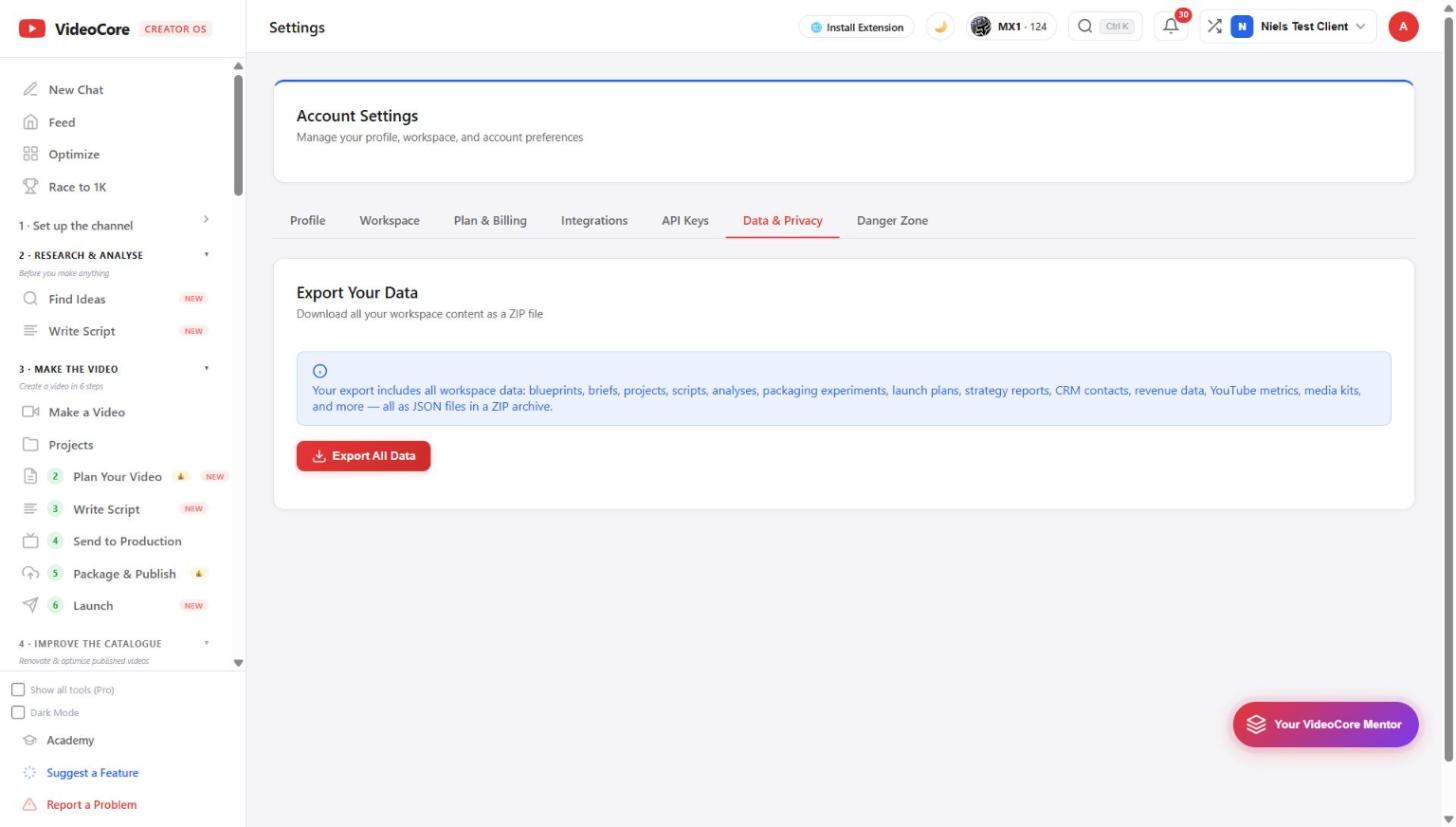
Export All Data downloads the whole workspace as JSON in a ZIP: blueprints, briefs, projects, scripts, analyses, launch plans, revenue, YouTube metrics, media kits. Danger Zone deletes the account; the subscription is cancelled first, and the purge is final.
Why it works this way
Your data is yours to take out whole at any time, and deleting the account revokes the subscription before anything is purged, so nothing keeps charging after you leave.