Governance and Risk, the Rights Center, and Brand Protection
Three pages that protect revenue: a governance check for ad-friendliness, copyright and guideline risk per project, a rights ledger of every licence with Content ID risk and expiry alerts, and a fair read on whether a suspected copycat is a real problem.
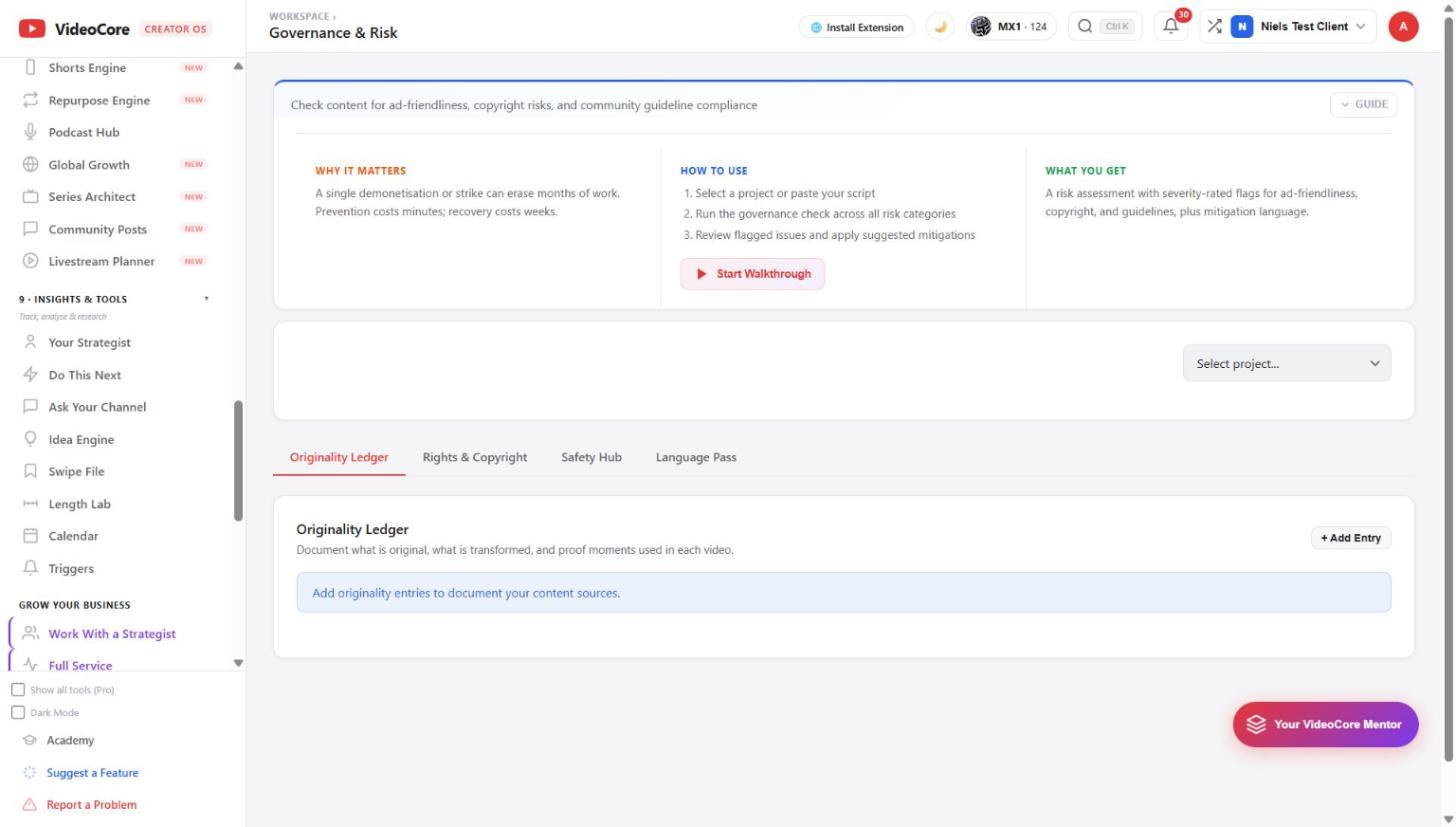
Governance and Risk
Select a project and run the check across every risk category: severity-rated flags with mitigation wording. The tabs keep the Originality Ledger, Rights and Copyright, the Safety Hub and the Language Pass.
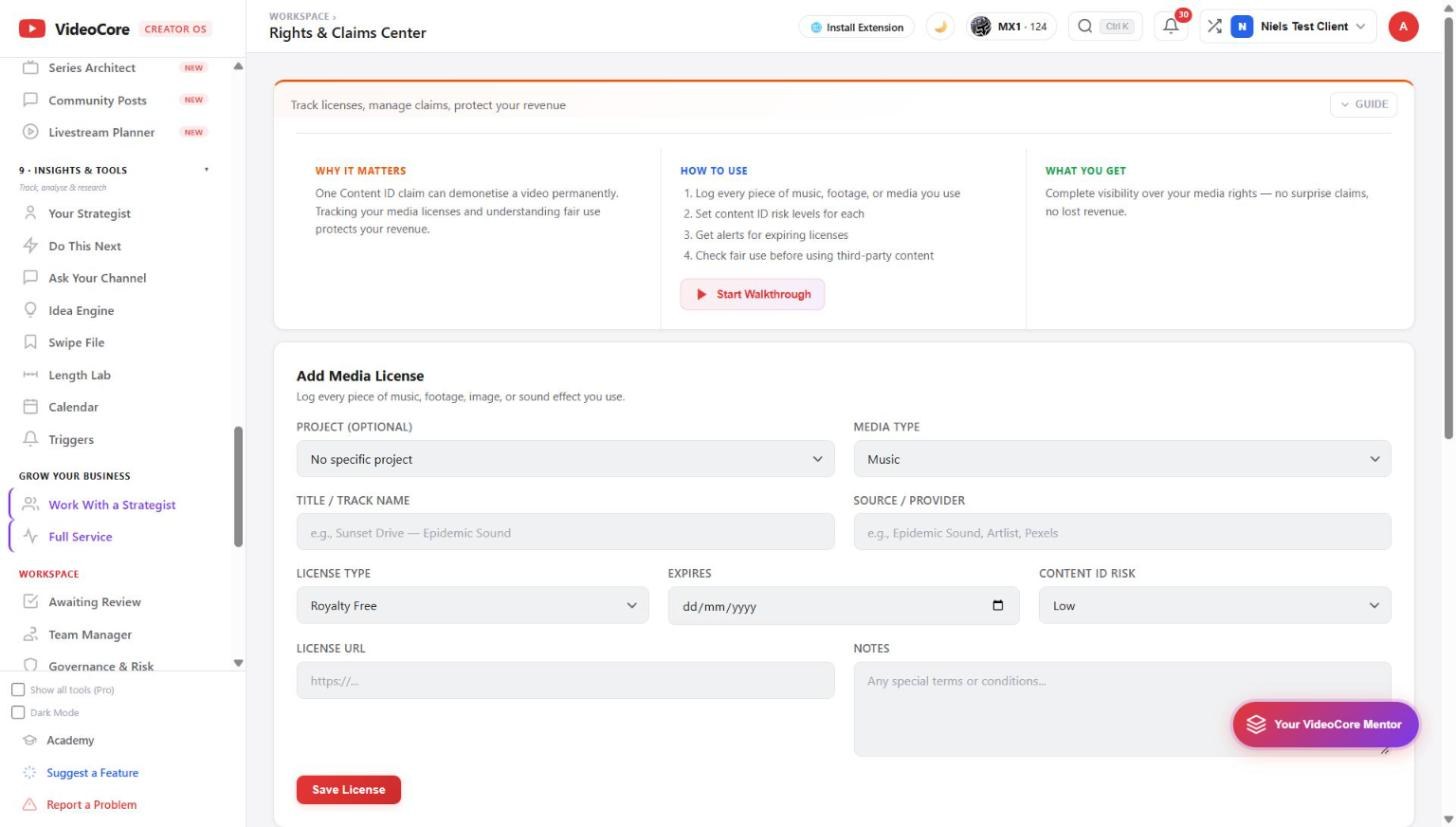
Rights and Claims Center
Log every piece of music, footage, image or sound you use with its source and licence, set the Content ID risk, get alerts before a licence expires, and check fair use before using third-party content.
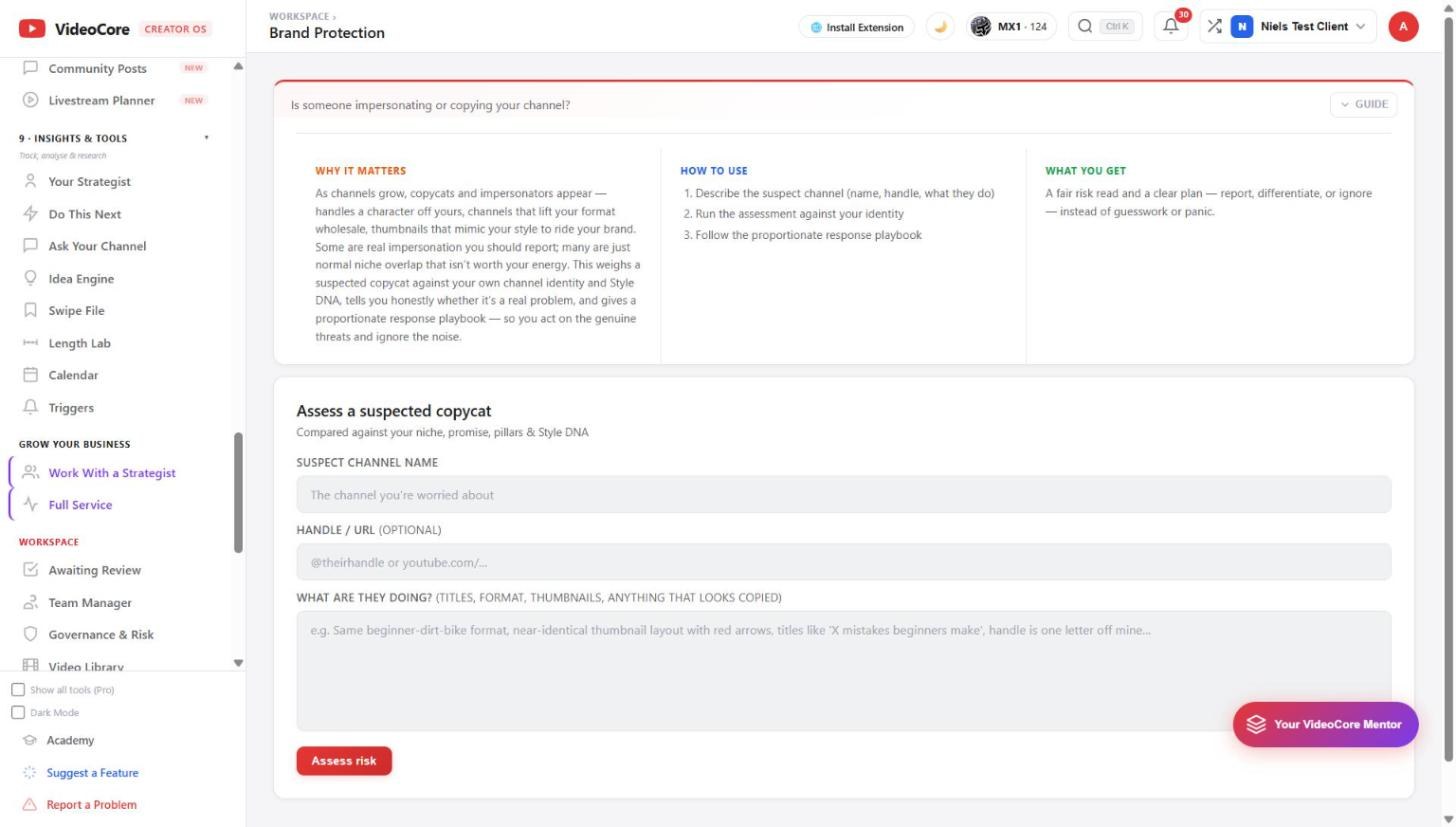
Brand Protection
Describe the suspect channel, its handle and what it does. The assessment weighs it against your niche, promise, pillars and Style DNA and says honestly whether it is impersonation to report, a copy to differentiate from, or normal overlap to ignore, with a proportionate playbook.
Why it works this way
Prevention costs minutes and recovery costs weeks, so the risks are checked per project before publish, and a copycat is judged against your own identity rather than on a hunch.