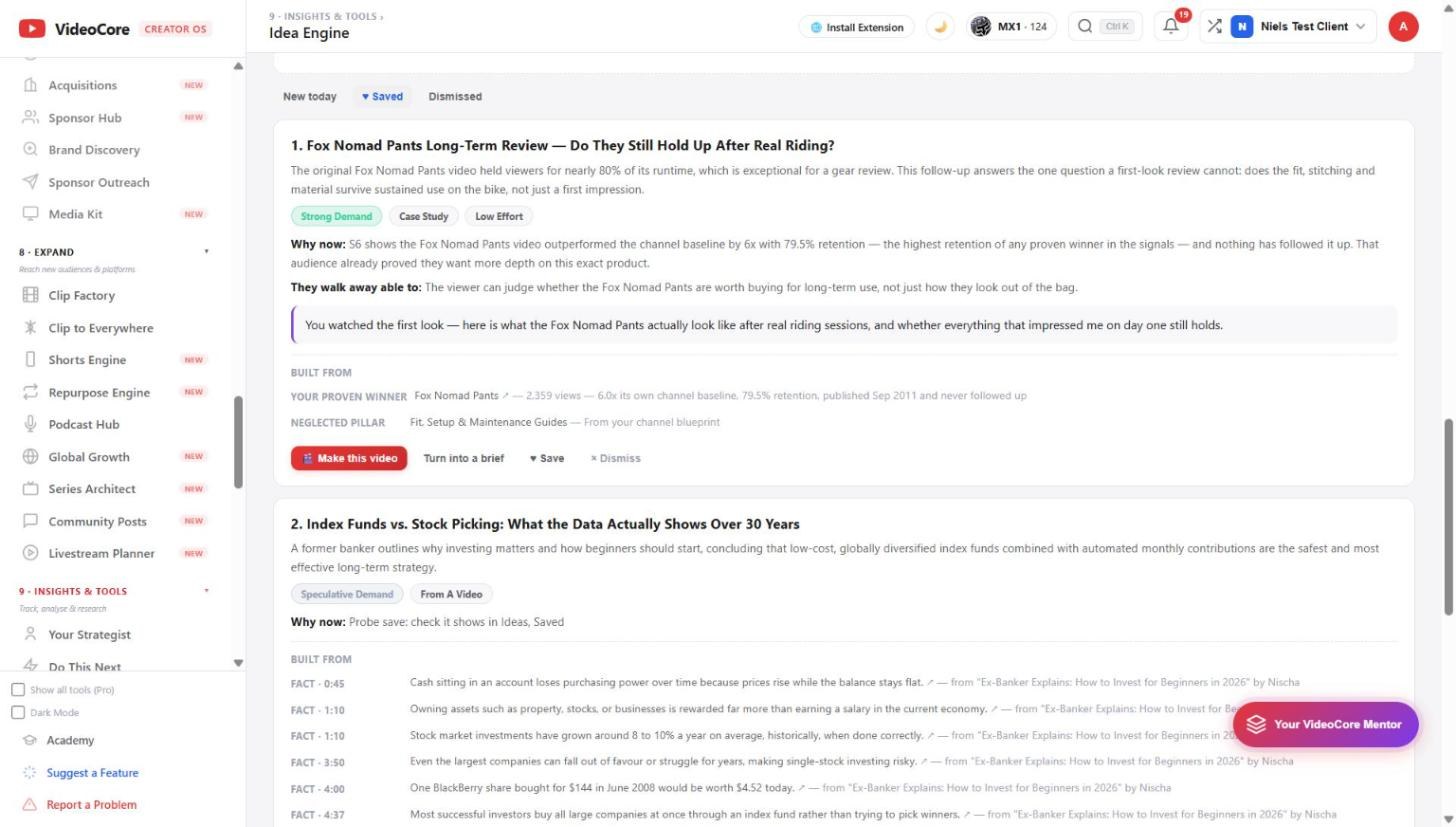
Find your next video idea from evidence, not guesswork
The Idea Engine starts from things people actually said and watched: your comments, your own hits that never got a sequel, and the videos that beat their channel's normal in your field. Every idea it gives you carries the evidence it came from.
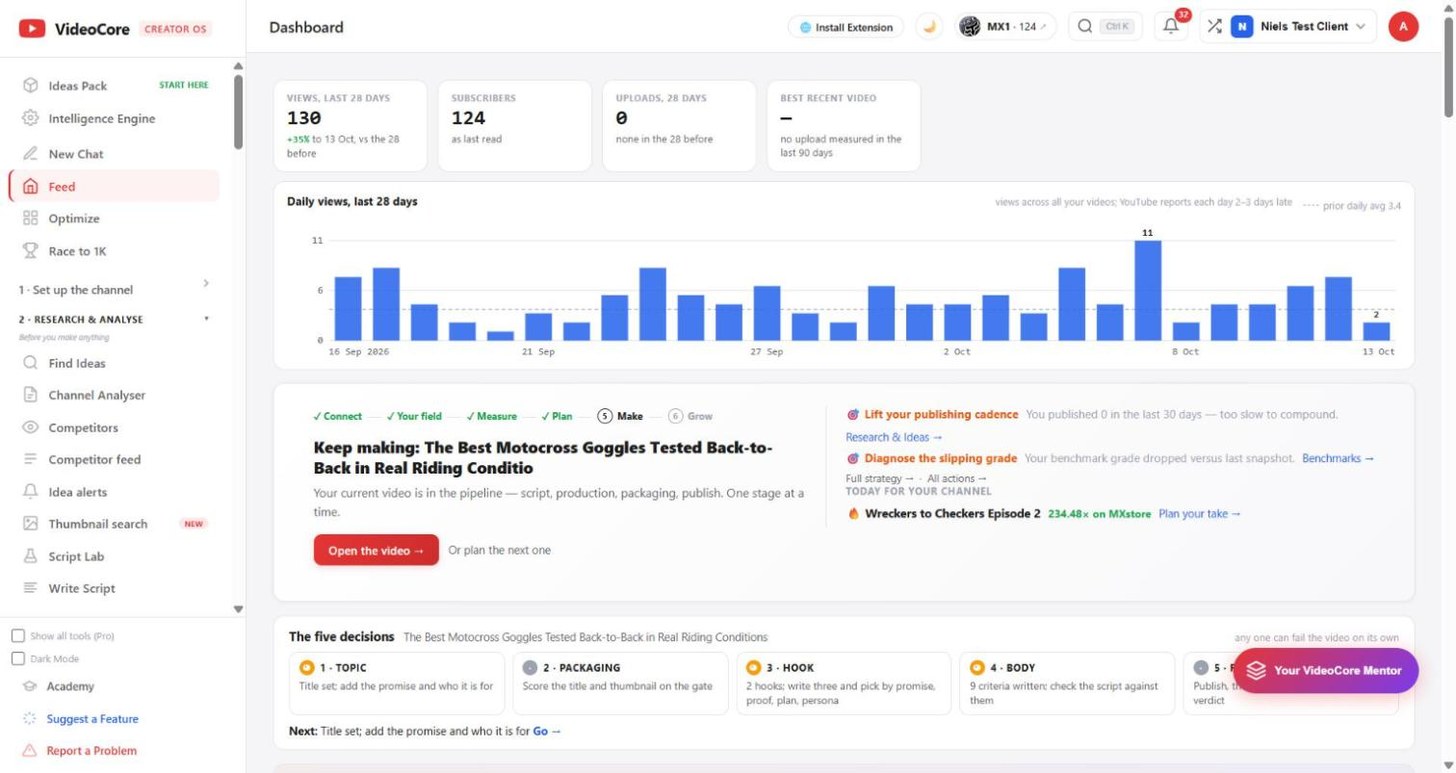
Start on your Dashboard
Under "What do you want to do?" the Find ideas chip opens the one-question Find Ideas page, which has its own how-to. This how-to follows the Idea Engine, the evidence-first page: open Idea Engine from the left menu to start there.
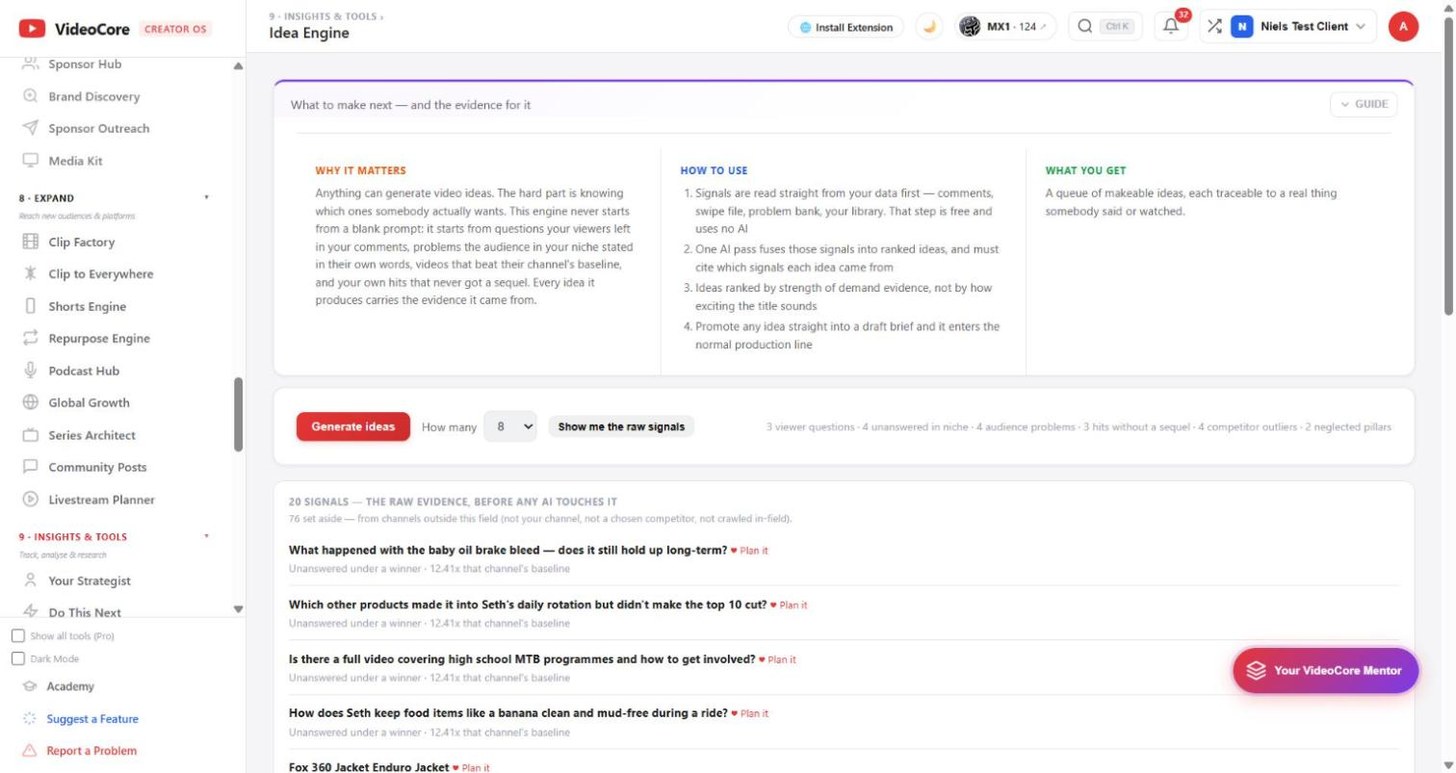
Read the signal count before you generate
The line next to the Generate button says what the engine found in your data: viewer questions, unanswered questions in your niche, audience problems, hits without a sequel, competitor outliers and neglected pillars. This step uses no AI.
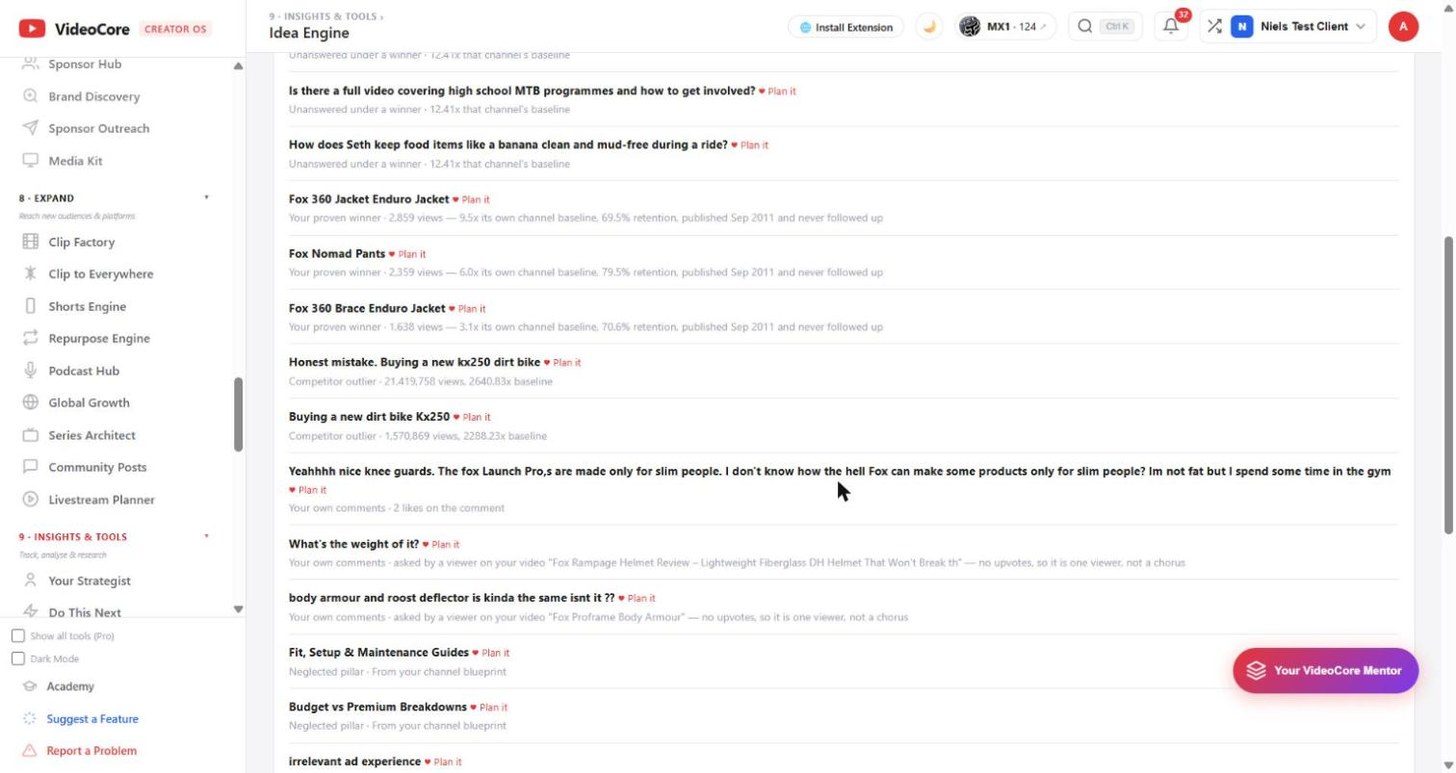
Scroll down to see the raw evidence
Every signal is listed with where it came from and how strong it is, such as a question left under a video that did 12x its channel's normal. Anything here can be planned straight away with Plan it.
Click Generate ideas and wait about a minute
One AI pass turns the signals into ranked ideas. Each one shows why now, what the viewer walks away able to do, a hook line, and the exact signals it was built from, with their measured numbers.
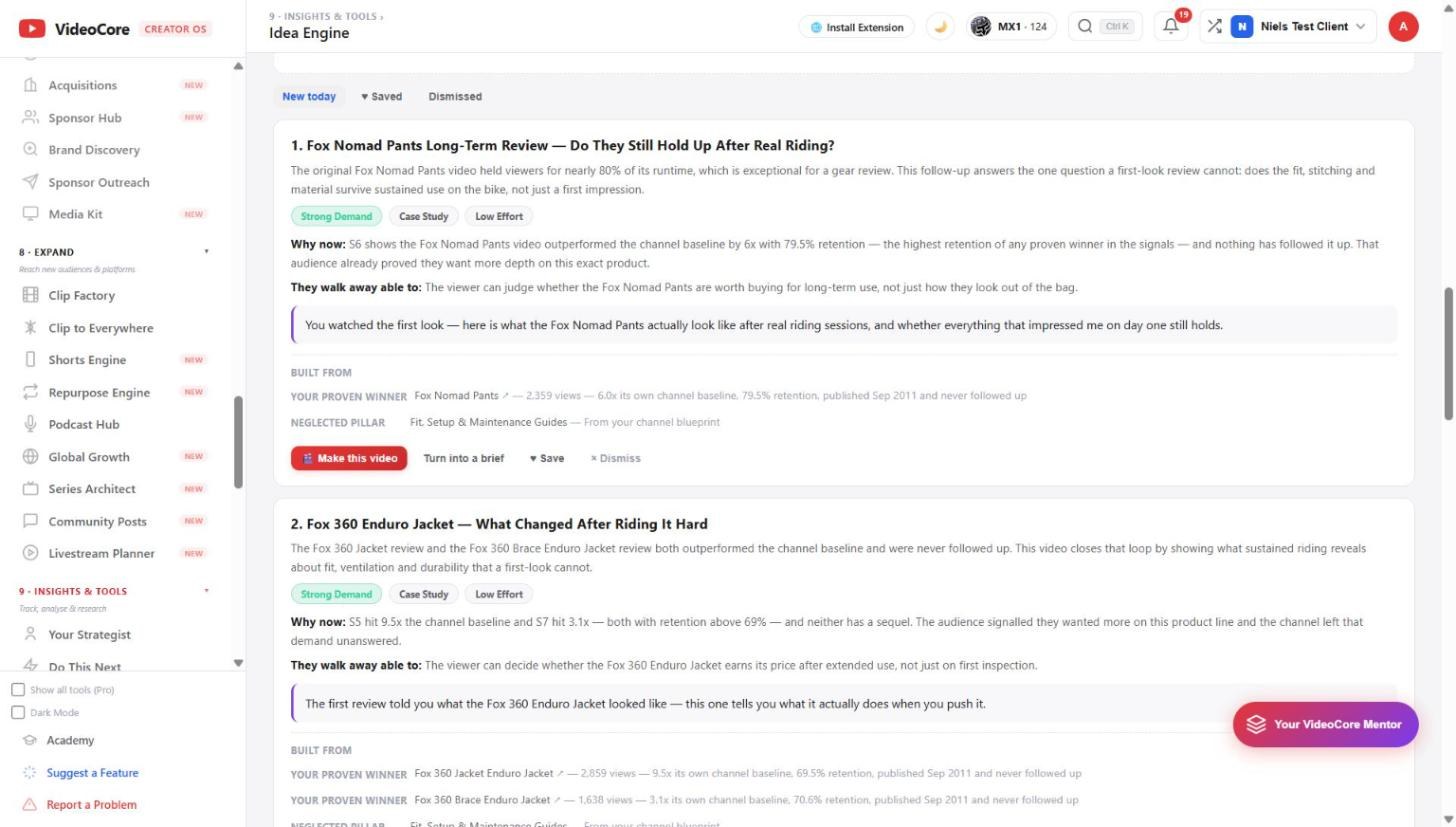
Save it, or turn it into a brief
Save keeps the idea in the Saved tab for later. Turn into a brief or Make this video sends it into your production line with the evidence attached.