A/B Test Lab: live tests, the planner, the manual log and the one-variable rules
Real title tests running on YouTube, each variant pushed live in turn, and the winner yours to push permanently. What your changes did sits at the top; the planner, the manual log and the history keep every test honest.
Live tests
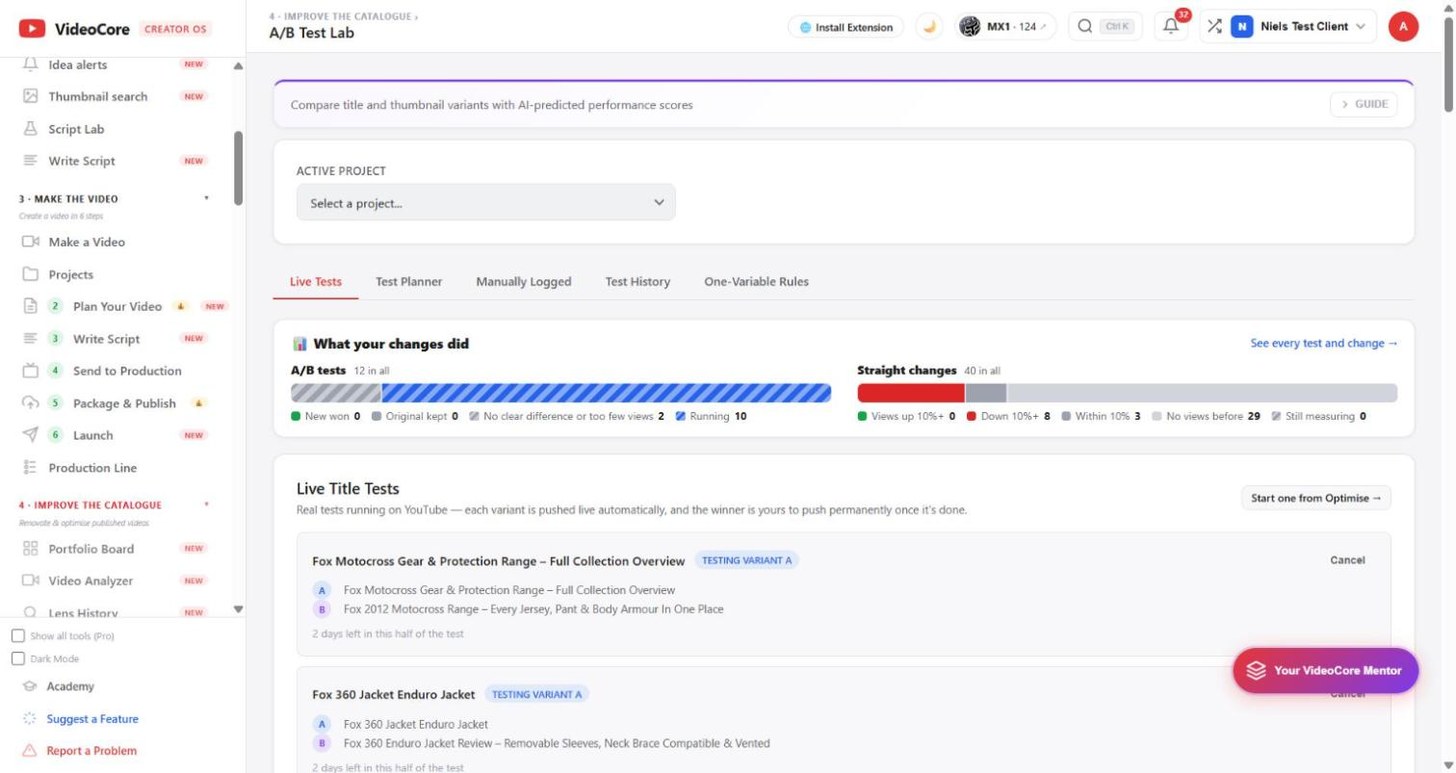
What your changes did: A/B tests won, kept, unclear or running; straight changes up, down, within 10 percent or still measuring. Below, every live title test with variant A and B and the days left in this half. Start one from Optimise.
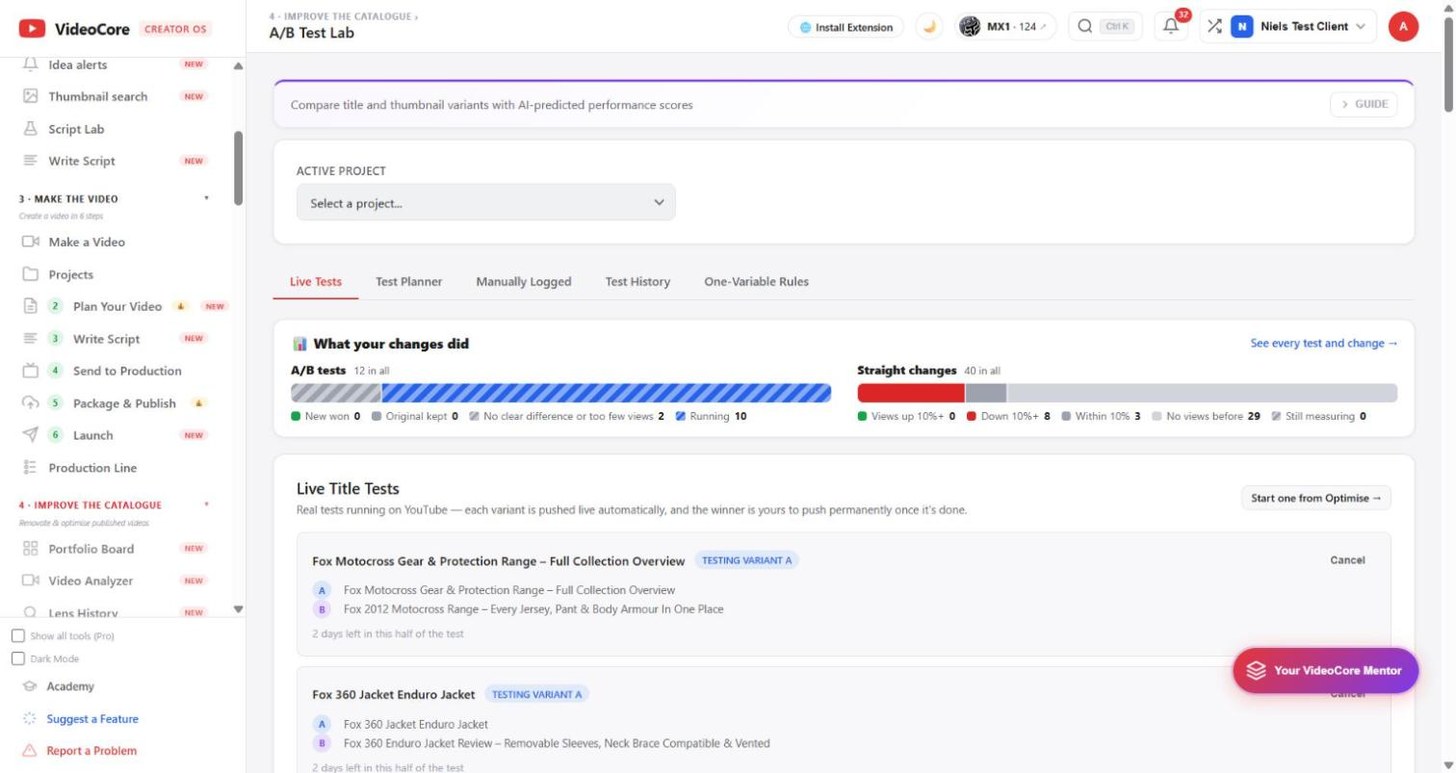
Planner, manual log, history, rules, and whether to test at all
Test Planner drafts a test with a hypothesis and an evaluation window. Manually Logged records a test you ran in Studio against one of your videos; Mark Complete measures it from our daily view counts: views a day after the start date against the days before, with no result when there are too few days or under one view a day. Test History keeps every result. One-Variable Rules says why a test changes one thing at a time, and refuses a test that would not be readable. The Guide at the top carries the two timing rules: start a live test two to three weeks after publish, and a title change makes YouTube re-index the video while a thumbnail change does not. Under the Thumbnail Tests subtitle, a channel with five or more settled long uploads gets a sizing line from its own median views: what a three-way or two-way Studio split would leave each thumbnail, and whether to pick one, test two at most, or test three. A Studio test splits the watch time, so a small channel is told to pick the thumbnail it believes in and give YouTube all the data.
Log a test you ran in Studio
New Test asks for the video and the start date, plus what each version was. There is no box for a click-through lift: YouTube does not share that with other apps, so the result is measured from your views instead when you mark the test complete.

Why it works this way
A test changes one variable on the same video in back-to-back halves, and its verdict is one of four honest words including no clear difference, so a win is a measured win and not a hope.