Optimise several at once: tick, draft, test or apply, and undo a whole run
Pick up to ten videos, choose title, description or tags, decide whether the new versions are tested against the originals or applied straight away, and draft the fixes. Every run is kept so one click undoes it.
Tick the videos
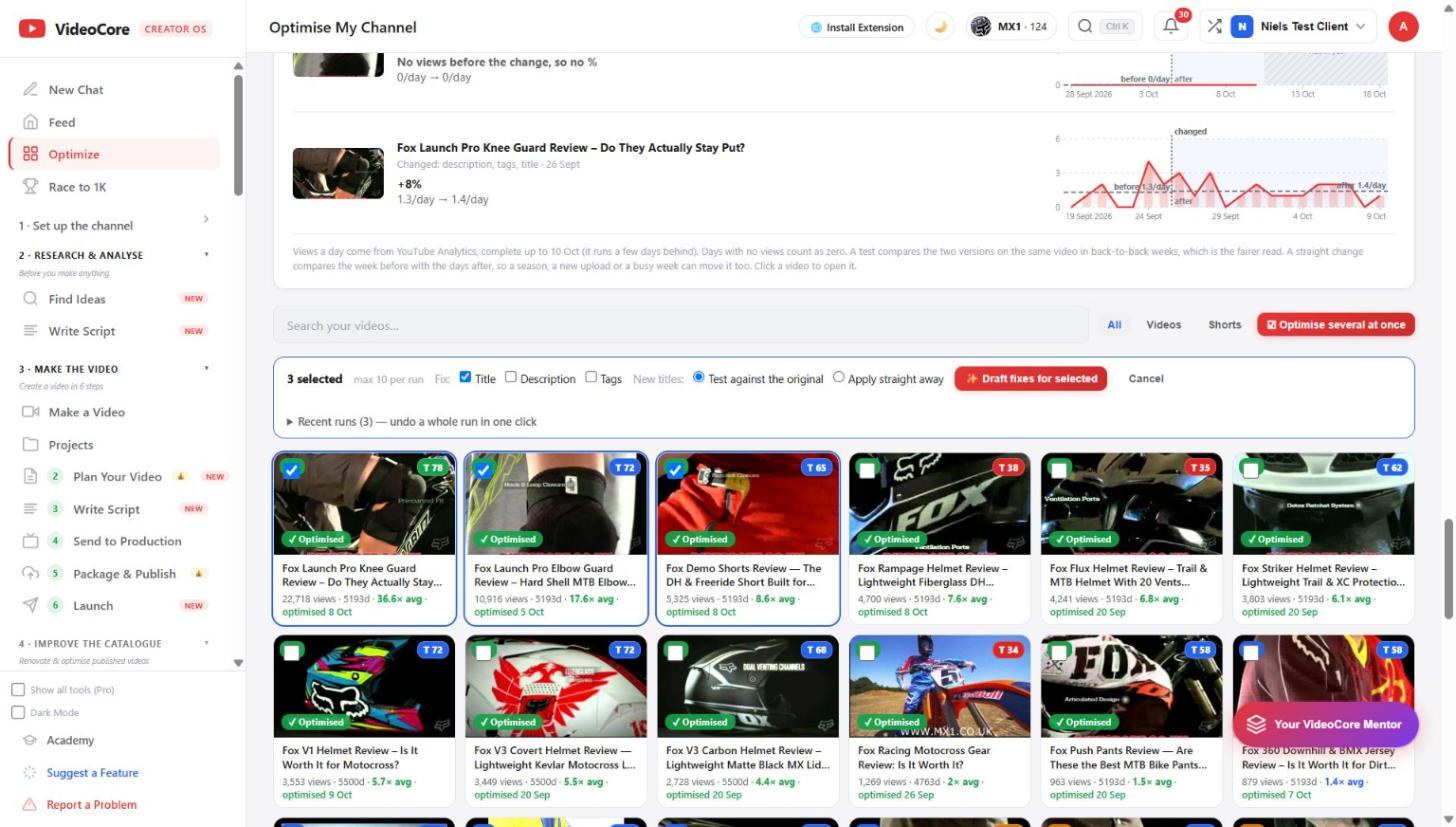
Optimise several at once turns the grid into a picker, ten per run. Tick what to fix: title, description, tags. Choose Test against the original, which runs each as an A/B test on YouTube, or Apply straight away. Then Draft fixes for selected.
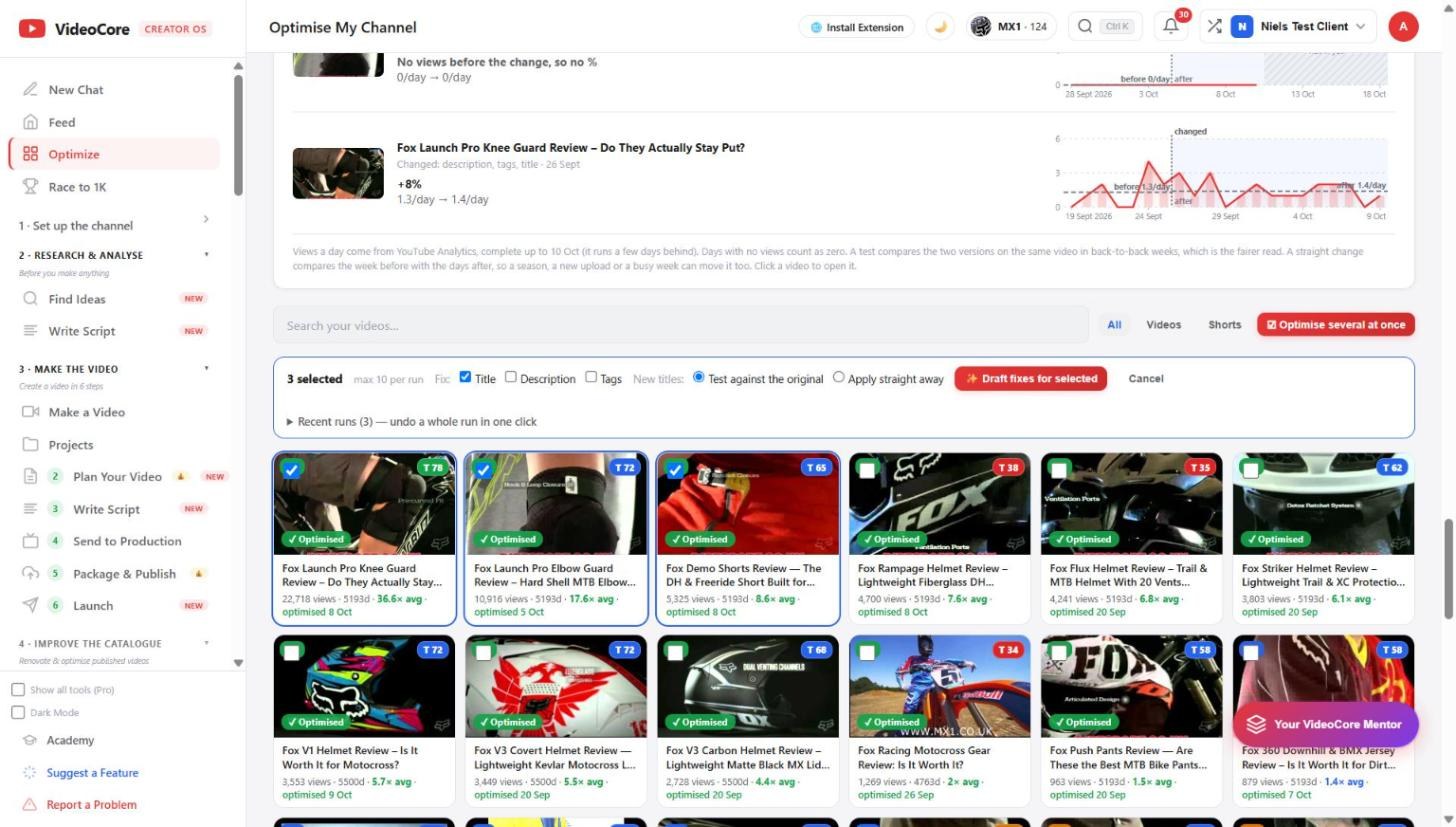
Review, apply, undo
The drafts come back for you to read and tick before anything is pushed. Recent runs lists every run; undo a whole run in one click restores the originals. The weekly review on the Feed tells you when results are in.
Why it works this way
Nothing is pushed to YouTube until you tick it, a test is the default so the original is never lost, and every run is undoable as a whole, because a bulk change you cannot reverse is a risk, not a feature.