Optimise: thumbnails, the comment plan, why did views stop, and feed readiness
Inside a video: push a new thumbnail, A/B it or revert; a comment plan for the pinned comment and replies; Why did views stop, the revival diagnosis; and feed readiness, how the video sits in a feed next to your field.
Open a video
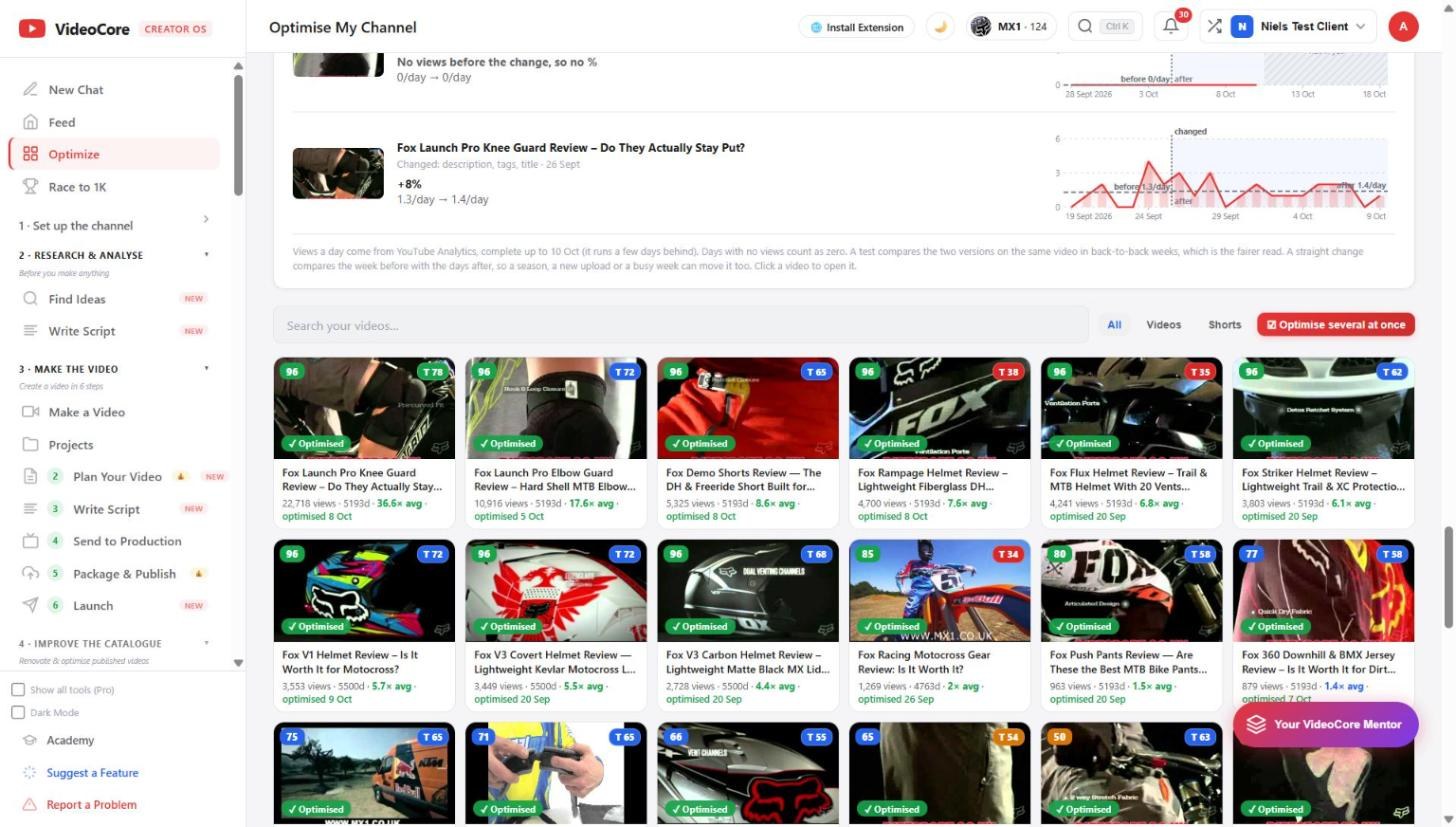
Click any card. The drawer holds the title improvements with Apply and A/B, the thumbnail tools, the comment plan, and the links to the diagnosis. Each fix says what it changes and nothing is pushed without a click.
Why did views stop
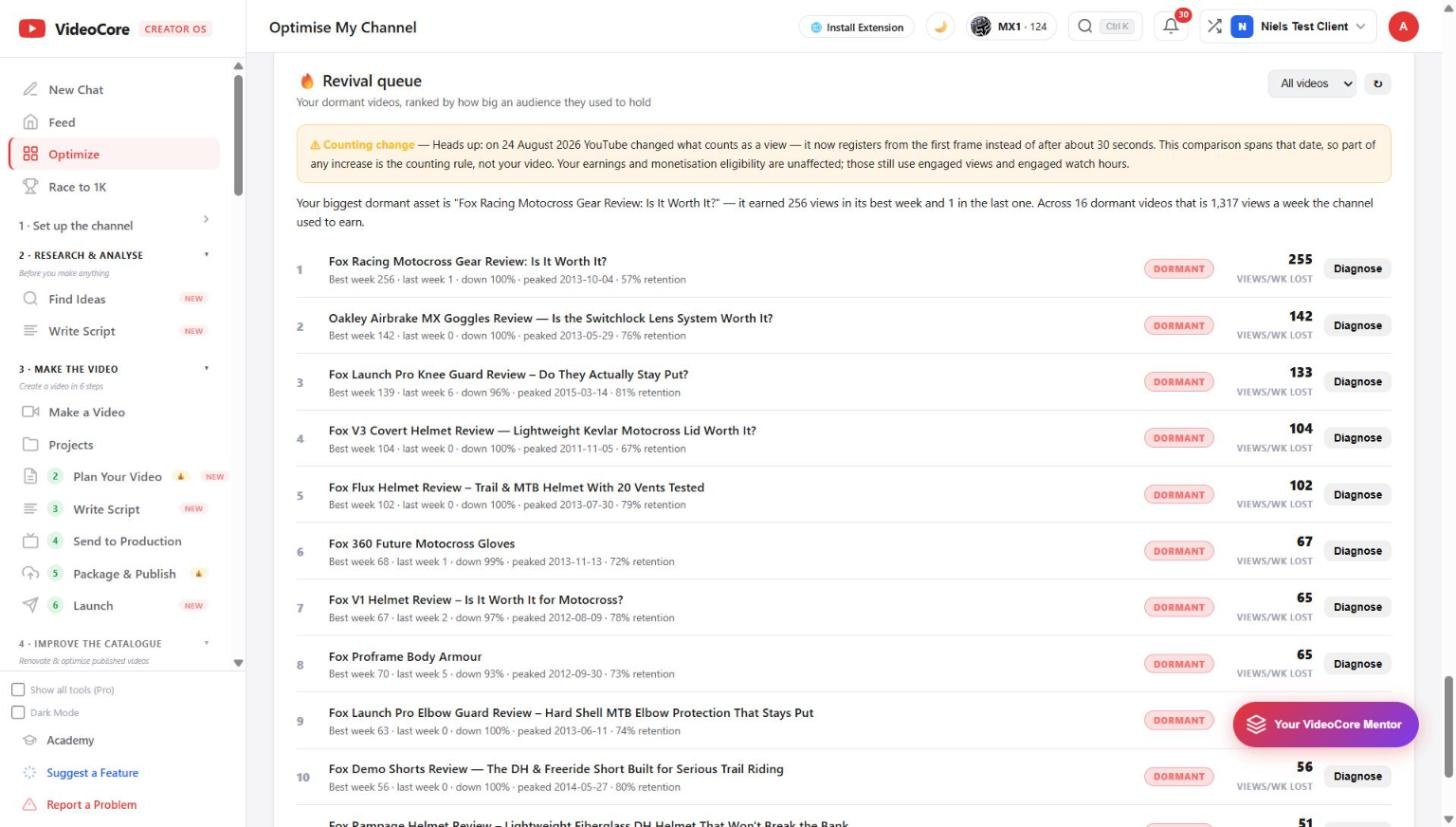
For a dormant video: when it died, which traffic shelf dried up, where viewers drop off, and which videos feed it. The counting-change warning sits above any comparison that crosses 24 August 2026.
Why it works this way
A revival diagnosis says which traffic shelf dried up and when, from YouTube Analytics, rather than guessing that the thumbnail was wrong; the fix follows the measured cause.