Optimise: the grid, the grades, Diagnose and the video drawer
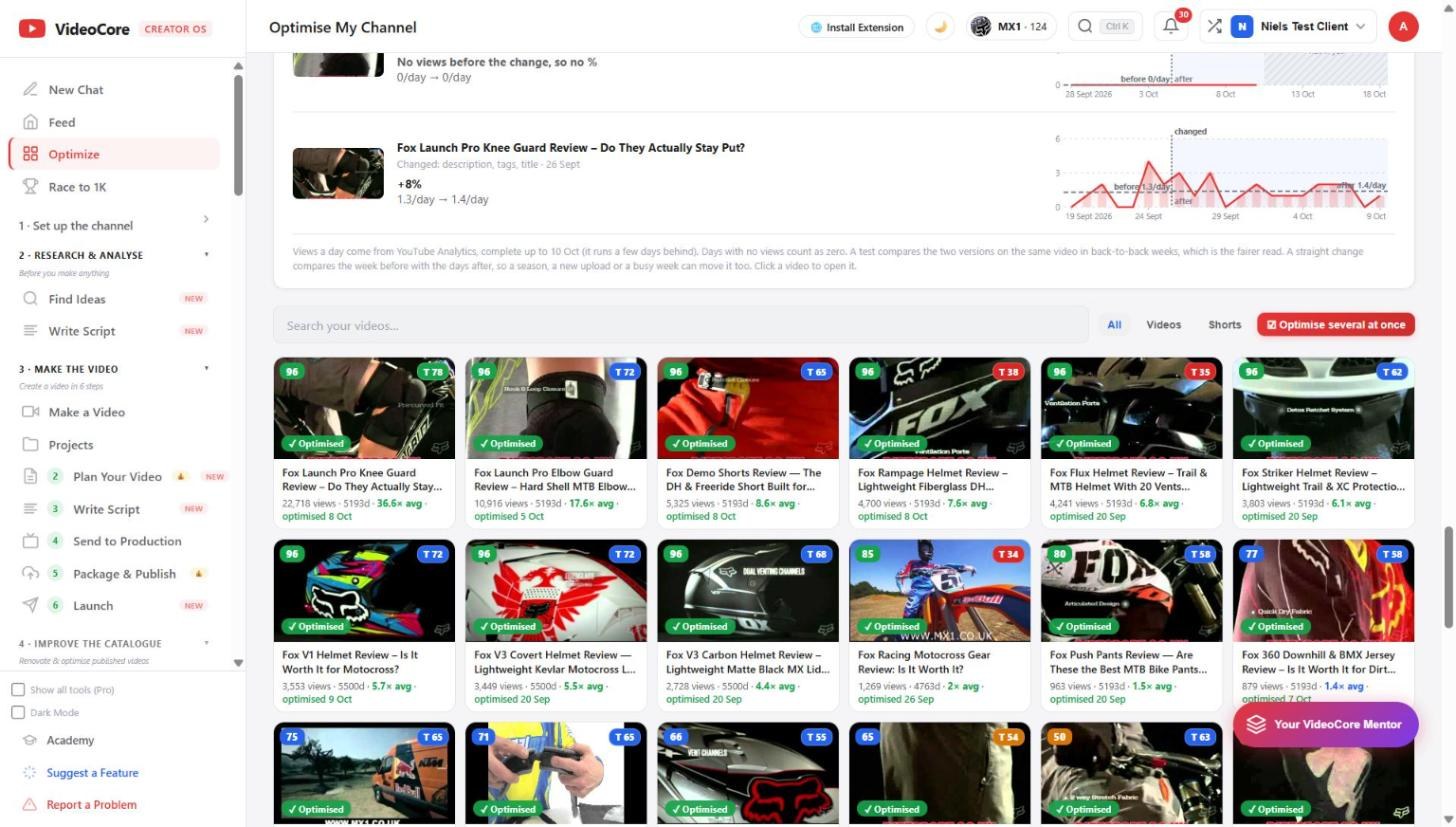
Every video on your channel scored against your own median. The grid shows each video's score and its title grade, the multiple against your average, and when it was last optimised. Diagnose opens the full teardown; Open the drawer with the fixes.
The grid
Search, All, Videos or Shorts. Each card: the score top left, the title grade top right, views, age, the multiple against your own average, and the date it was last optimised. Click a video to open it; Diagnose runs the full teardown with the AI thumbnail read.
The revival queue
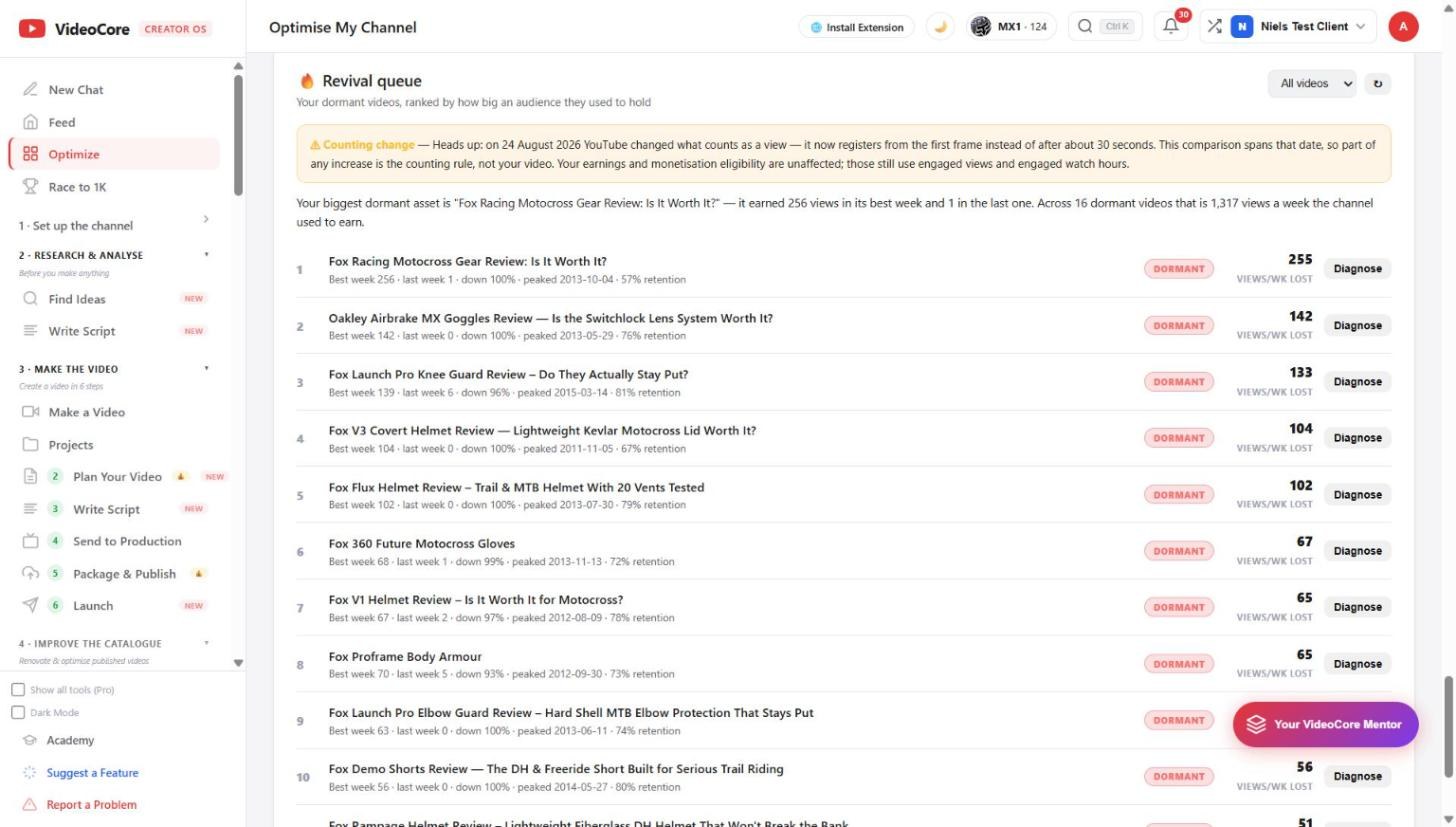
Your dormant videos ranked by the audience they used to hold: best week against last week, when it peaked, retention. The headline names the biggest dormant asset and what the channel used to earn from them each week. Diagnose any of them.
What your changes did
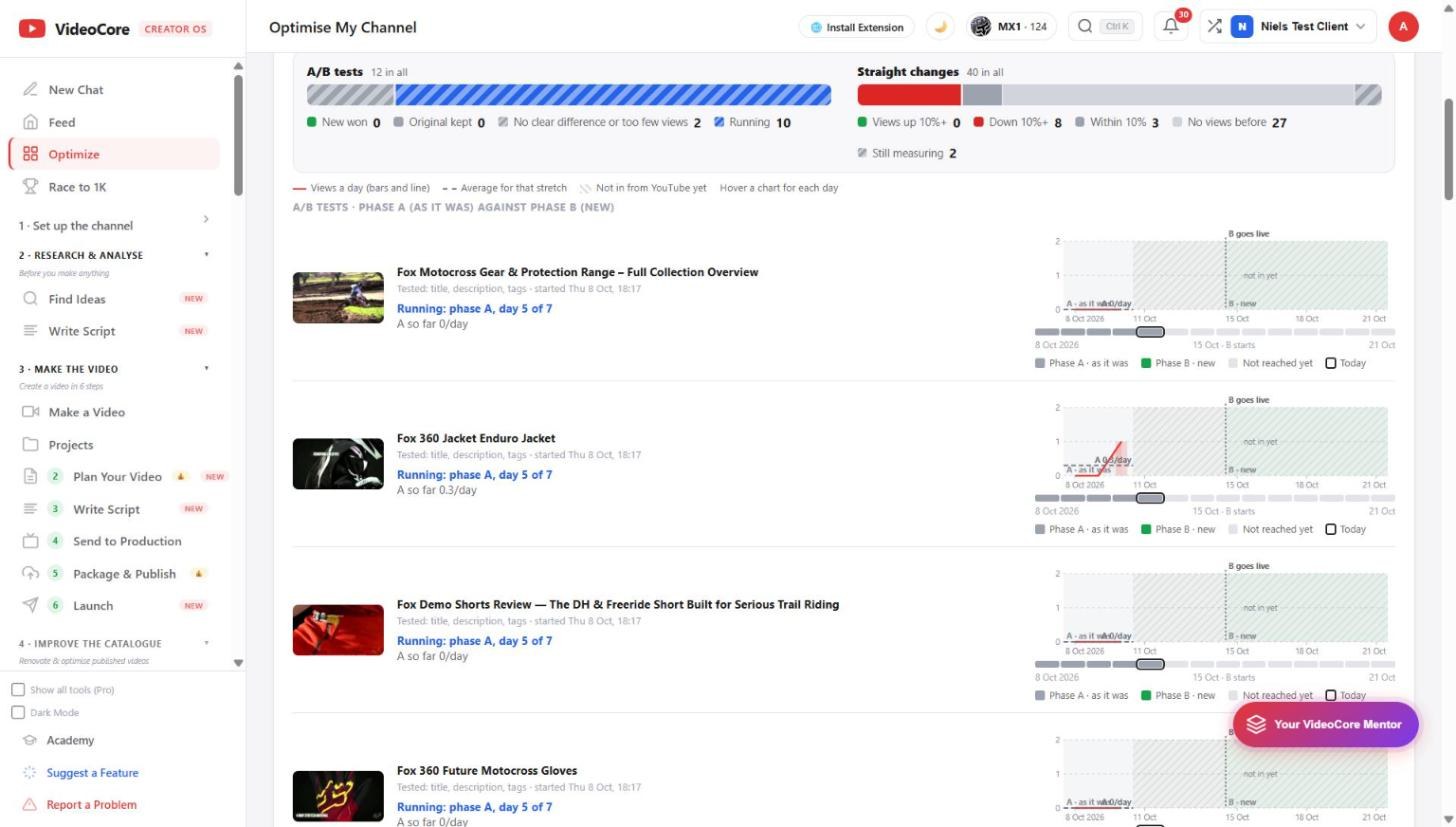
Every change is measured afterwards: A/B tests as phase A against phase B on the same video in back-to-back weeks, straight changes as the week before against the days after. Views a day come from YouTube Analytics, complete up to a few days behind, and the legend says what each bar means.
Why it works this way
Every video is scored against this channel's own median, never a generic benchmark, and every change you make is measured afterwards on the same video, so an improvement is a number you can see rather than a feeling.