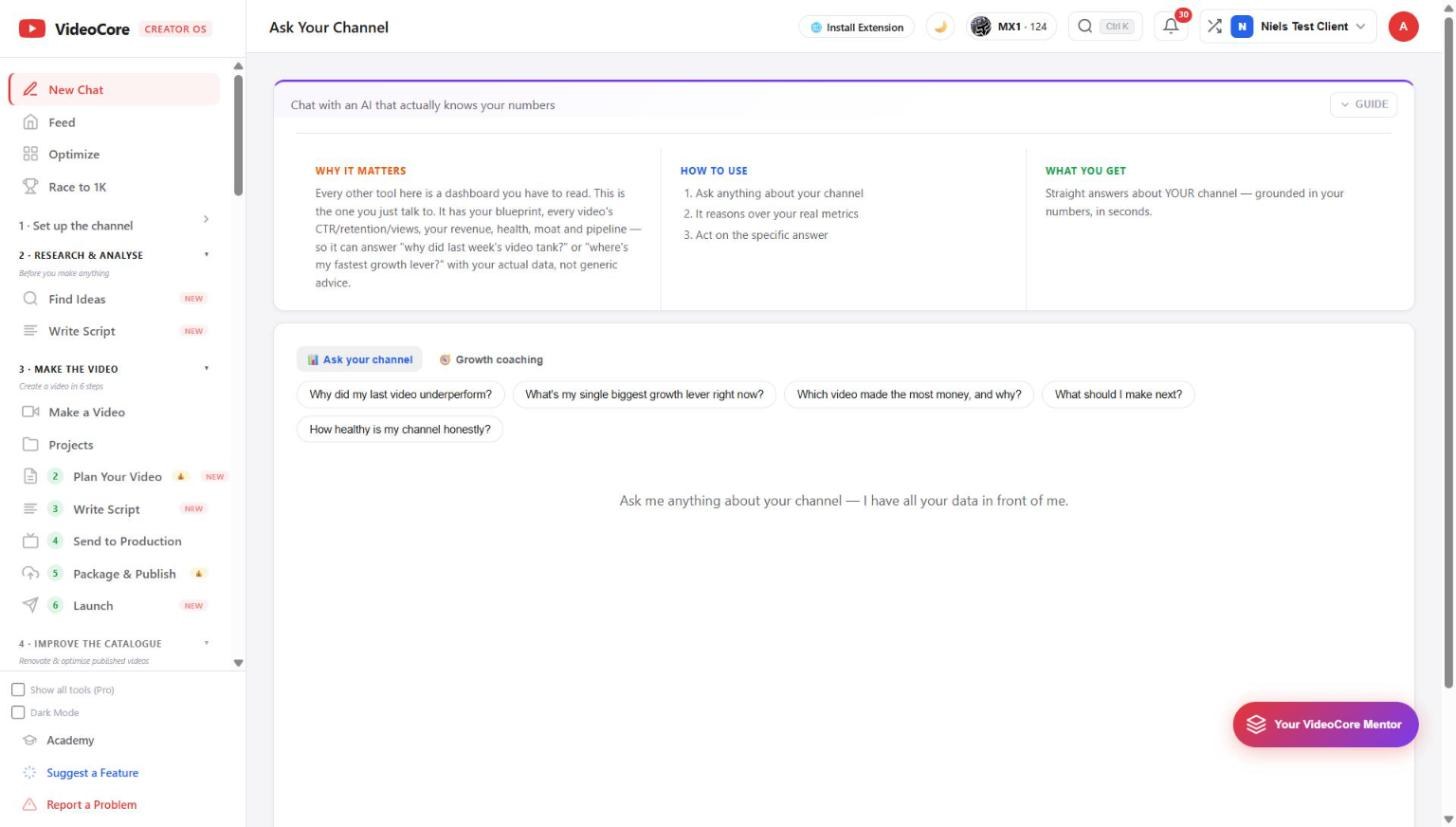
Ask Your Channel: a chat that actually knows your numbers
Every other page is a dashboard to read; this one you talk to. It has your blueprint, every video's views, retention and revenue, your health and pipeline, so it answers why did last week's video tank with your data, not generic advice. Growth coaching mode sits beside it.
Ask, or get coached
Two modes: Ask your channel, and Growth coaching. The chips are the questions worth asking first: why did my last video underperform, what is my single biggest lever, which video made the most money and why, what should I make next, how healthy is my channel honestly. Type anything else below.
Why it works this way
The chat reasons over the same measured tables every page here reads, so an answer can be checked against the page it came from, and it says when something is not measured rather than guessing.