VideoCore how-to · 9 · Insights & tools
The Content Calendar: every deadline, launch and livestream in one view
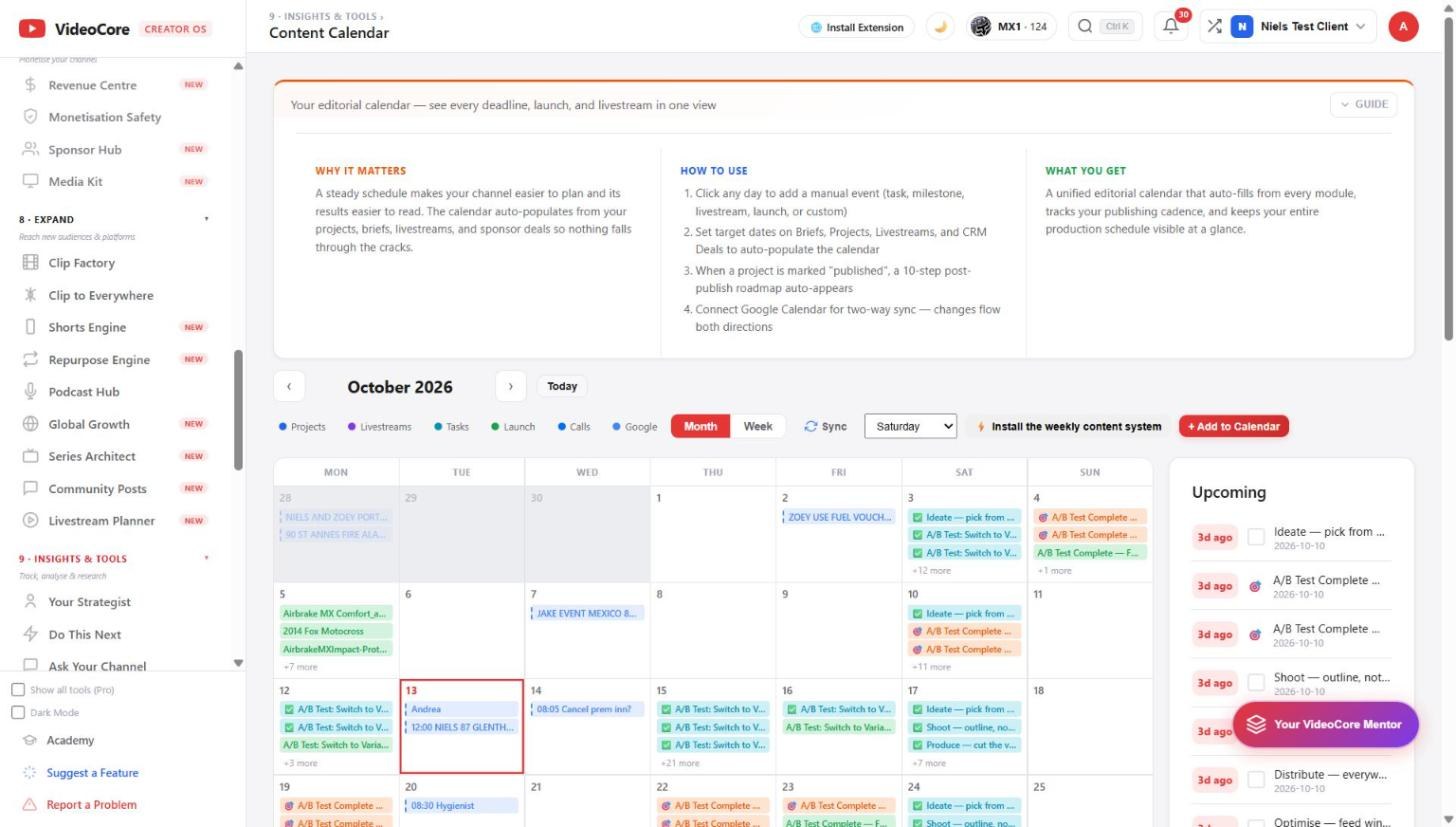
The editorial calendar fills itself from projects, briefs, livestreams and sponsor deals, takes manual events, grows a ten-step roadmap when a project is marked published, and syncs both ways with Google Calendar.
1
Month and week
Projects, livestreams, tasks, launches and calls in their colours, Google events in grey. Click a day to add a task, milestone, livestream, launch or custom event; Sync pulls Google in; Add to Calendar is the manual door. Install the weekly content system sets the publishing rhythm. Upcoming lists what is due.
?
Why it works this way
The calendar is populated from the modules rather than typed, so a brief with a target date and a project marked published both appear here without anyone remembering to add them.