Lens how-to · 0 · Lens
The free channel health check
From the Lens popup, the channel bar or the VideoCore homepage: paste any channel and get an A to F health grade from its public numbers. No sign-up.
1
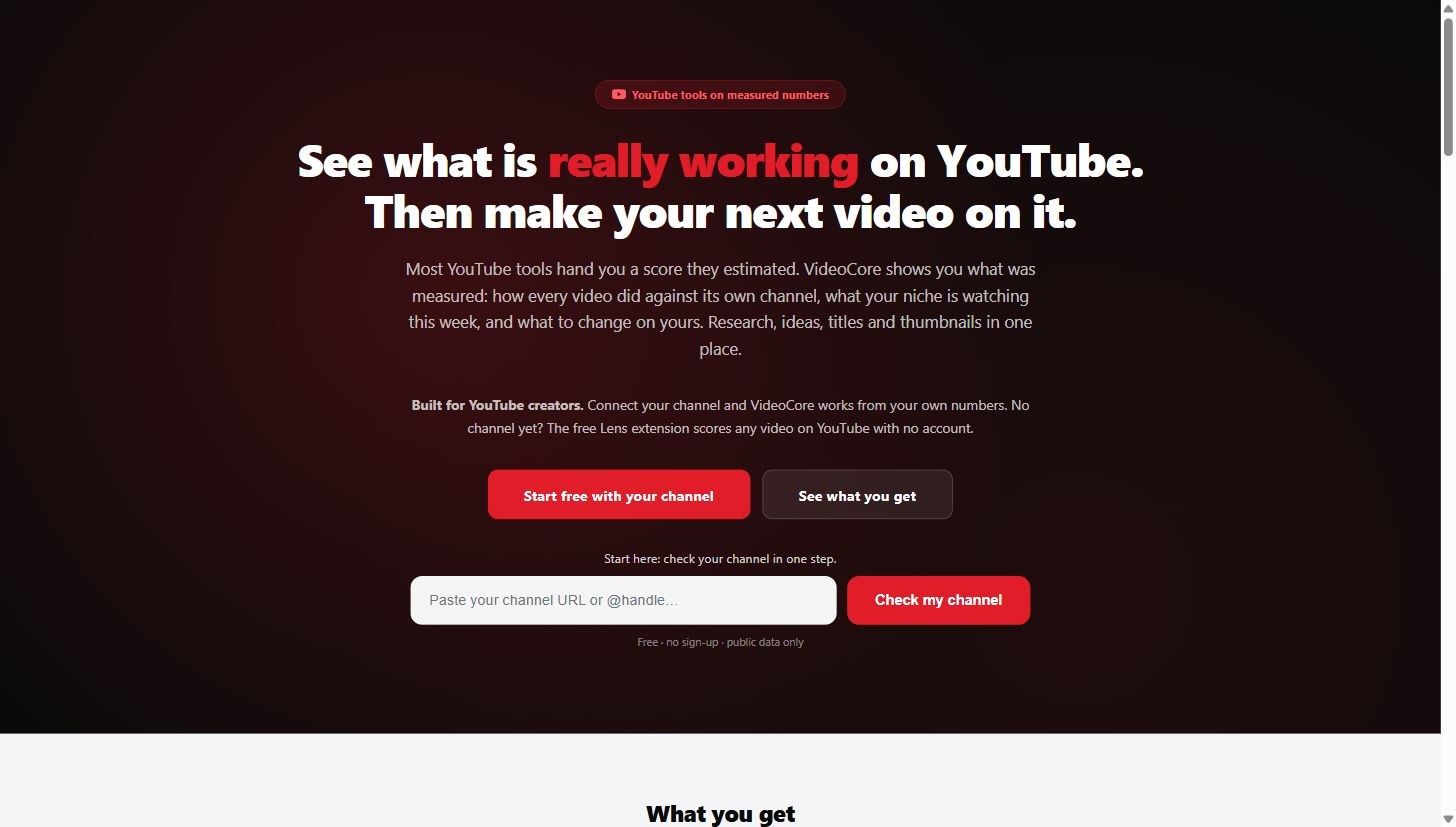
Start from the homepage
On videocore.uk, paste your channel URL or @handle into Check my channel. Free, no sign-up, public data only.
2
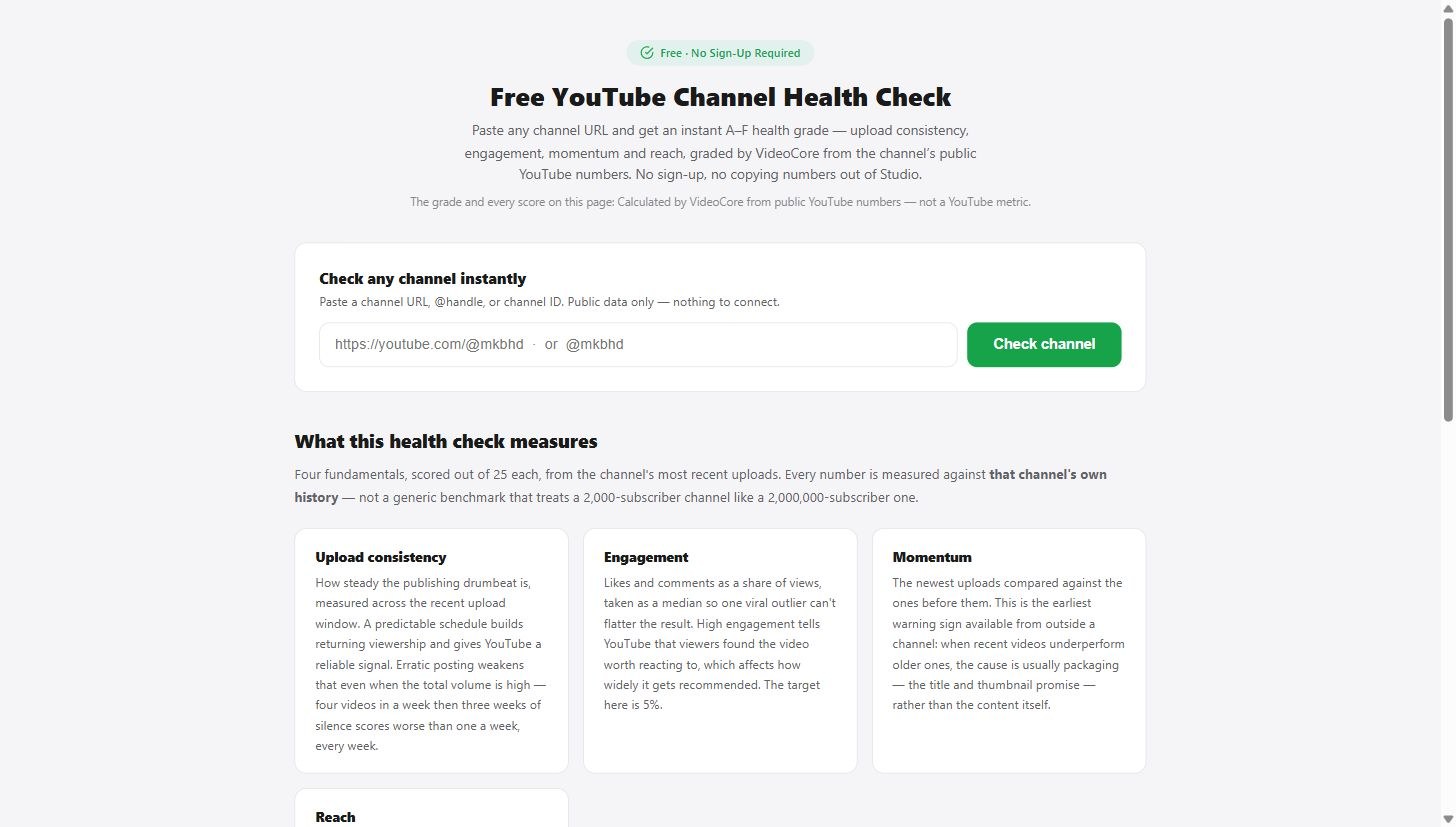
The health check page
Paste a channel URL, @handle or channel ID and click Check channel. Nothing to connect.
3
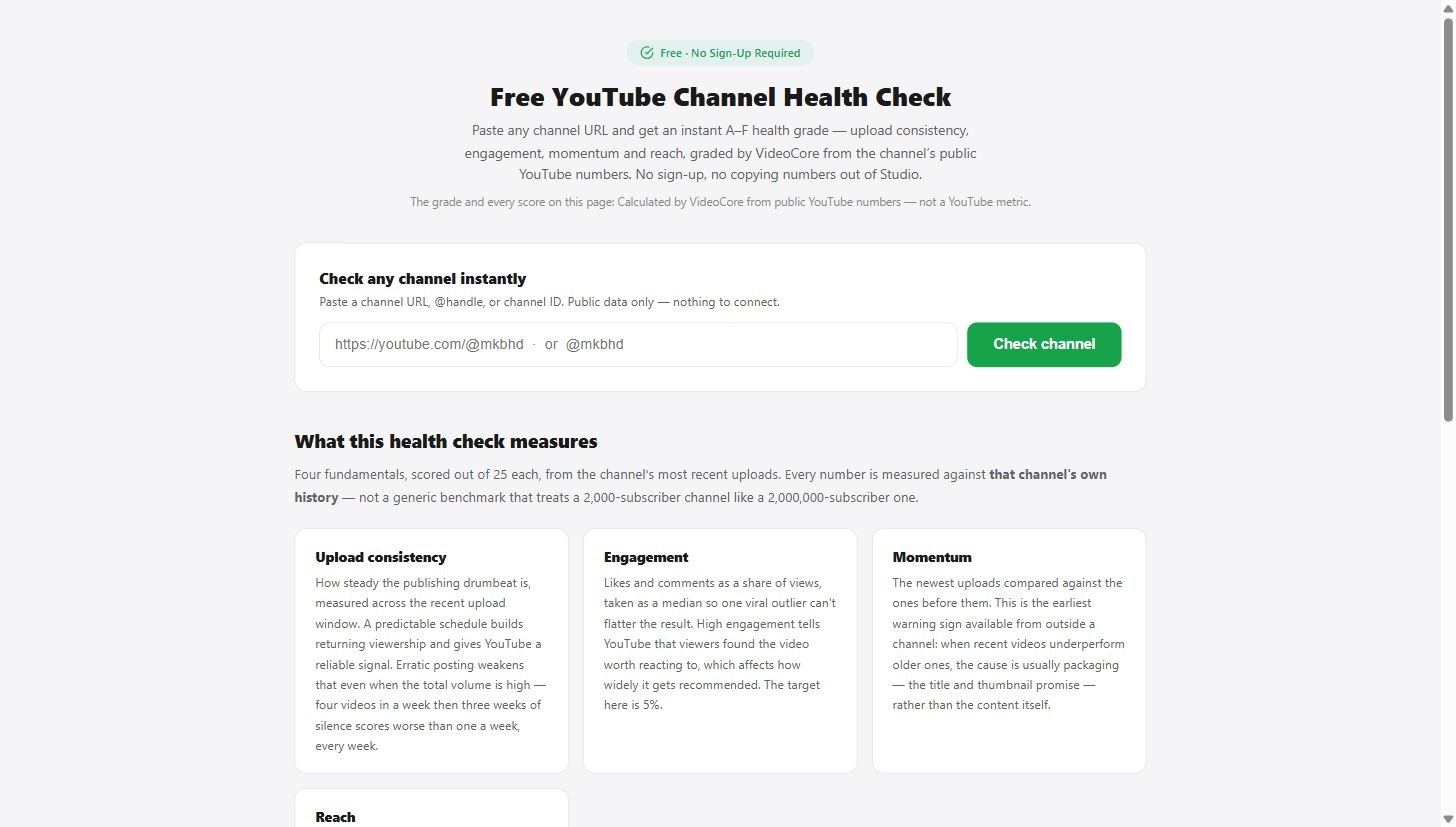
What it measures
Four fundamentals scored out of 25 each from the channel's most recent uploads: upload consistency, engagement, momentum and reach, measured against that channel's own history.
?
Why it works this way
The grade and every score on the page are calculated from public YouTube numbers against the channel's own history, never against a generic benchmark that treats a small channel like a huge one.