Lens how-to · 0 · Lens
The Lens popup and settings
The toolbar popup is where you sign in, see what Lens offers on the page you are on, and choose where Lens shows.
1
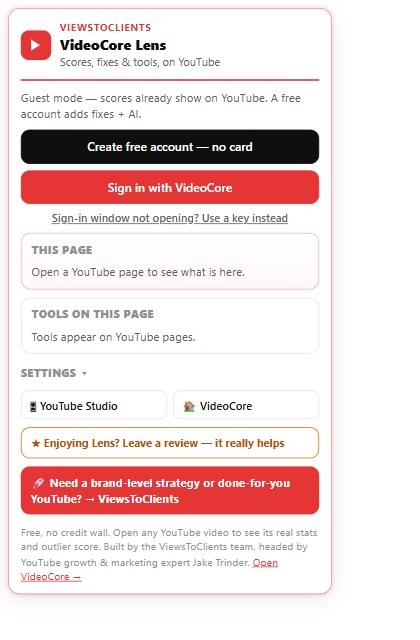
Guest mode or an account
Signed out, scores already show on YouTube. Create free account, no card, or Sign in with VideoCore. A key works when the sign-in window will not open.
2
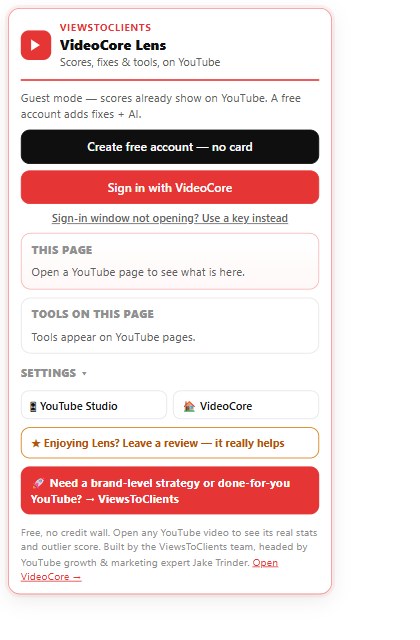
This page and Tools on this page
With a YouTube page open, the popup lists what Lens found there and the tools available on it.
3
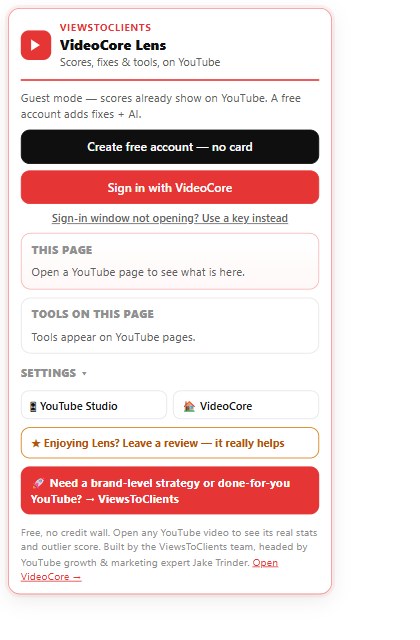
Settings
Choose whether Lens also shows in YouTube Studio and on VideoCore. Leave a review if it helps you. ViewsToClients is the done-for-you service.
?
Why it works this way
Lens is free with no credit wall. Signed out it reads public numbers only; an account adds the fixes and the AI, nothing else changes.