The watch panel, lower half: the top fix, tags, and the title decoded
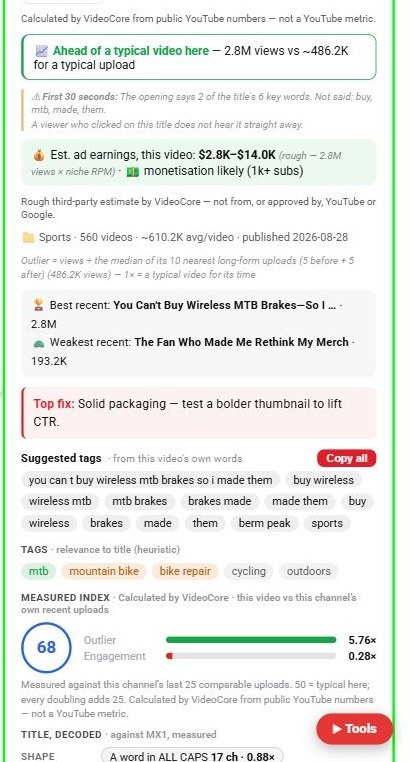
Below the live numbers, the Lens panel tells you the one change to make first, hands you the video's own tags, and decodes the title against what wins in this field.
Top fix
Scroll the panel. Top fix is the one change to make first. On this video it reads: solid packaging, test a bolder thumbnail to lift CTR.
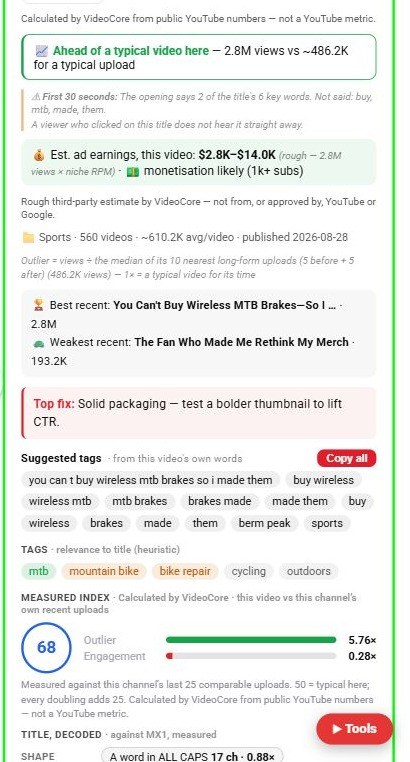
Suggested tags
The tags come from this video's own words. Copy all puts them on your clipboard; the second row shows how relevant each tag is to the title.
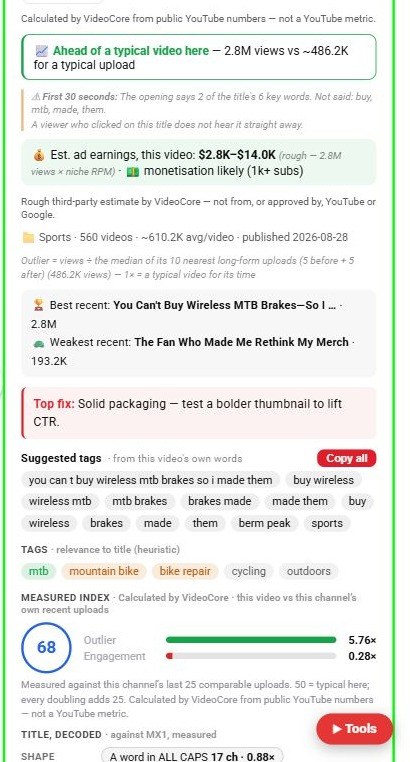
Measured index
The index out of 100 compares this video with the channel's own recent uploads: 50 is typical here, and every doubling adds 25.
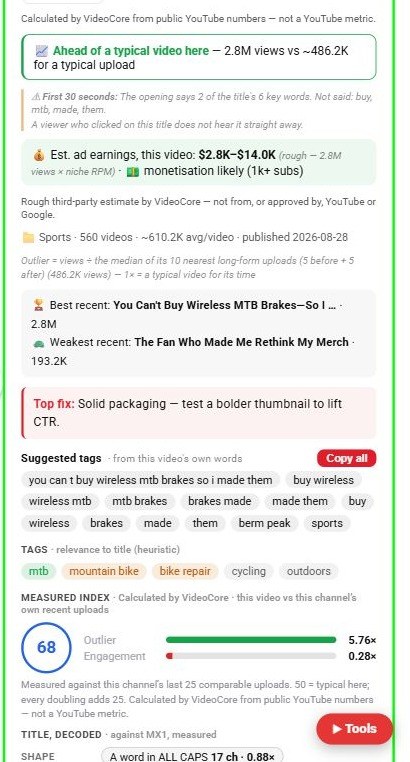
Title, decoded
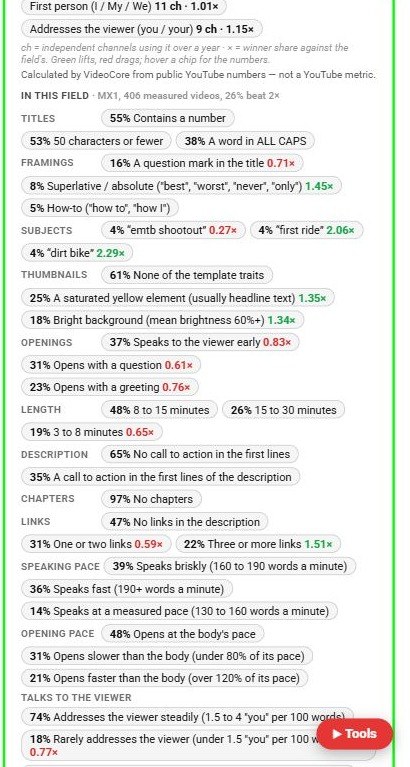
Each shape the title uses, how many independent channels used it over a year, and the winner share beside it: green lifts, red drags.
In this field
What share of the 406 measured videos in this field use each framing, subject, thumbnail trait, length, description, chapters, links and speaking pace, with the winner share where it differs.
Why it works this way
Every chip is a count over real videos in the field; a lift or a drag is the share among winners against the share overall, so nothing in this panel is an opinion.