Lens how-to · 0 · Lens
The Tools tile: transcript, thumbnail, comments, swipe file
One button, bottom right of every watch page, opens the tools Lens offers on that video: downloads that read the page, and the AI tools that need a VideoCore account.
1
Press Tools
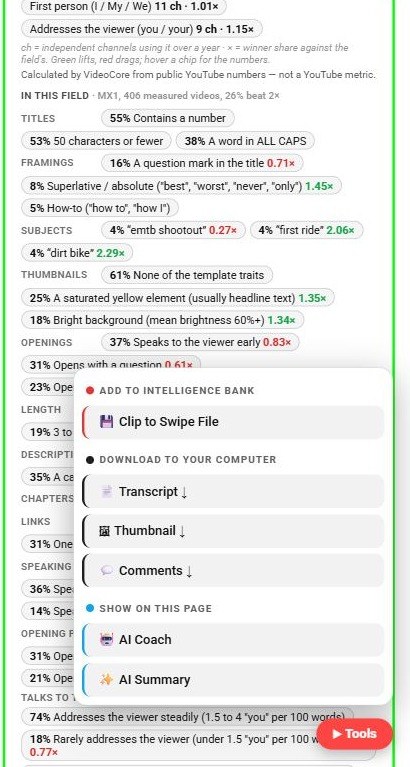
The Tools pill sits bottom right on watch pages and Shorts. It opens a menu grouped by what each tool does.
2
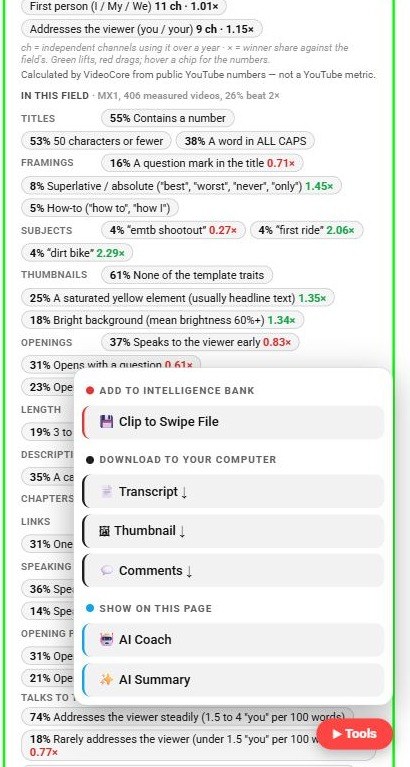
Add to intelligence bank
Clip to Swipe File saves this video into your VideoCore swipe file, with its hook and numbers. Needs a free account.
3
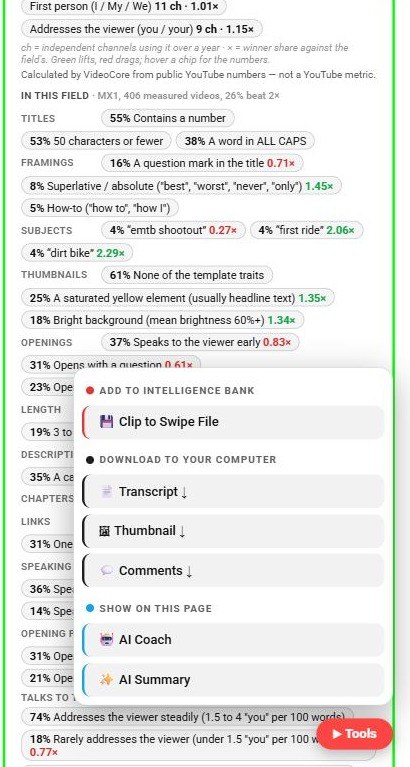
Download to your computer
Transcript, Thumbnail and Comments save as files. They read what YouTube already shows on the page and save it as a file.
4
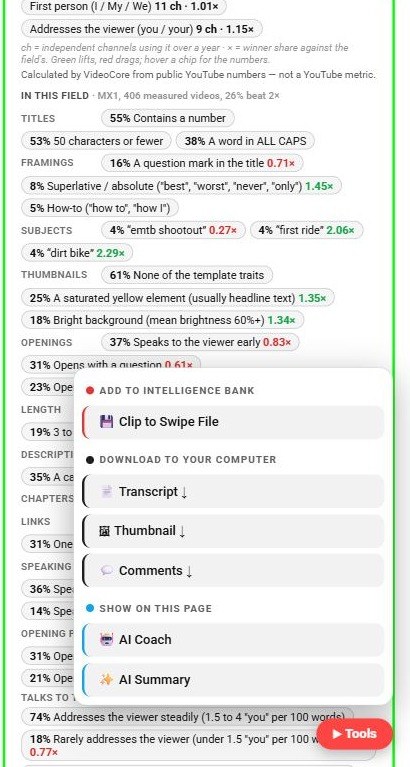
Show on this page
AI Coach and AI Summary open on the page itself: a coaching read of the video, and a short summary with chapters.
?
Why it works this way
The downloads read what YouTube already renders for you and save it as a file; no video is fetched from anywhere else.