Plan Your Video: the briefs list
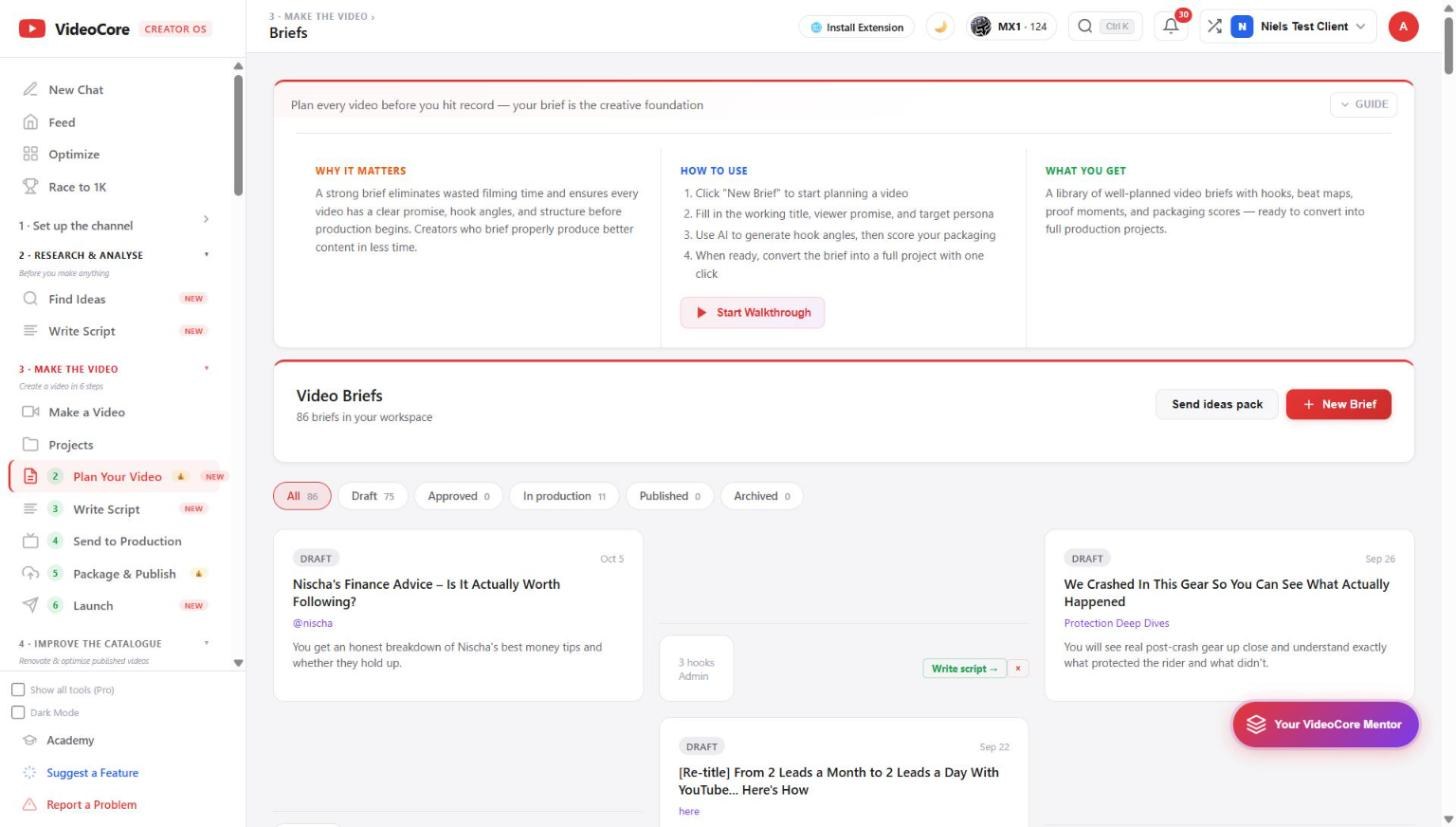
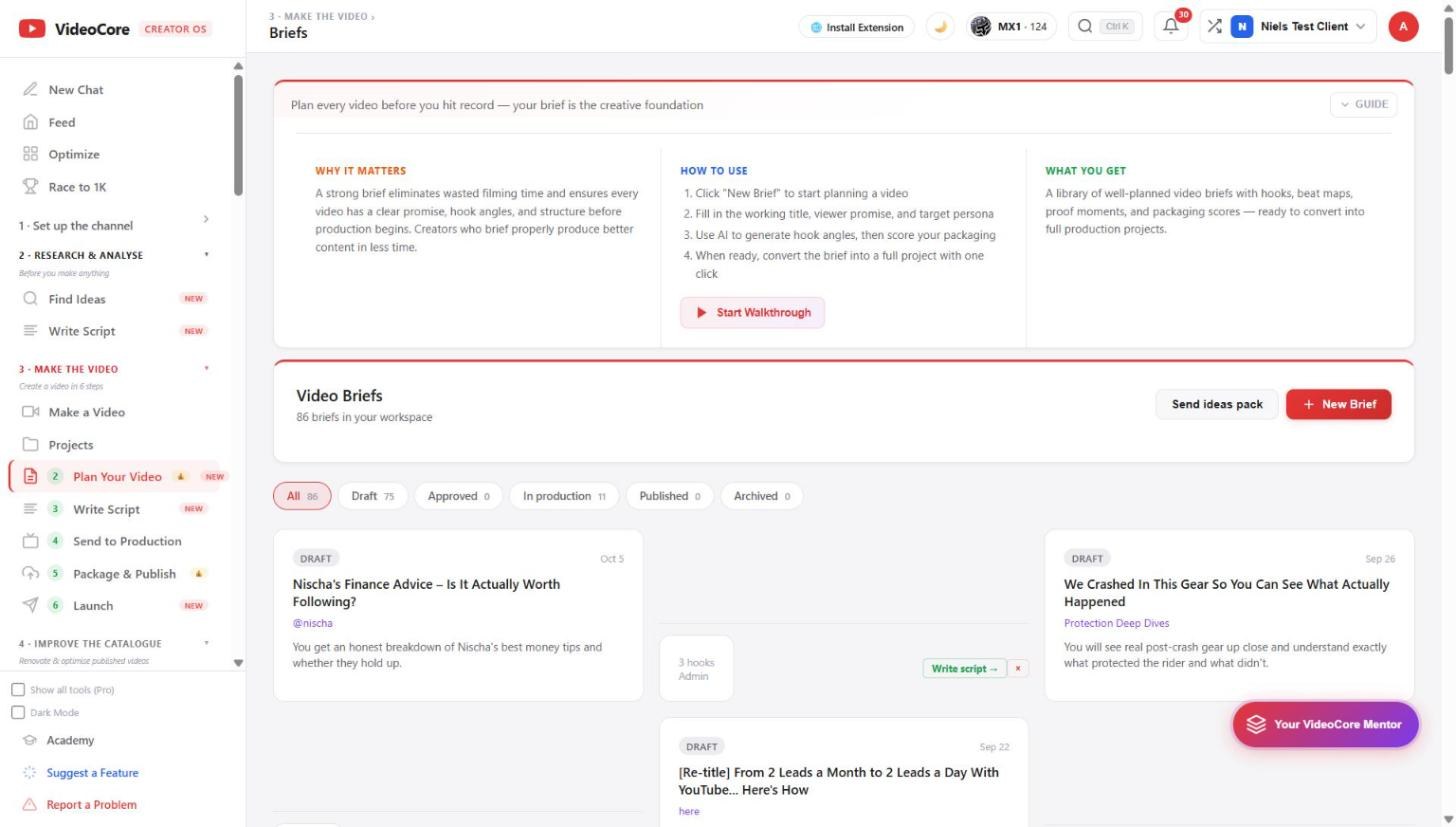
Every video is planned before it is made. The briefs list holds them by status: draft, approved, in production, published, archived. New Brief starts one; Send ideas pack shares a set with the numbers attached.
Briefs by status
All, Draft, Approved, In production, Published, Archived, with counts. Each card shows the promise, the pillar, the hook count and who made it, with Write script to move on. New Brief opens a blank one; Send ideas pack shares a chosen set as a link and an archive with the measurements attached.
Where briefs come from
Saved ideas, the First 10, Score Topics, the Swipe File's problem bank and the canvas all create briefs here, so the list is the queue of what is worth making, in the order you set.
Why it works this way
A brief is the record of what the video promised before it was made, which is what the results are later judged against, so nothing starts without one.