Package and Publish: title, description, tags, chapters, the checks, and the push
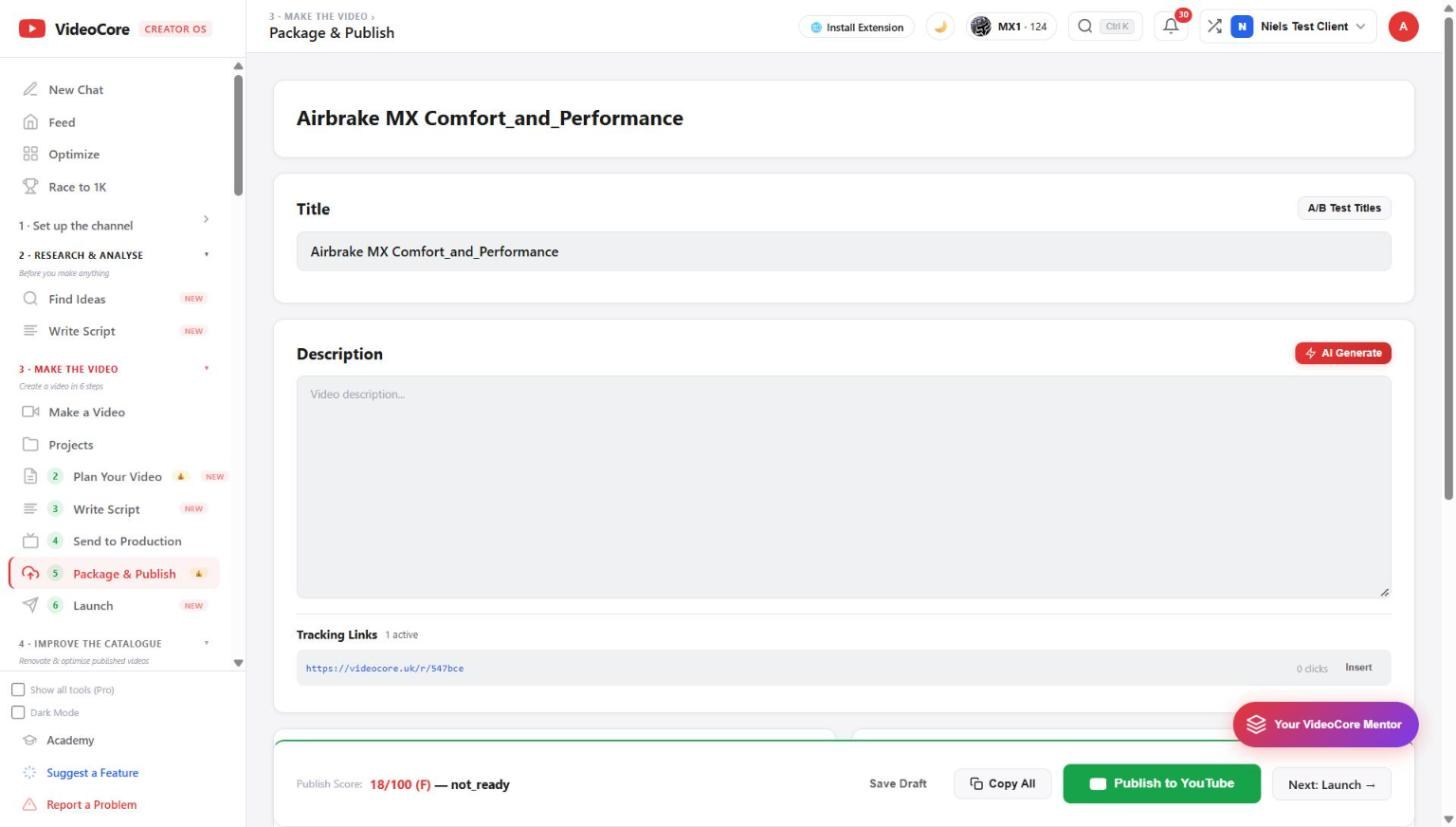
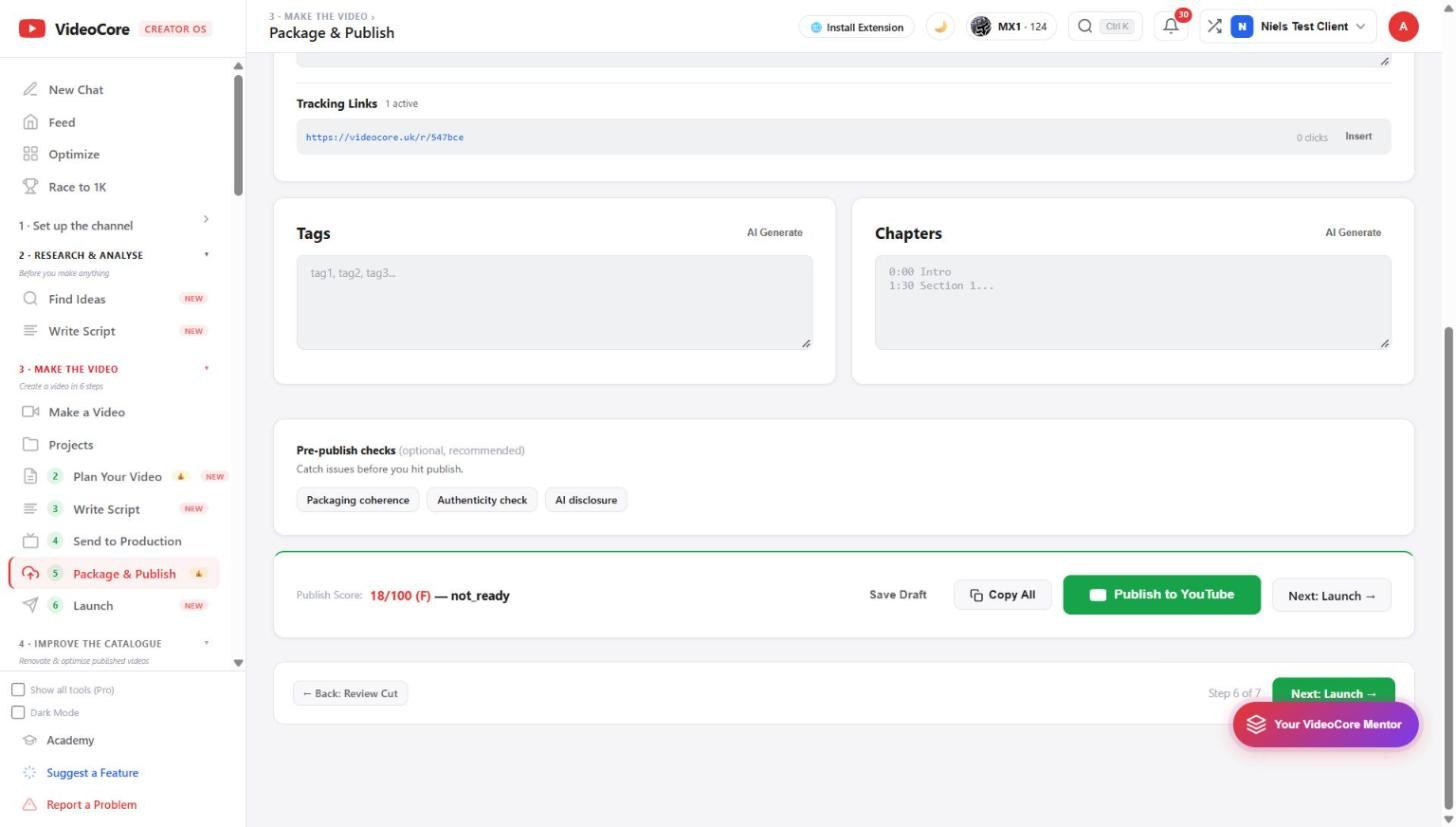
For a project: the title with A/B test, the description with your tracked link inserted, tags and chapters generated, three pre-publish checks, a publish score, and Publish to YouTube or Copy All.
Title and description
The title with A/B Test Titles beside it. The description with AI Generate, and the project's tracking links listed with their clicks, Insert to place one. Nothing here is copied from elsewhere; the canvas and the brief already filled what they knew.
Tags, chapters, checks, the score
Tags and chapters, each with AI Generate. Pre-publish checks: packaging coherence, authenticity, AI disclosure. The publish score at the bottom says ready or not and why, here 18 out of 100 with the description empty. Save Draft, Copy All for pasting into Studio, or Publish to YouTube to push the metadata to the linked video.
Why it works this way
The push to YouTube only ever updates the metadata of a video you linked, with write access you granted on purpose, and the score says what is missing before you press it.