Send to Production: film it, hand it over, track it to the cut
Pick a project with a finished script. The production brief travels with it: Film Mode is a teleprompter, Copy Full Brief hands everything to an editor, and the status bar tracks scripted, filming, review and ready.
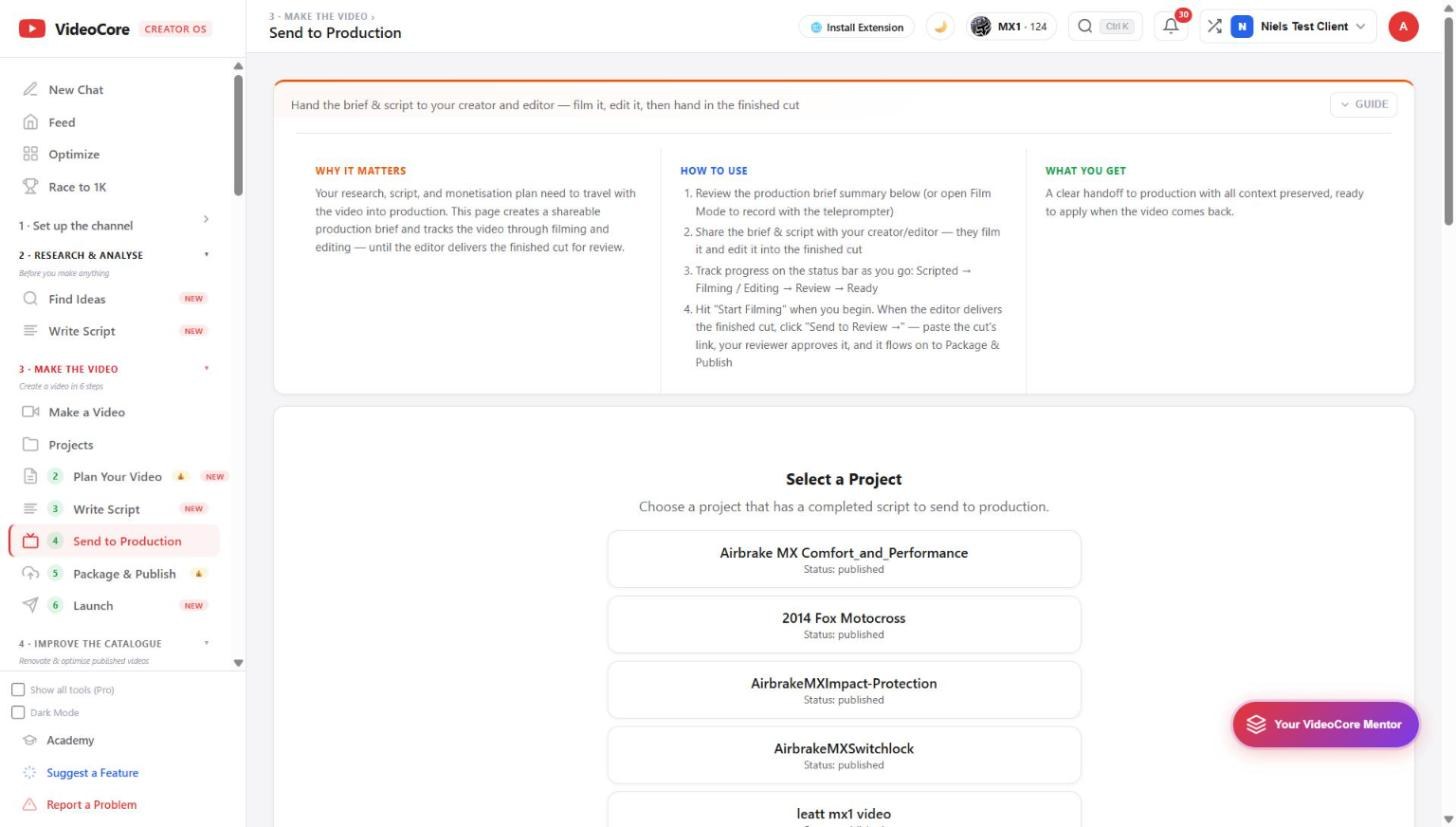
Select a project
Projects with a completed script are listed with their status. The guide at the top says the loop: review the brief or open Film Mode, share the brief and script with your editor, track the status bar, Start Filming when you begin, Send to Review when the cut arrives.
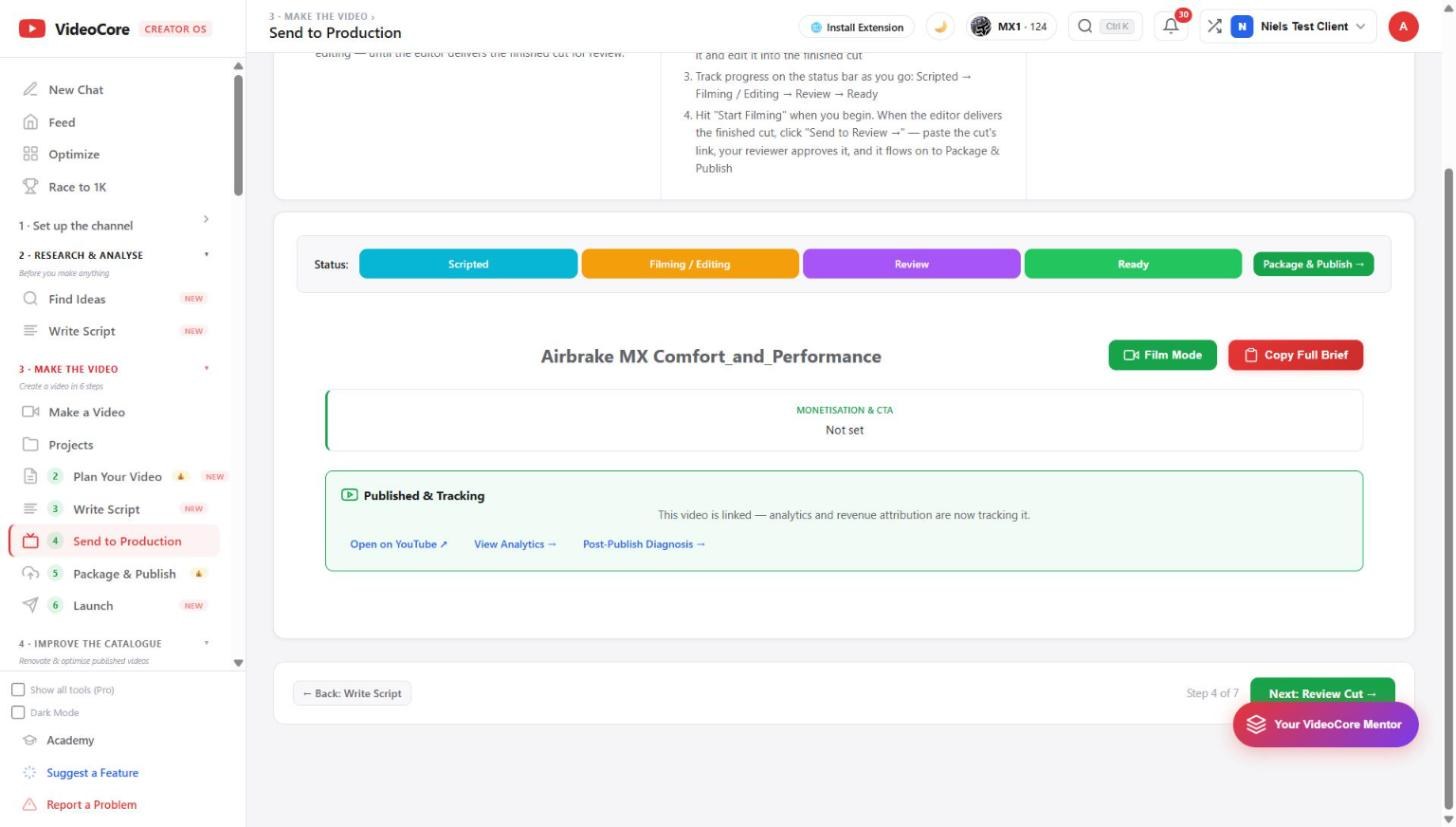
The brief in production
The status bar: Scripted, Filming and Editing, Review, Ready, then Package and Publish. Film Mode records with the teleprompter; Copy Full Brief copies the whole brief for whoever films or edits. Monetisation and CTA show what the brief planned. Once the video is linked, Published and Tracking offers the YouTube page, analytics and the post-publish diagnosis.
Why it works this way
The research, script and money plan travel into production as one brief, so whoever films or edits works from the same decisions, and the status bar is the one place to see where a video is.