Projects: every video as one hub
A project is one video from idea to results. The list shows status, versions and dates; the project page is the hub every tool feeds: script, analysis, packaging, launch, Shorts, exports, monetisation, results and learnings.
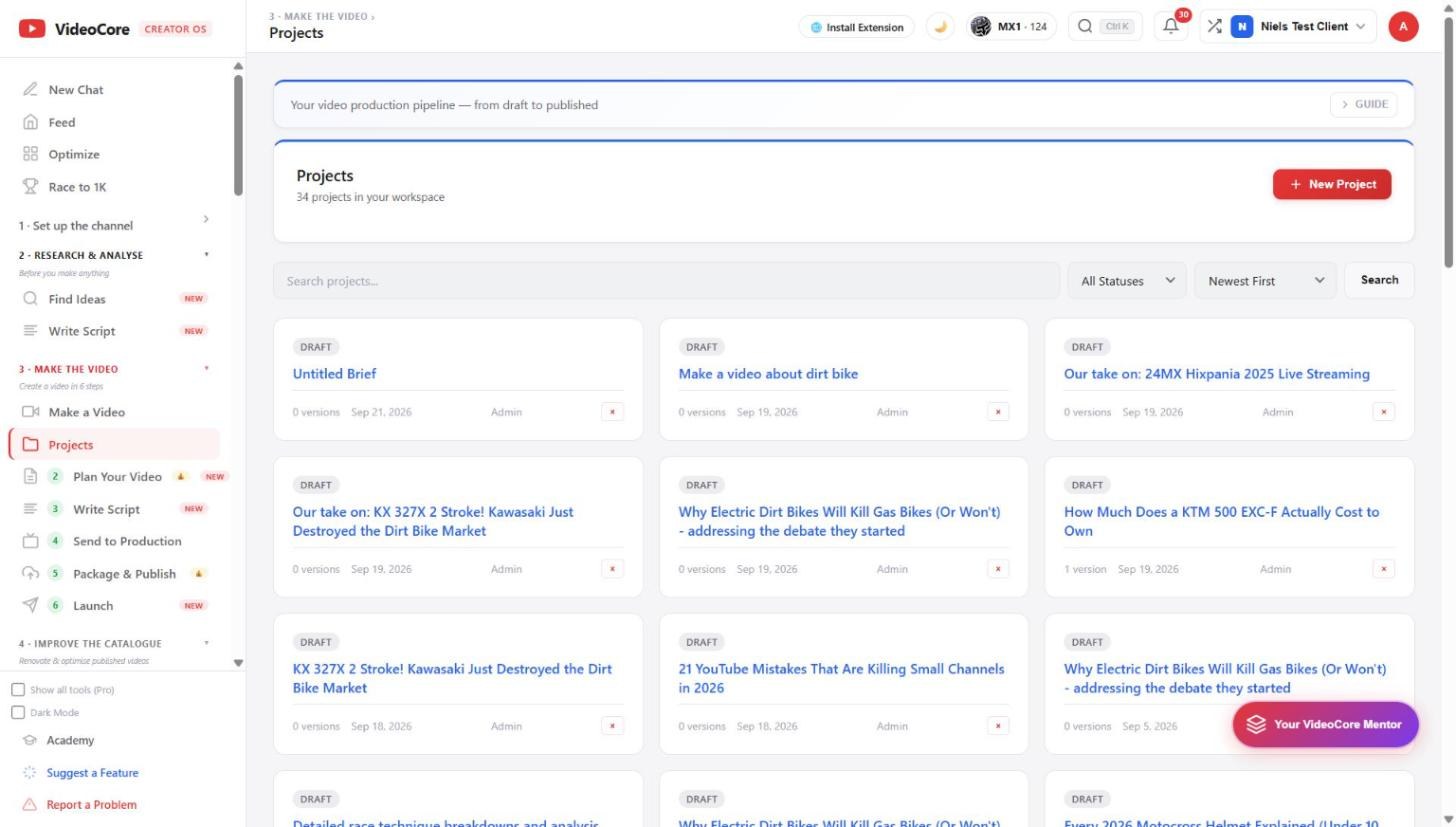
The project list
Every project with its status, versions and date. New Project starts one from scratch; a brief or the canvas creates one for you. Search, filter by status, sort. The cross removes a project.
The project page
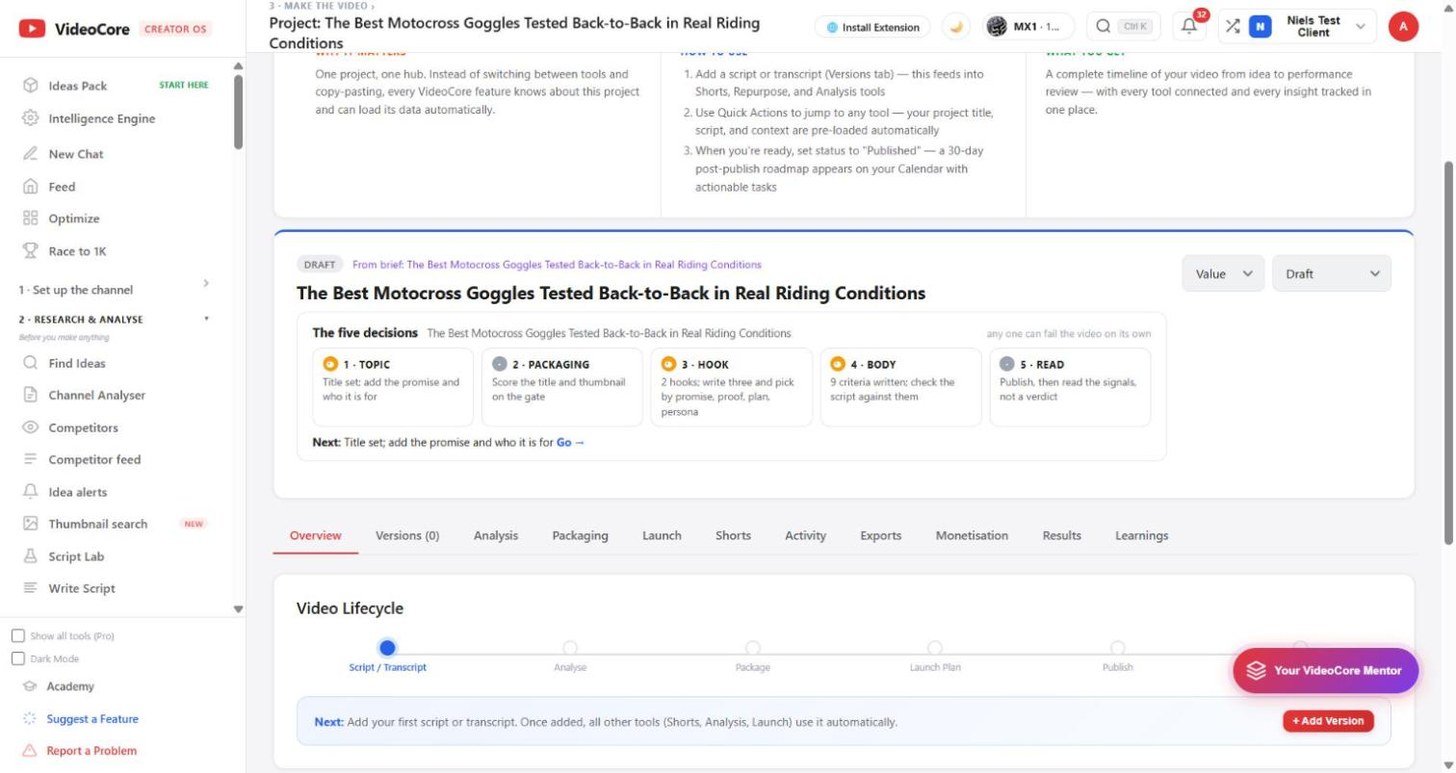
Next for this video says the one step that is due, here Add the script. The lifecycle runs script, analyse, package, launch plan, publish, post-publish. Below, the tabs: Overview, Versions, Analysis, Packaging, Launch, Shorts, Activity, Exports, Monetisation, Results, Learnings. Set the status to Published and a 30-day post-publish roadmap lands on your Calendar. Under the title, the five decisions for this video: topic, packaging, hook, body, read, each with its state and the page that settles it.
Why it works this way
One project holds everything a video produced, so no tool asks you to paste what another already knows, and the results and learnings sit next to the plan they came from.