VideoCore how-to · 4 · Make the video
Script Studio: Transcribe audio or video, SRT and import
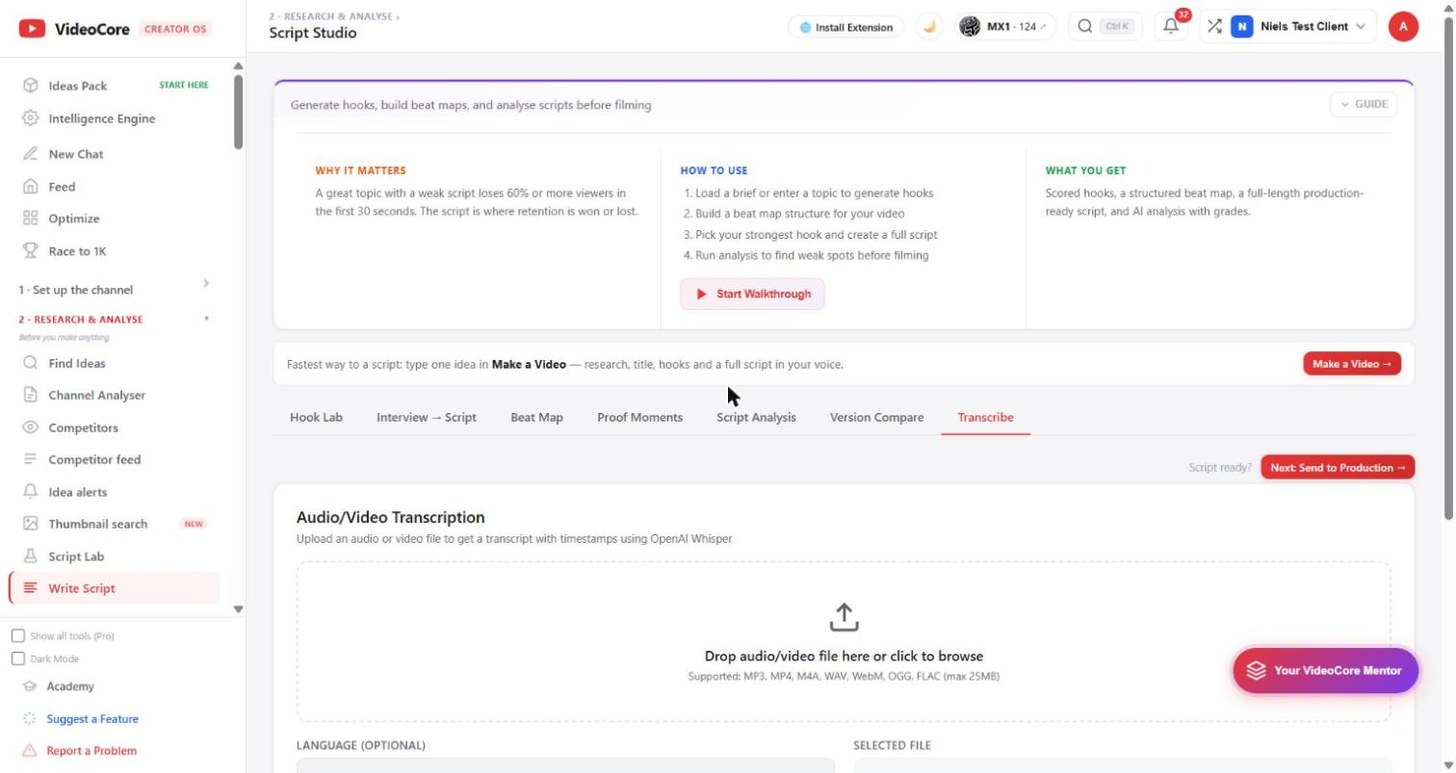
Drop an audio or video file and get a transcript with timestamps, through OpenAI Whisper. Use it to bring a recorded talk into the studio, to subtitle, or to turn an old video into a script to revise.
1
Drop a file, choose the language
MP3, MP4, M4A, WAV, WebM, OGG or FLAC up to 25 MB. Language auto-detects or pick one. Transcribe returns the text with timestamps; export it as SRT for captions, or import it into the other tabs as the script to analyse and revise.
?
Why it works this way
Transcription runs through OpenAI Whisper and nothing else reads your file; the privacy policy names every processor, and the transcript stays in your workspace.