Make a Video: one line in, a measured plan out
Type one idea and Build the plan: keywords with their demand, measured targets for length, words and pace counted from your field, the title and its promise, the thumbnail concepts, tags and an outline. Everything measured says what it was counted from.
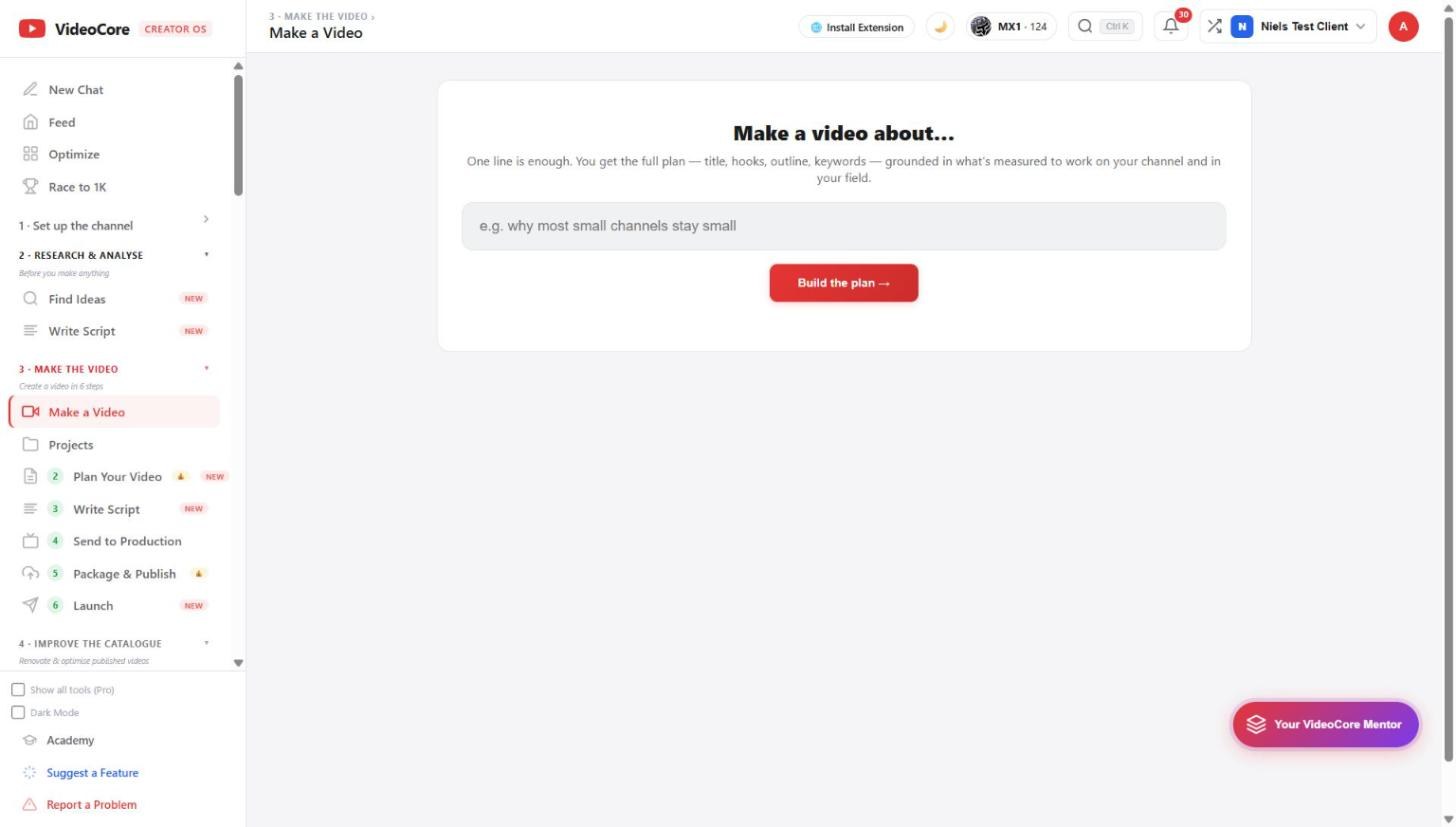
One line is enough
Make a video about... and one sentence. The plan that comes back, title, hooks, outline, keywords, is grounded in what is measured to work on your channel and in your field, not in a generic template. Click Build the plan.
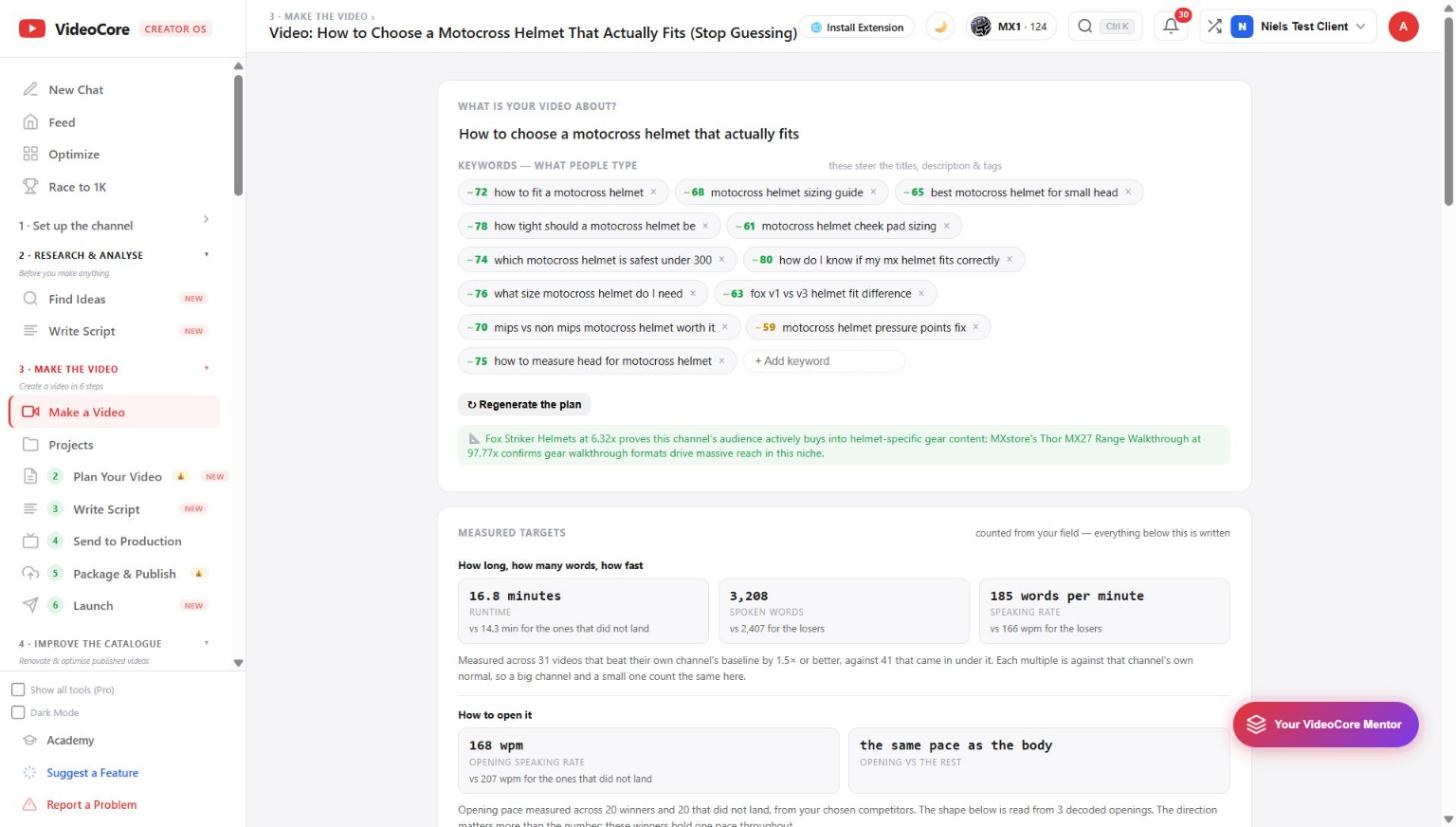
Keywords and measured targets
Keywords are what people type, each with a demand score; remove any, add your own. Then the measured targets: runtime, spoken words and speaking rate for the videos that landed against the ones that did not, counted across 31 winners and 41 that fell short in your field, each against its own channel's normal.
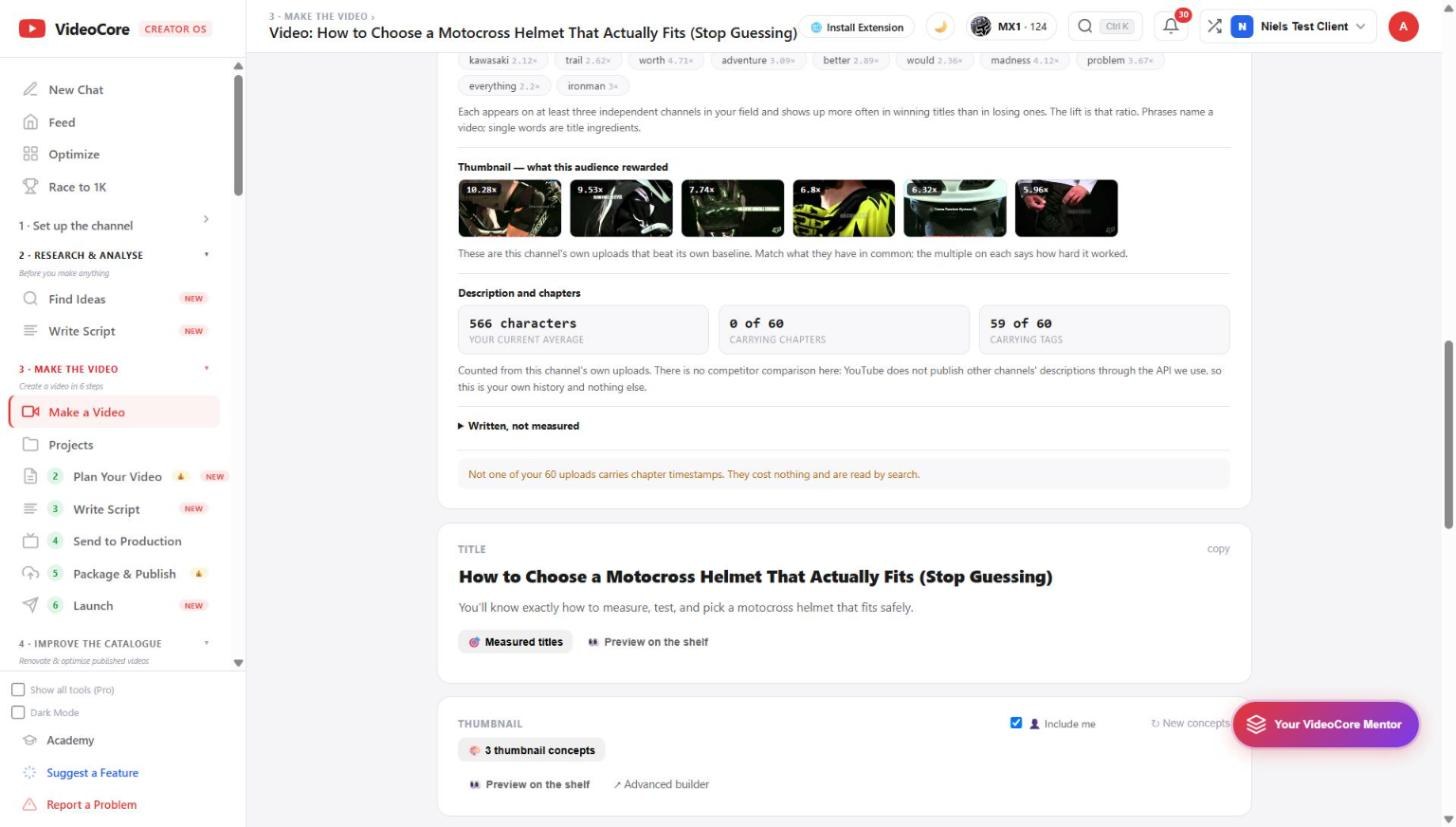
What this audience rewarded
Title phrases with their lift, each seen on at least three independent channels. The thumbnails are your own uploads that beat your baseline, with the multiple on each. Description and chapters are counted from your own uploads only, and the page says why: YouTube does not publish other channels' descriptions. Written, not measured is folded and labelled.
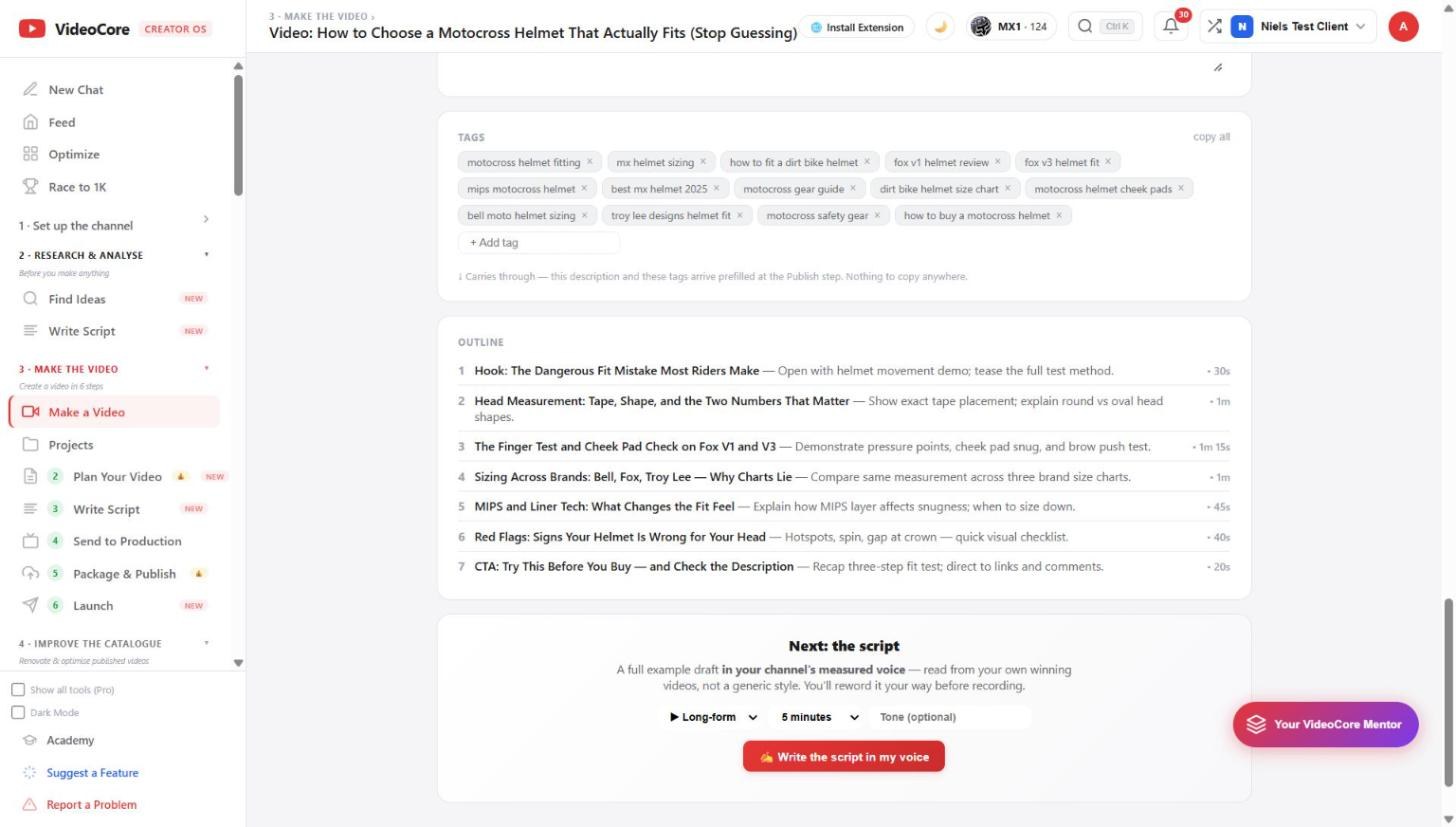
Title, thumbnail, tags, outline
The title with its one-line promise, Measured titles and Preview on the shelf; three thumbnail concepts; tags that carry through to the Publish step with nothing to copy; and the outline, each beat timed. Regenerate the plan rebuilds it from the same idea.
Why it works this way
Every target on the canvas is a count from your own field, winners against the ones that did not land, each against its own channel's normal, and anything the page could not measure is labelled written, not measured, and folded away.