From the canvas: the script in your voice, three thumbnails, the shelf
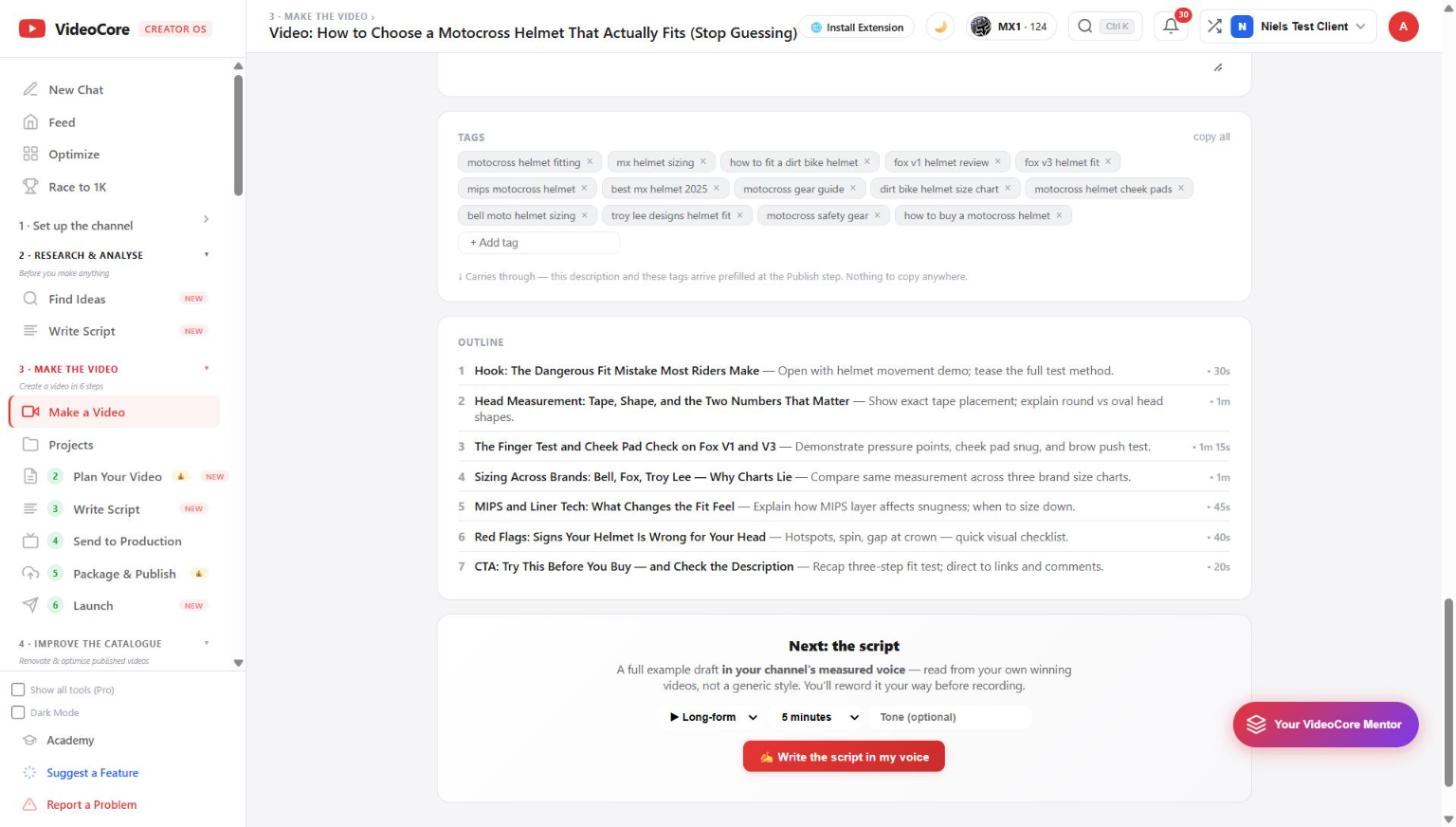
Below the plan: Write the script in my voice drafts a full script read from your own winning videos; the thumbnail concepts render to real images; Preview on the shelf shows your title and thumbnail in a YouTube feed next to your field.
Write the script in my voice
Choose long-form or Short, a length and an optional tone, then Write the script in my voice. The draft follows the outline above and your measured voice, read from your own winning videos rather than a generic style; you reword it before recording.
Three thumbnail concepts and the shelf
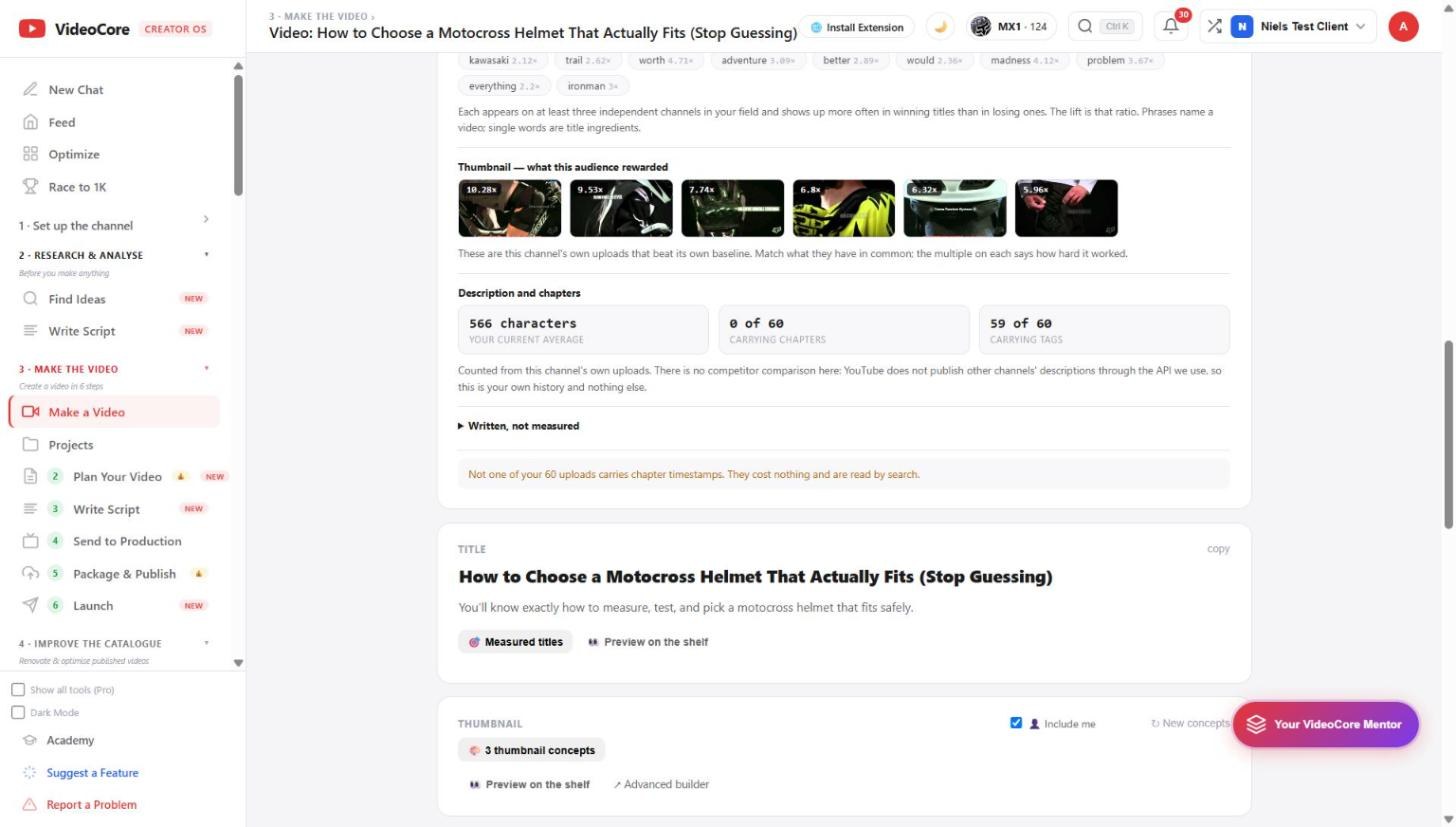
Three thumbnail concepts, Include me when your face should be on them, New concepts for another three, Advanced builder to edit one. Preview on the shelf puts your title and thumbnail in a feed beside your field, where a weak pair shows immediately. Download what you keep.
Why it works this way
The script is drafted from your own measured voice and the plan's timed outline, and the shelf preview is the one test that mirrors how a viewer actually meets a video: as one tile among the field's.