Other connections: imports, calendar and the social platforms
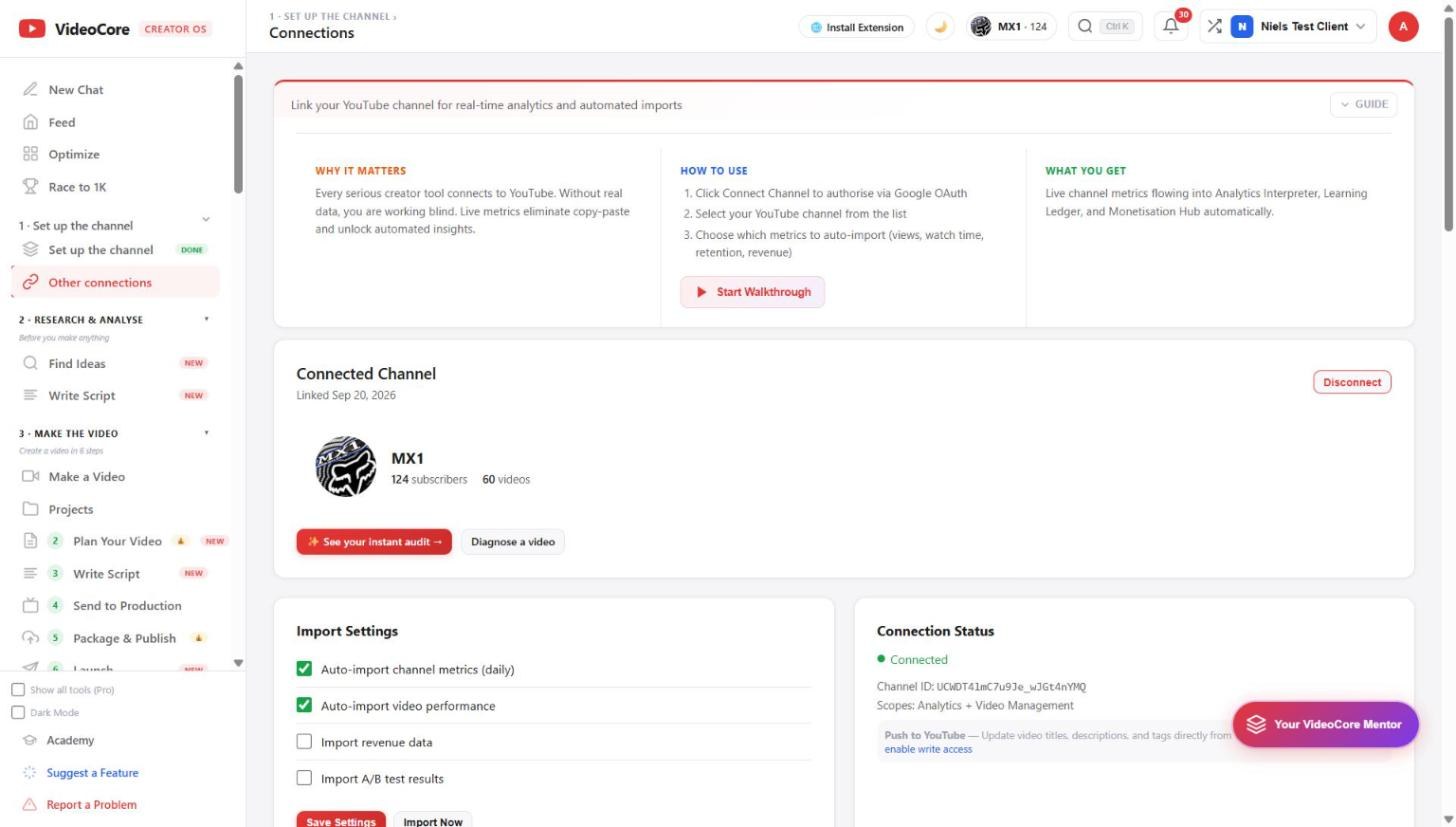
The Connections page shows the channel link, what is imported each day, the connection status and scopes, and the other platforms: TikTok, Instagram, Patreon, Pinterest and Google Calendar.
The connected channel
Who is linked, since when, subscribers and video count, with See your instant audit and Diagnose a video one click away. Disconnect is here too; reconnecting later keeps your data.
Import settings and status
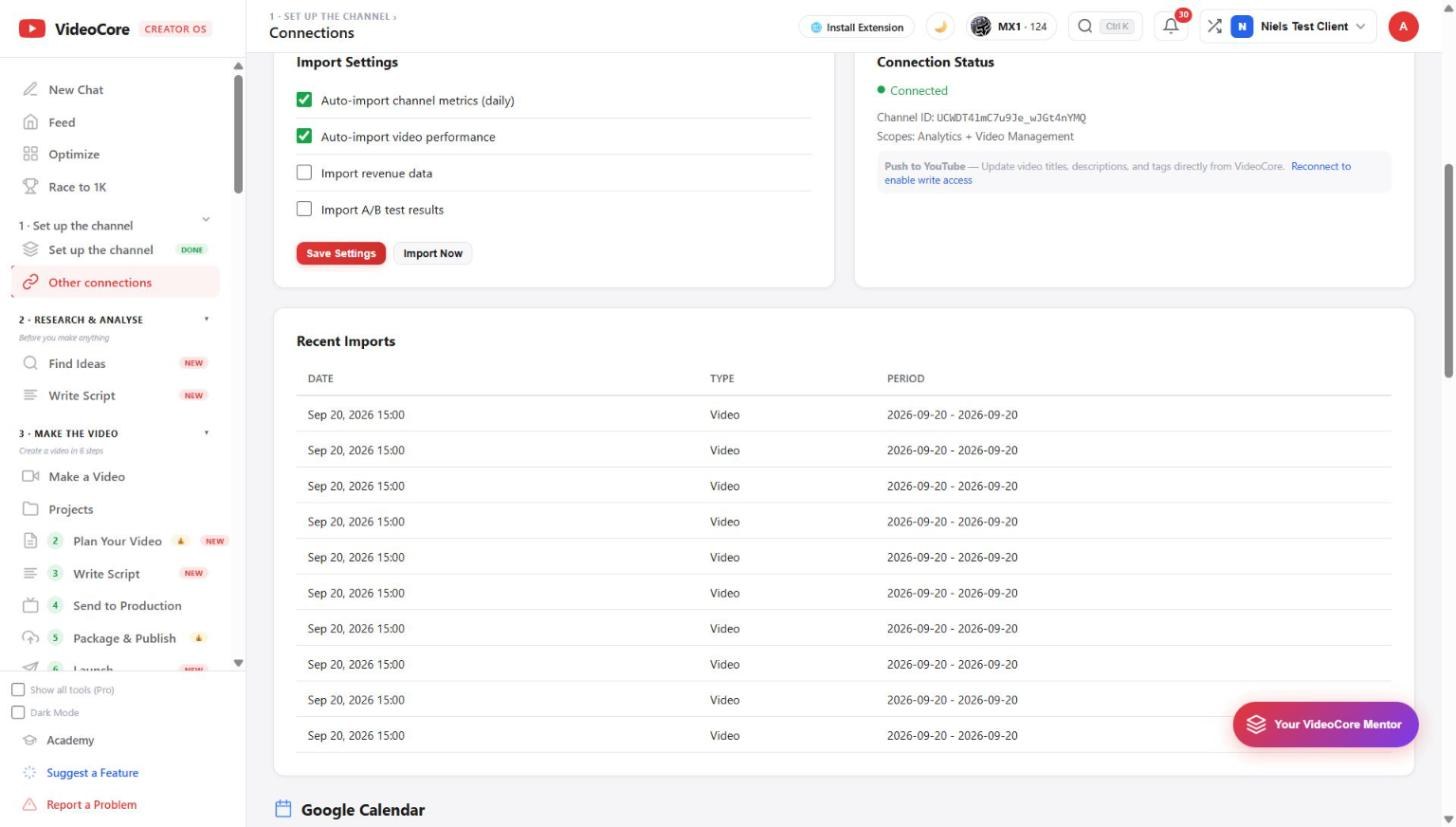
Tick what comes in daily: channel metrics, video performance, revenue, A/B results. Save Settings, or Import Now for a pull right away. Connection Status shows the channel id and scopes; Push to YouTube needs write access, granted by reconnecting when you want it.
Recent imports and the other platforms
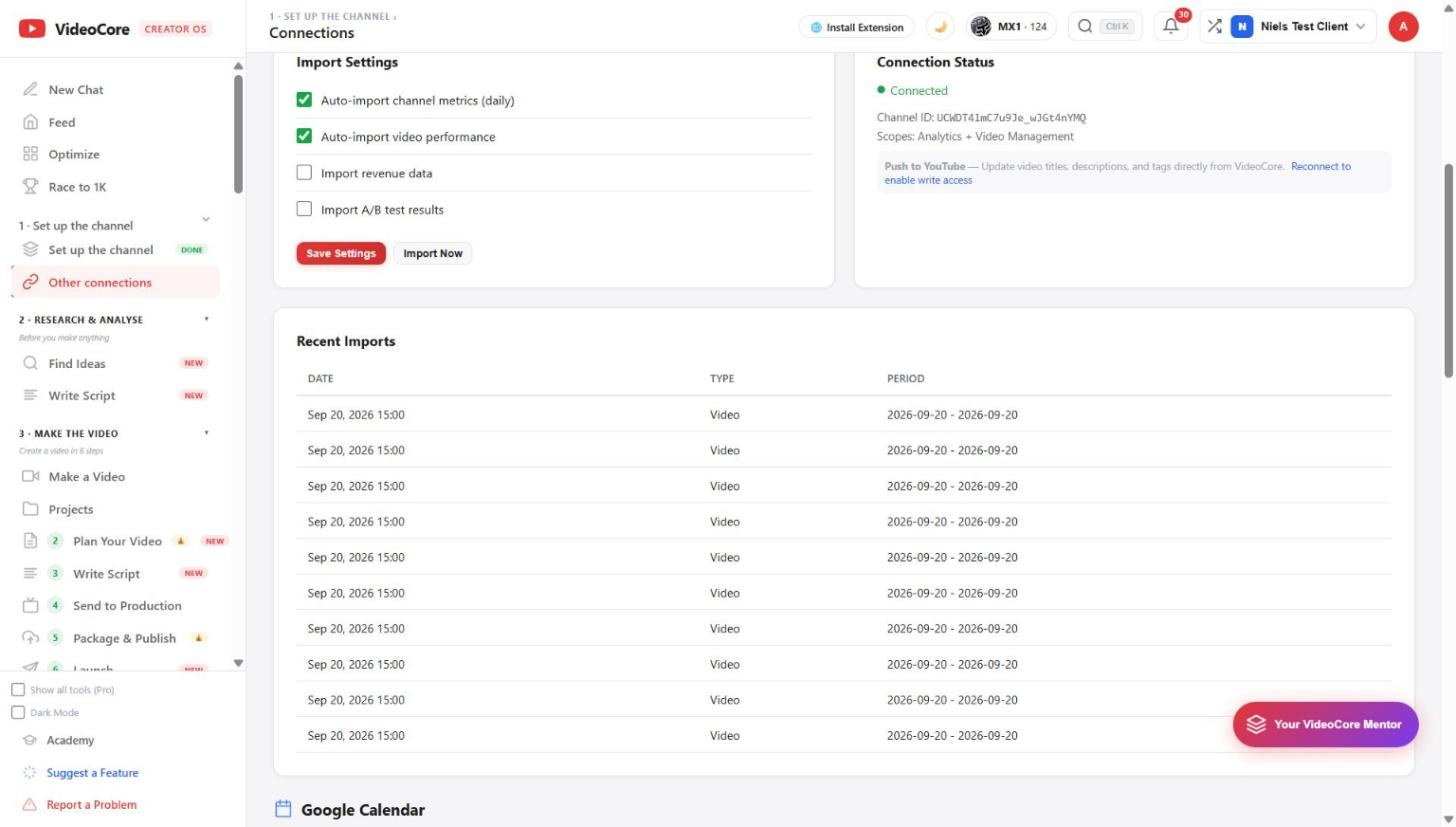
Every import is dated with its type and period, so you can see what the numbers are built from. Below: Google Calendar for the content calendar, then TikTok, Instagram, Patreon and Pinterest, each with its own connect button.
Why it works this way
Every number on the platform is traceable to an import you can see here, dated and typed, and the connection asks for write access only when you choose to push something to YouTube.