Your voice: scripts in, a voice profile out
Step 4 extracts how this channel sounds from a couple of your own scripts, so generated scripts sound like you rather than like everyone else. Constraints and the brand kit sit on the next two tabs.
Paste two or three scripts
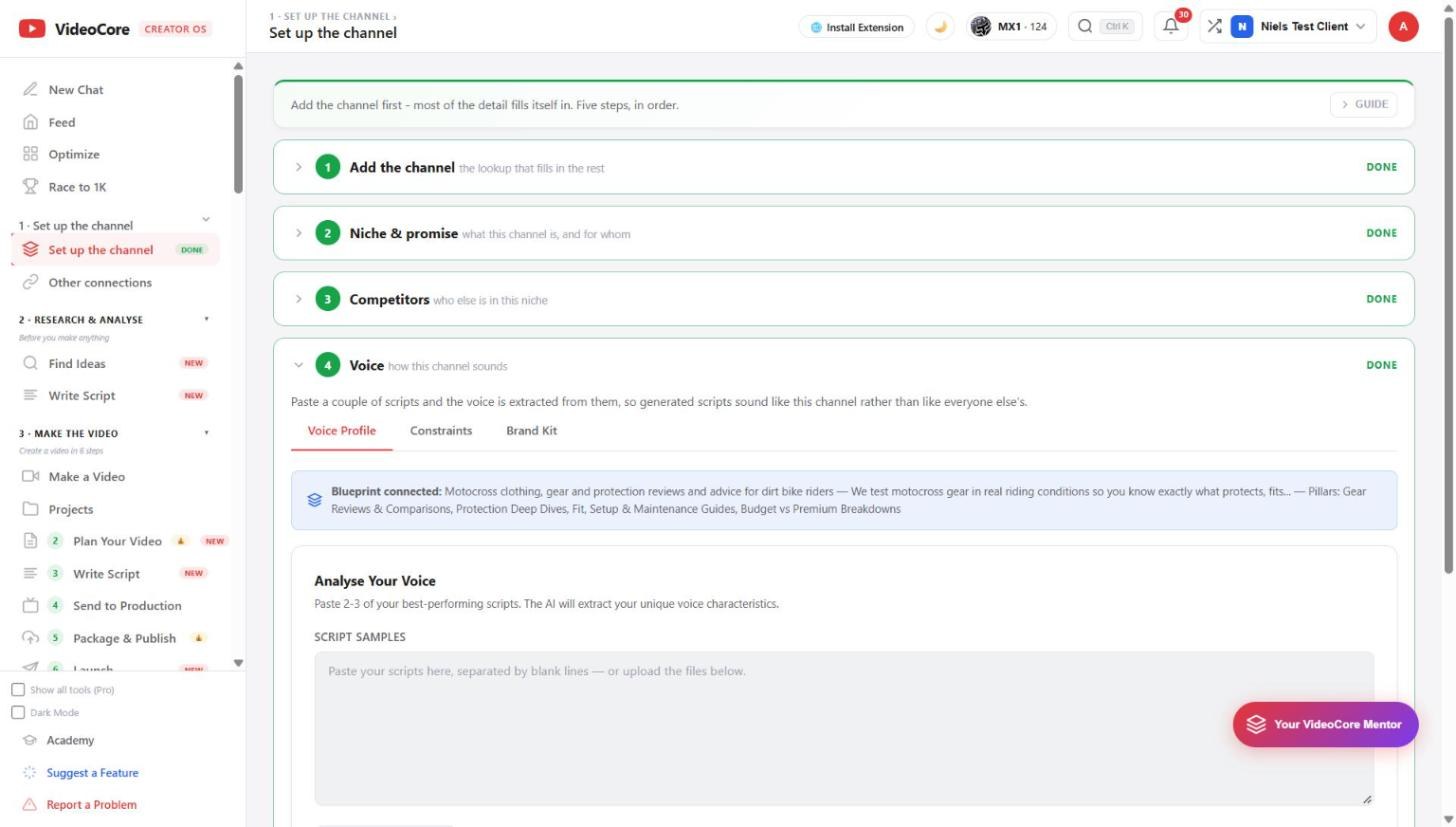
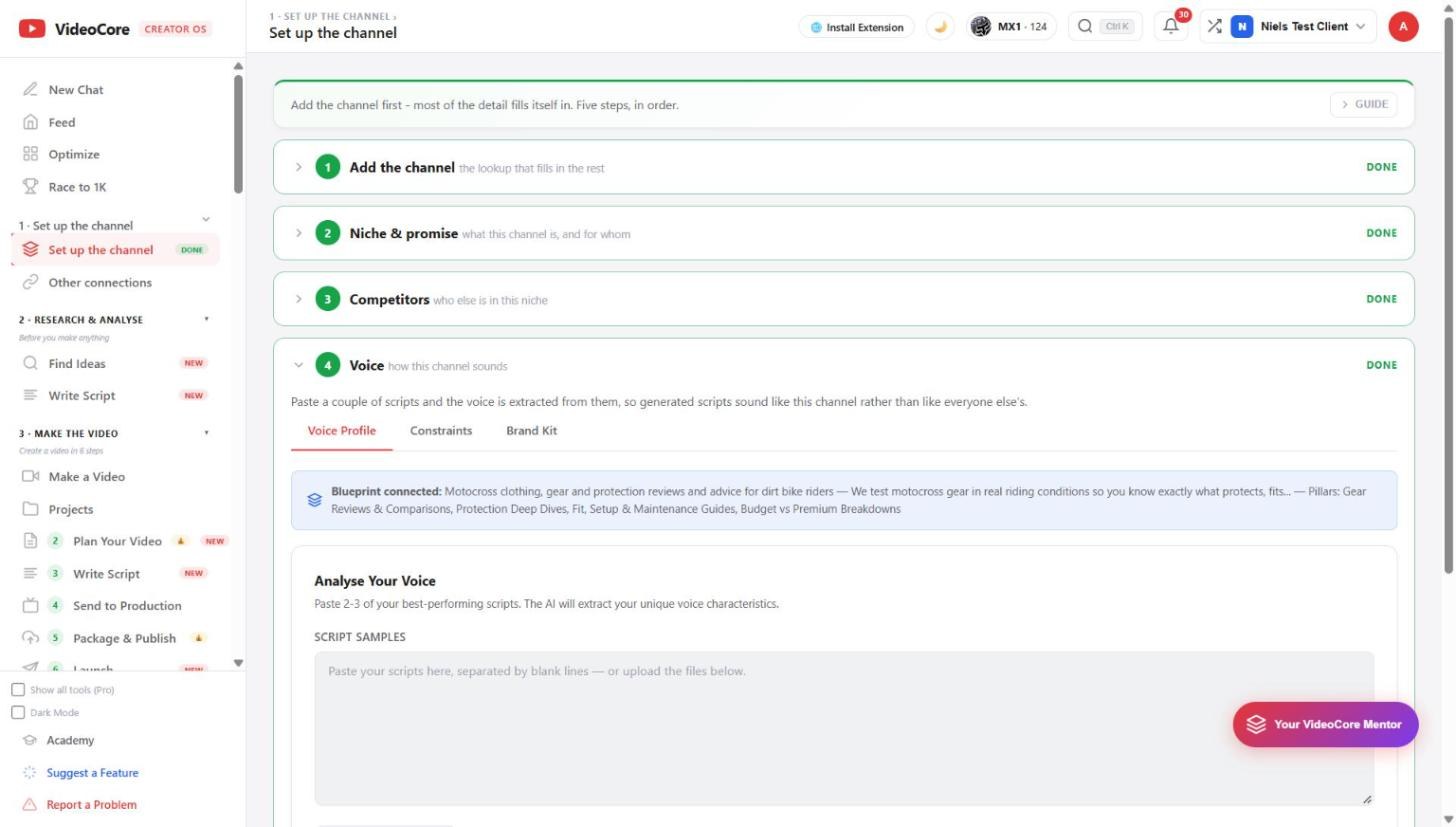
Voice Profile tab. Paste your best-performing scripts separated by blank lines, or upload the files. The blue line shows the Blueprint is connected, so the voice is read against your niche and pillars.
Analyse, then save
Analyse My Voice extracts the characteristics: sentence length, how you open, what you never say. Read them, correct anything wrong, then Save Voice Brand. Constraints holds the rules every script must obey; Brand Kit holds names, colours and links.
Why it works this way
A voice is extracted from scripts you actually used, never from a questionnaire, so what comes out is measured against your own words and can be checked line by line.