The Feed: one next step
The Feed is home. It shows your channel strip, a conveyor with the one thing to do next, an ask bar, your milestones and projects, and the latest from YouTube Creators.
Your channel strip
Views, subscribers, uploads in the last 28 days and your best recent video, once a channel is connected. Before that it says Not connected.
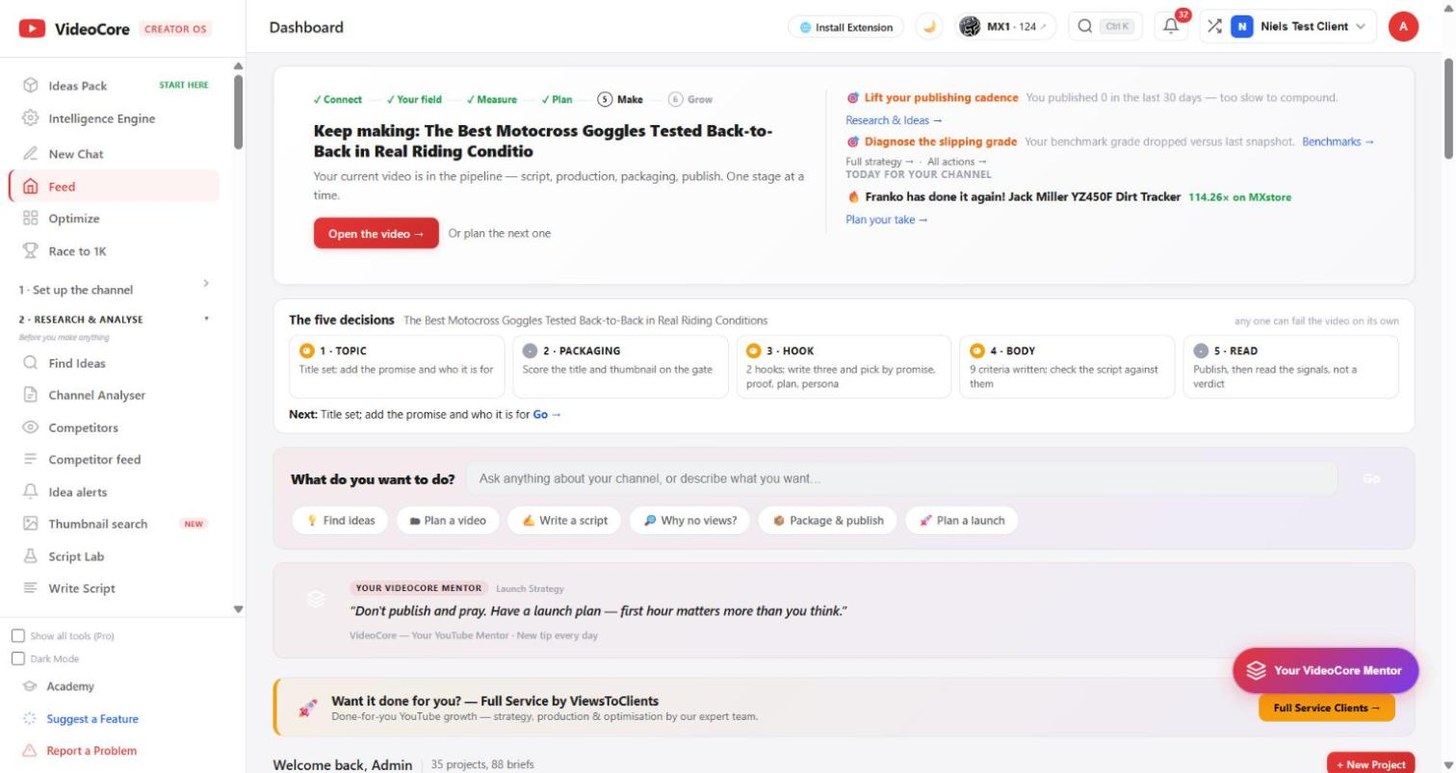
The conveyor, then the five decisions
Six steps: Connect, Your field, Measure, Plan, Make, Grow. It always shows the one next move and its button. Under it, for the video in hand, the five decisions a video is made of: topic, packaging, hook, body, read. Each is a tick, a half or a dot from what you have recorded, with its receipt, and Next names the first one that is not yet passed. Any one of the five can fail the video on its own.
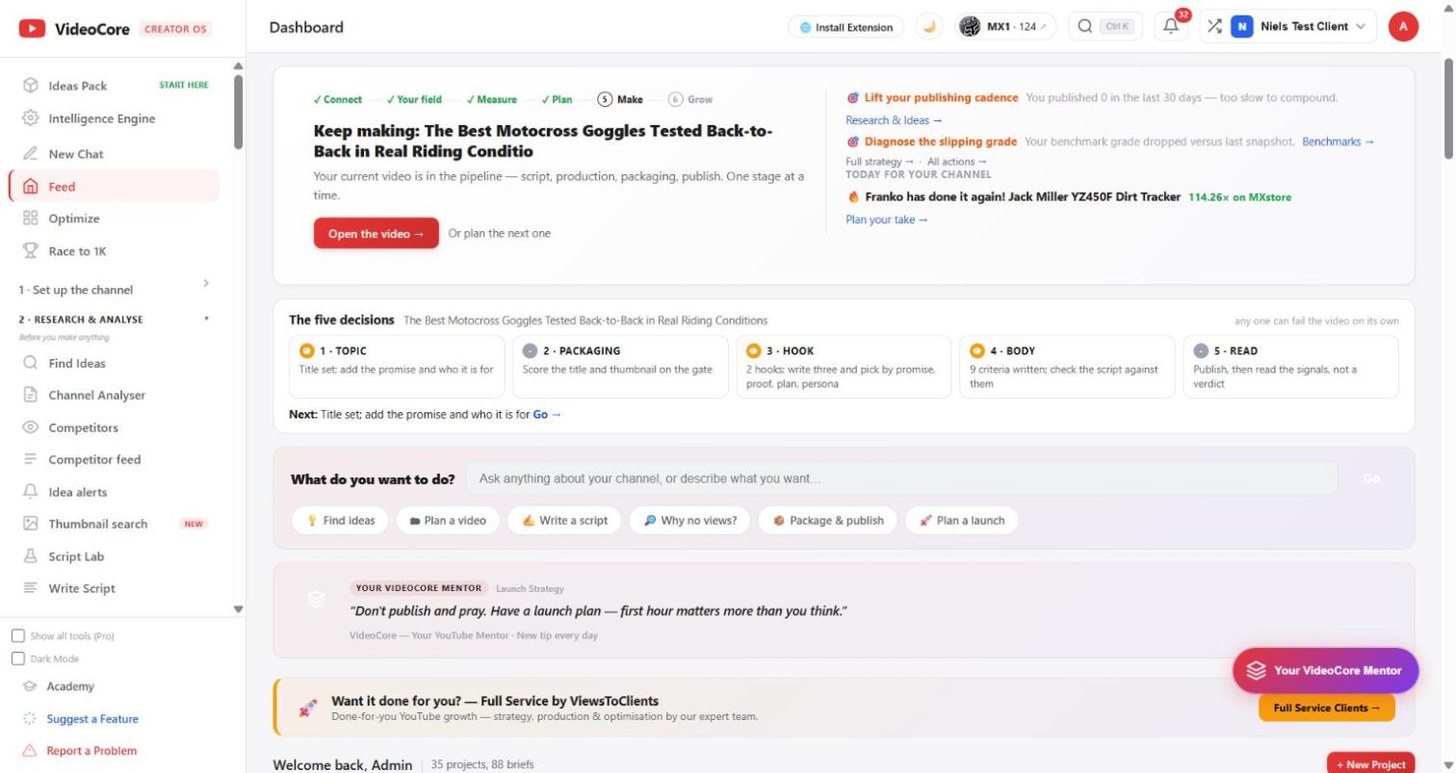
What do you want to do?
Type anything about your channel, or press a chip: Find ideas, Plan a video, Write a script, Why no views, Package and publish, Plan a launch.
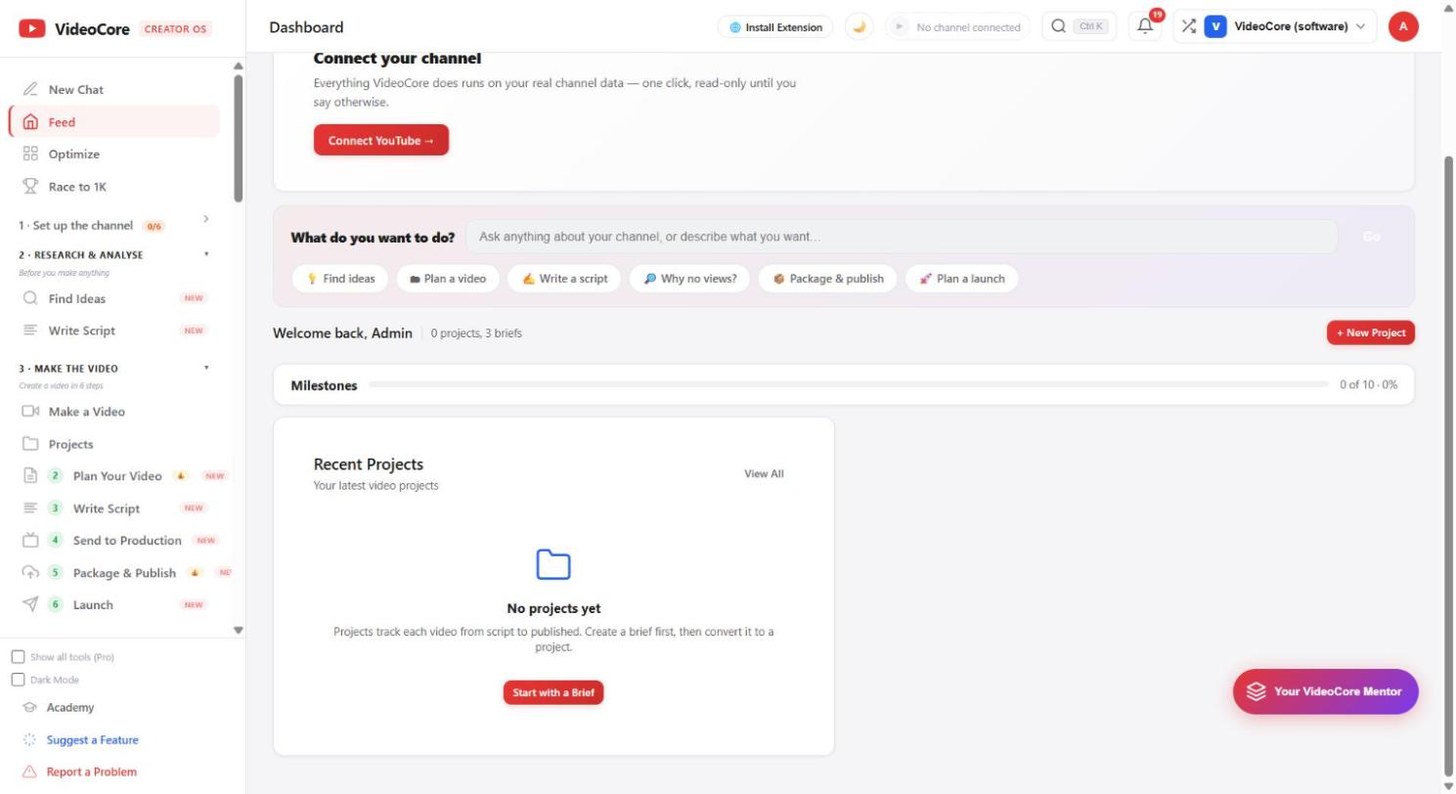
Milestones and projects
The Race to 1K milestones, your recent projects, and a New Project button. Below, the latest from the official YouTube Creators channel.
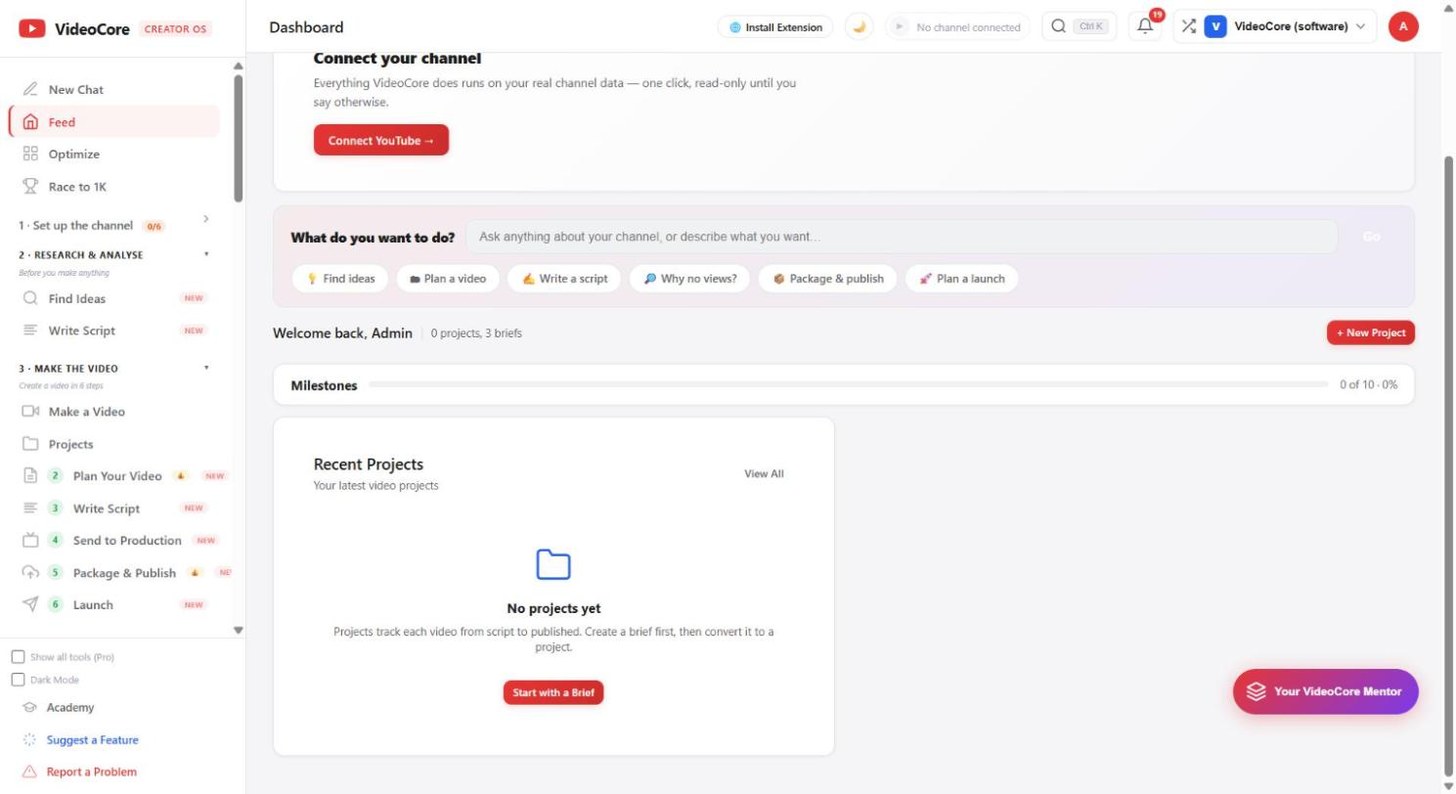
Why it works this way
Four competing "start here" voices were merged into one conveyor on 5 September 2026, so the Feed answers one question: what next.