Your trial, plans and billing
Settings, Plan and Billing: the current plan, what this month used, the features each plan includes, the upgrade, the billing portal, and cancelling in one click.
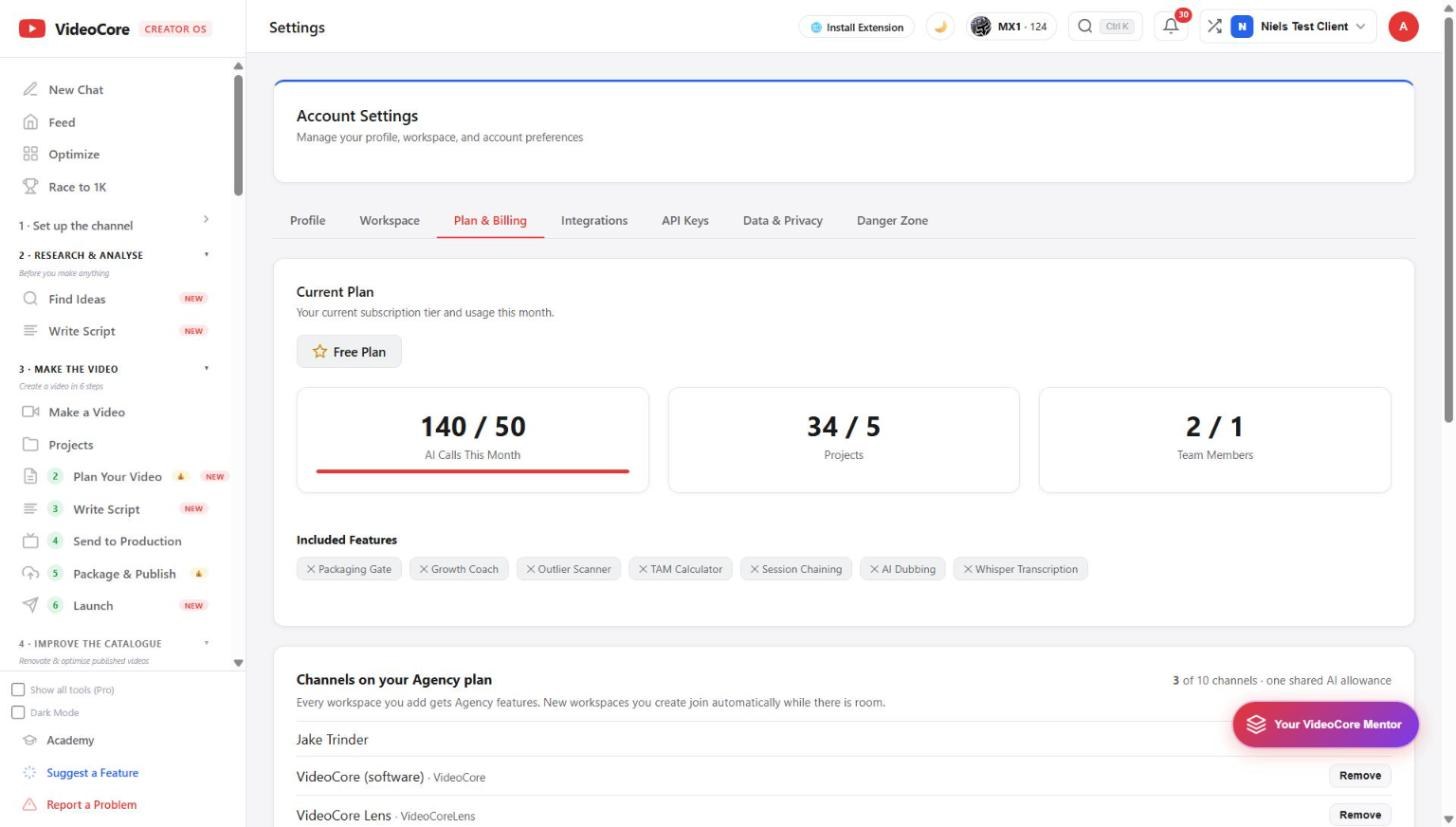
Current plan and usage
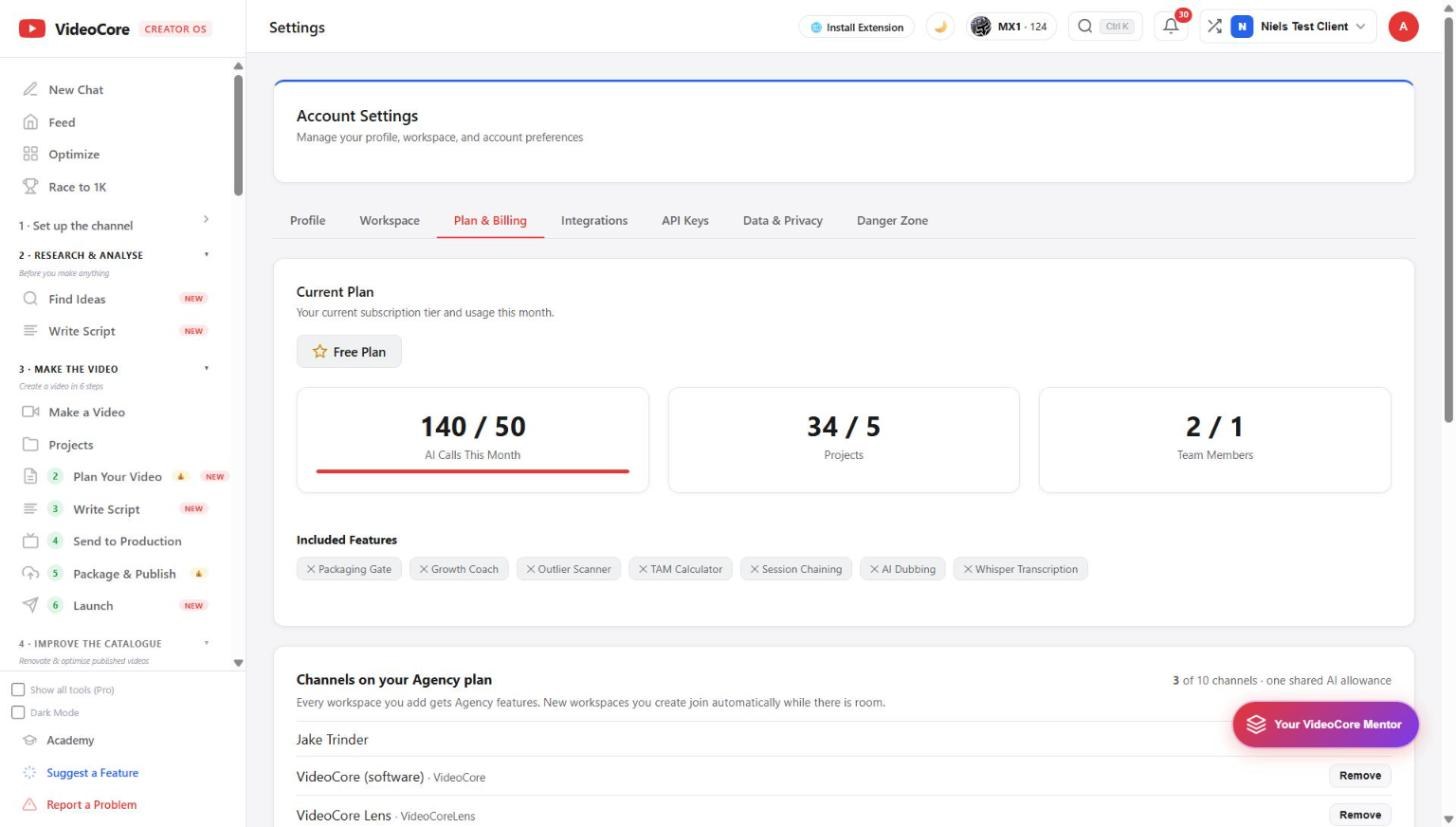
The plan you are on, AI calls this month against the allowance, projects, team members, and the features your plan includes or lacks. A trial shows its end date here and in the nav.
Upgrade, manage, cancel
Starter £25, Pro £39, Agency £99 a month, ten months for a year, no credits and no per-click charges. Upgrade opens checkout; Manage billing opens the Polar portal for invoices and cards; cancel is one click there and the plan runs to the end of the period.
Why it works this way
The plan page shows what you used and what each plan holds, in the same figures as the pricing page, and cancelling is one click in the portal, never a call or a form.