No channel yet? Start one now
Tell VideoCore what you know or love, read what videos on that subject actually did, measured from real channels, pick a lane, create the channel on YouTube in a minute and connect it. The channels that won your subject become your first competitors before your first upload.
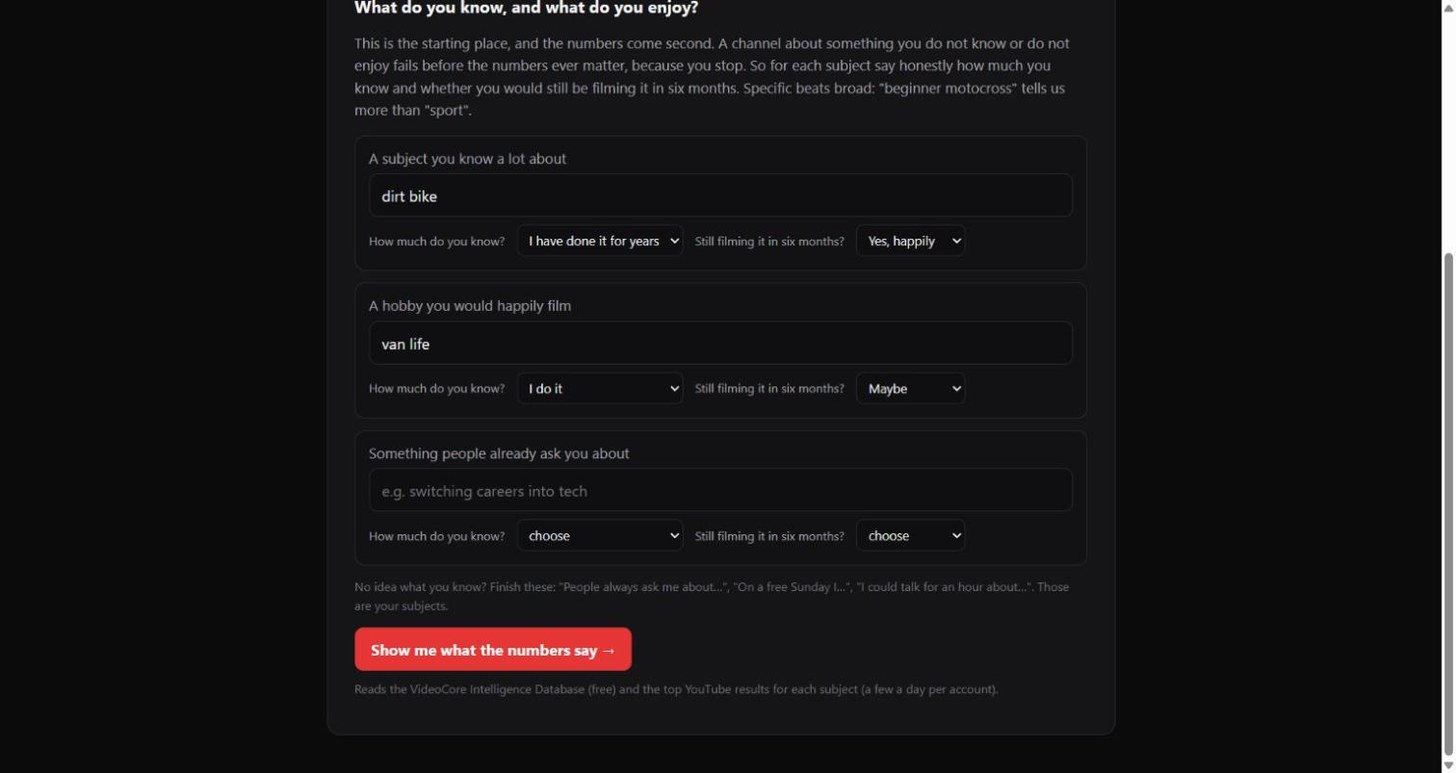
What you know, and what you enjoy
Up to three subjects. For each, say how much you know and whether you would still be filming it in six months. That is the starting place; the numbers come second, because a channel is fifty videos and nobody makes fifty about a subject they do not care about. Then press Show me what the numbers say.
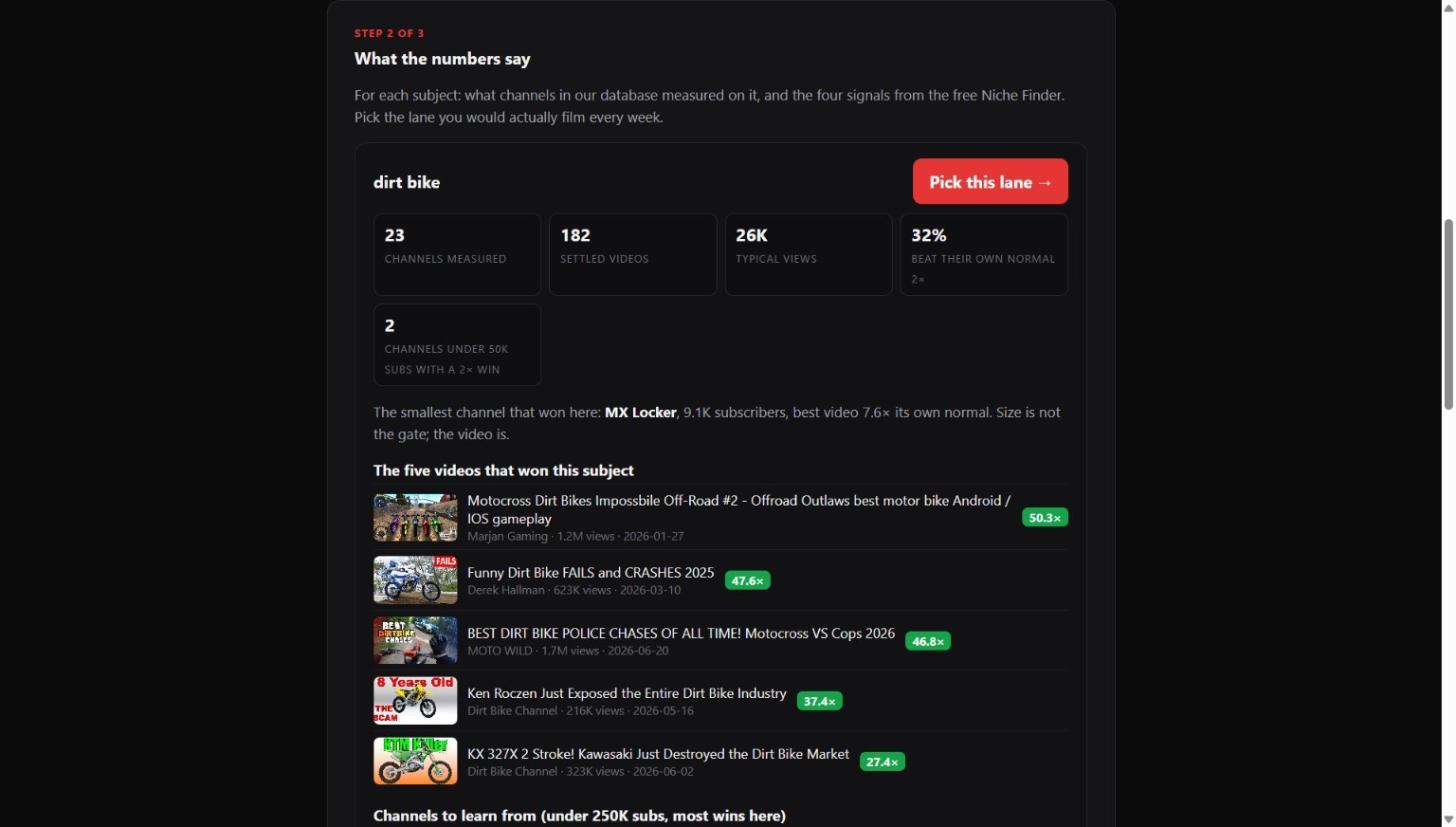
What the numbers say
For each subject: how many channels and settled videos the database measured, typical views, the share that beat their own normal twice over, the small channels that won, and the smallest winner named. Then the five videos that won the subject, the channels to learn from, and the four Niche Finder signals. Press Pick this lane on the one you would film every week.
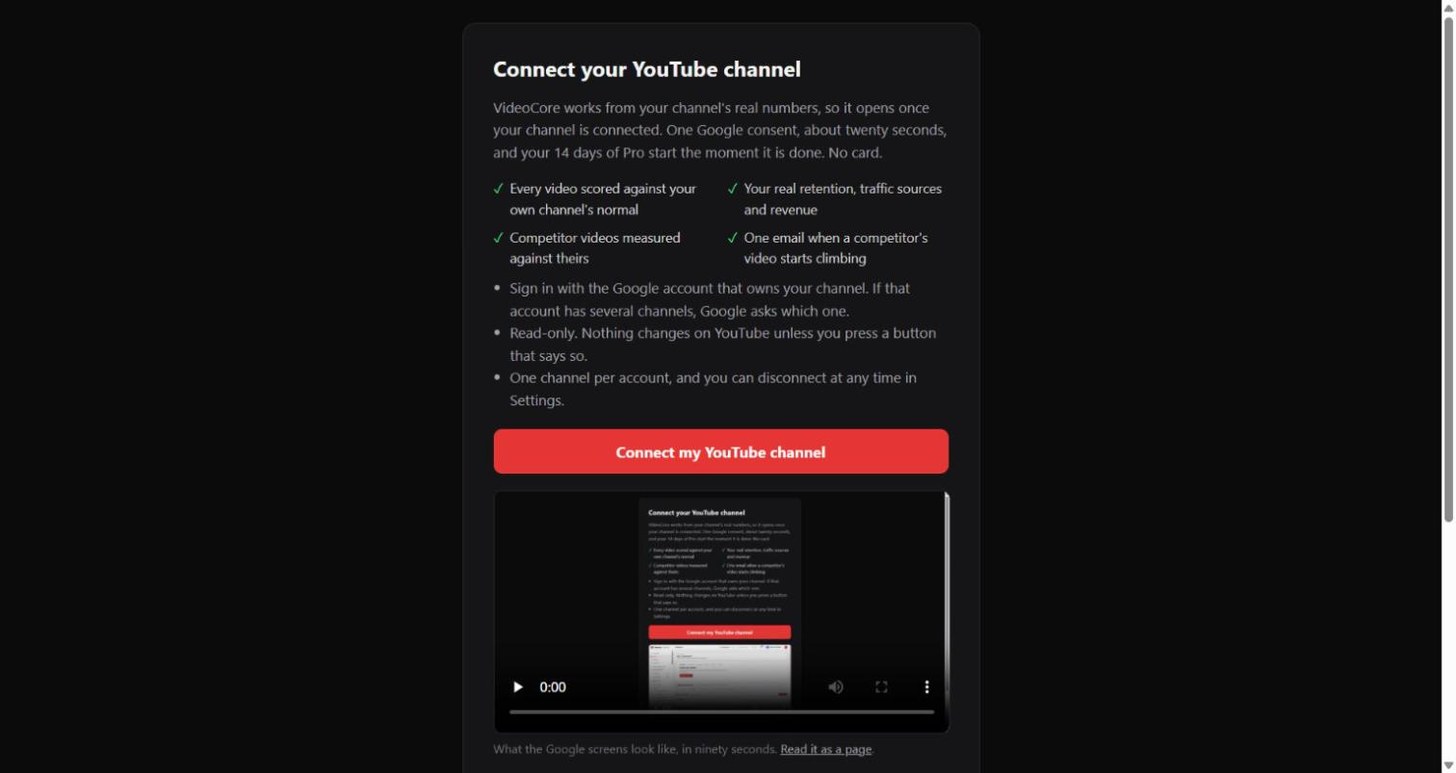
Create it, then connect it
Picking a lane saves it and makes the winning channels your first competitors. Create the channel on YouTube, name it for the subject, come back and press Connect. Your 14 days of Pro start the moment it connects.
Why it works this way
Half of the first week's sign-ups stopped at the connect wall. A measured lane, a named small winner and three competitors already set give someone without a channel a reason to make one, and nothing on the page is estimated except the RPM band, which says so.