Every transcript in a playlist or channel
Open a playlist, your Watch Later or a channel's Videos tab, collect the transcripts of the whole list, then search across all of them. Free, with no account.
Open a list of videos
On a playlist, Watch Later or a channel's Videos tab, an All transcripts button appears bottom right with the number of videos it found. Scroll first to load more; the limit is 100 a run.
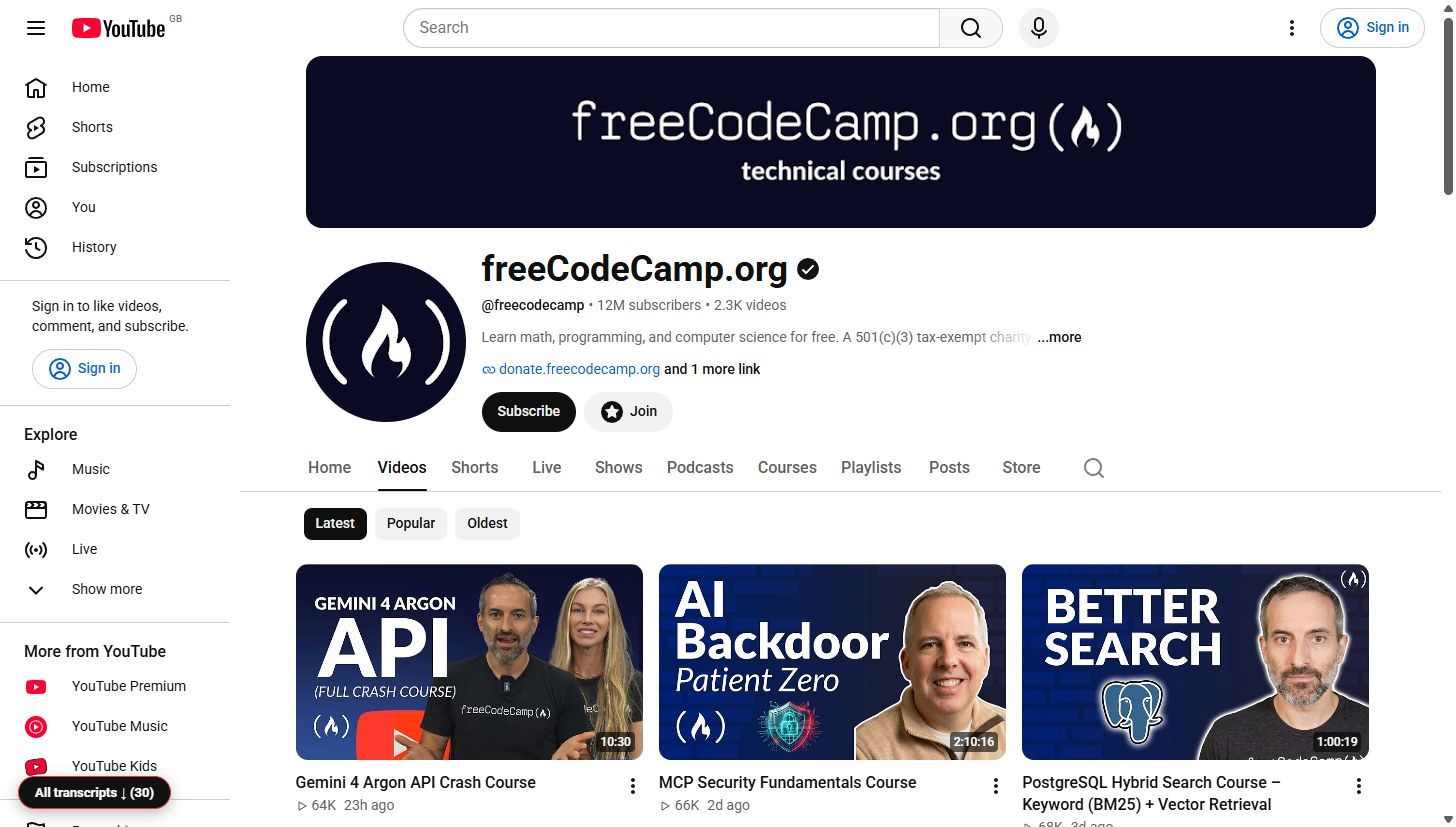
Press Start
The extension visits each video in this tab, about six to ten seconds each, and reads YouTube's own transcript panel. You can stop at any time and keep what it has collected.
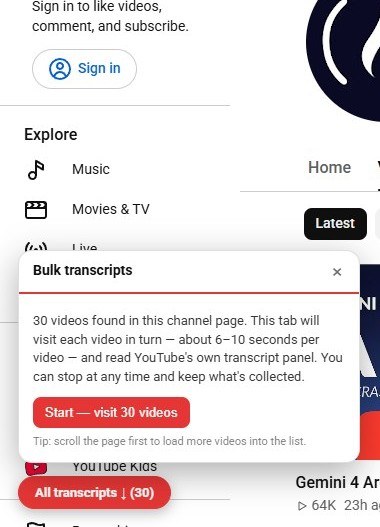
Download the lot
When it finishes you get one Markdown or text file with every transcript. Under More there is also a .json, a zip with one file per video, and a plain .txt made for NotebookLM. Any video that did not load can be retried; this run collected 2 of 4 and says so.
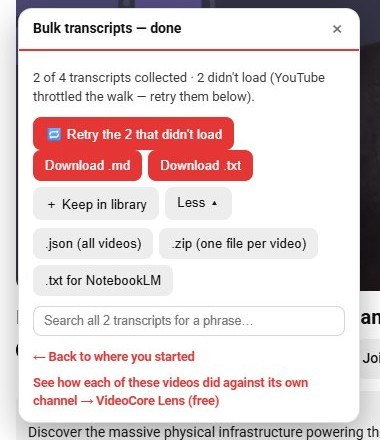
Keep them in your library
Keep in library saves the transcripts inside the extension, on your own computer, so you can open them later from the Library tab of any video's transcript panel without walking the list again.
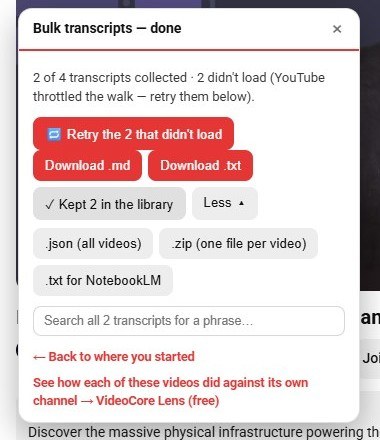
Search across all of them
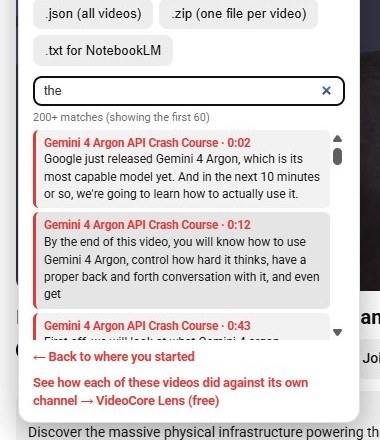
The search box finds a phrase across every transcript collected: the video, the time, the line, and a link that opens it at that moment.
Why it works this way
Nothing is uploaded: the walk happens in your own tab and the files are built on your computer. If YouTube slows the walk down the extension waits and says so, rather than reporting videos as having no transcript.