Get the transcript of any YouTube video, in any format
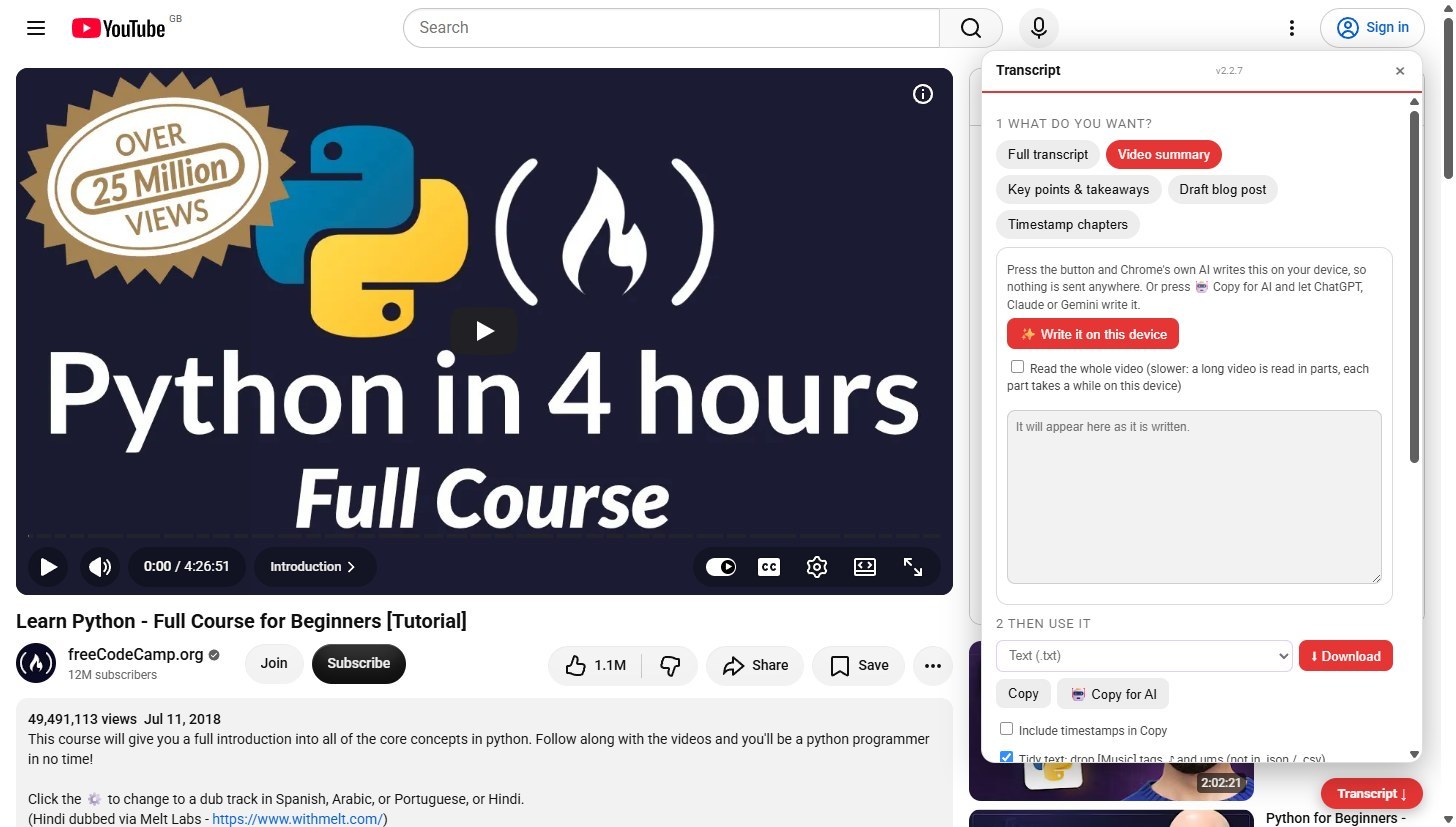
Open a video, press Transcript, choose what you want (the full transcript, a summary, key points, a blog draft or chapters), then download it in any format, copy it, or copy it for an AI.
Open a video and press Transcript
On any YouTube watch page the red Transcript button sits bottom right. Press it and the extension reads the transcript YouTube already shows you.
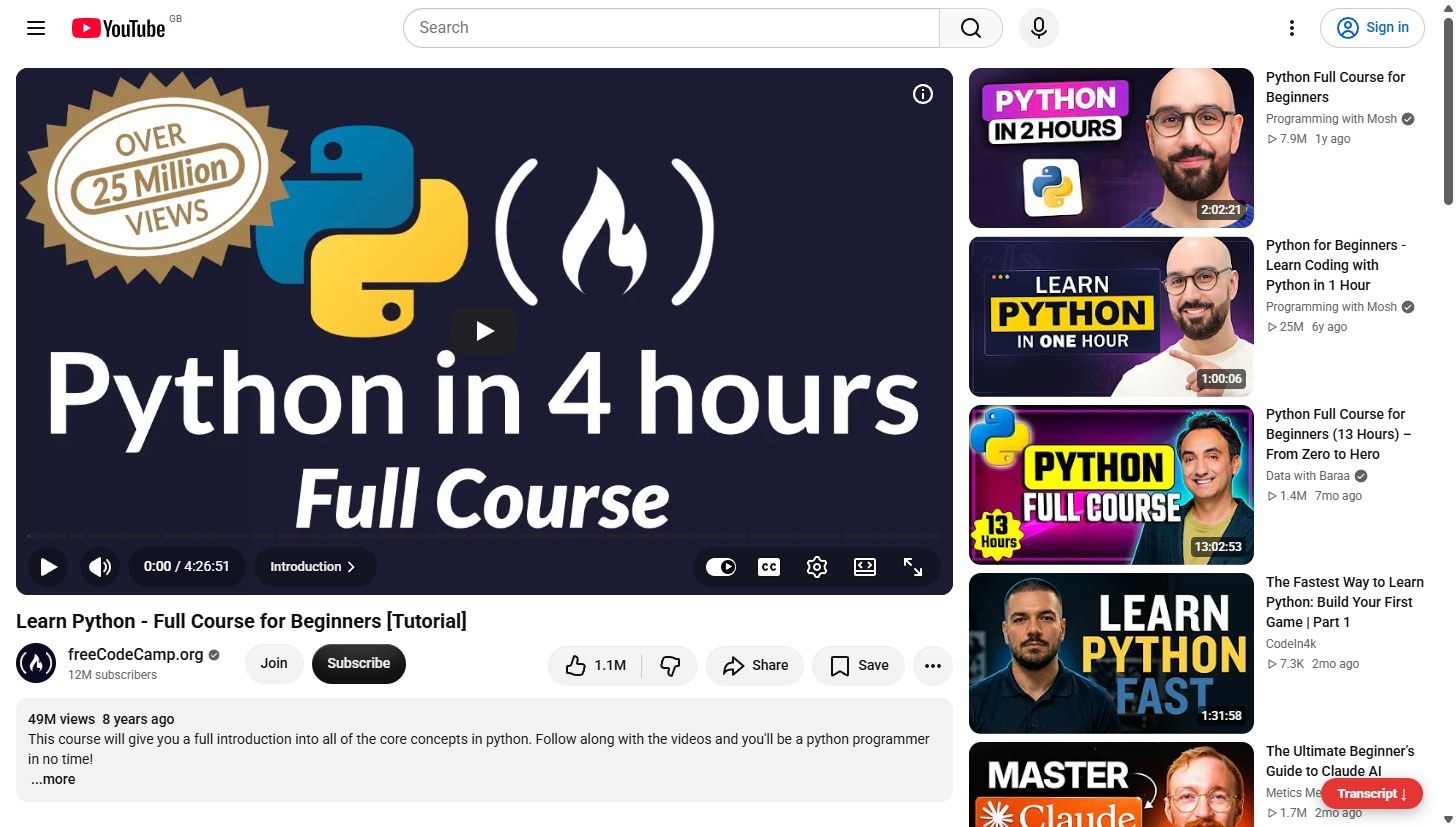
Choose what you want
Five choices at the top: Full transcript, Video summary, Key points and takeaways, Draft blog post, and Timestamp chapters. The full transcript is read from YouTube. Copy gives you the lines, with or without timestamps, and Copy as paragraphs joins them into clean paragraphs.
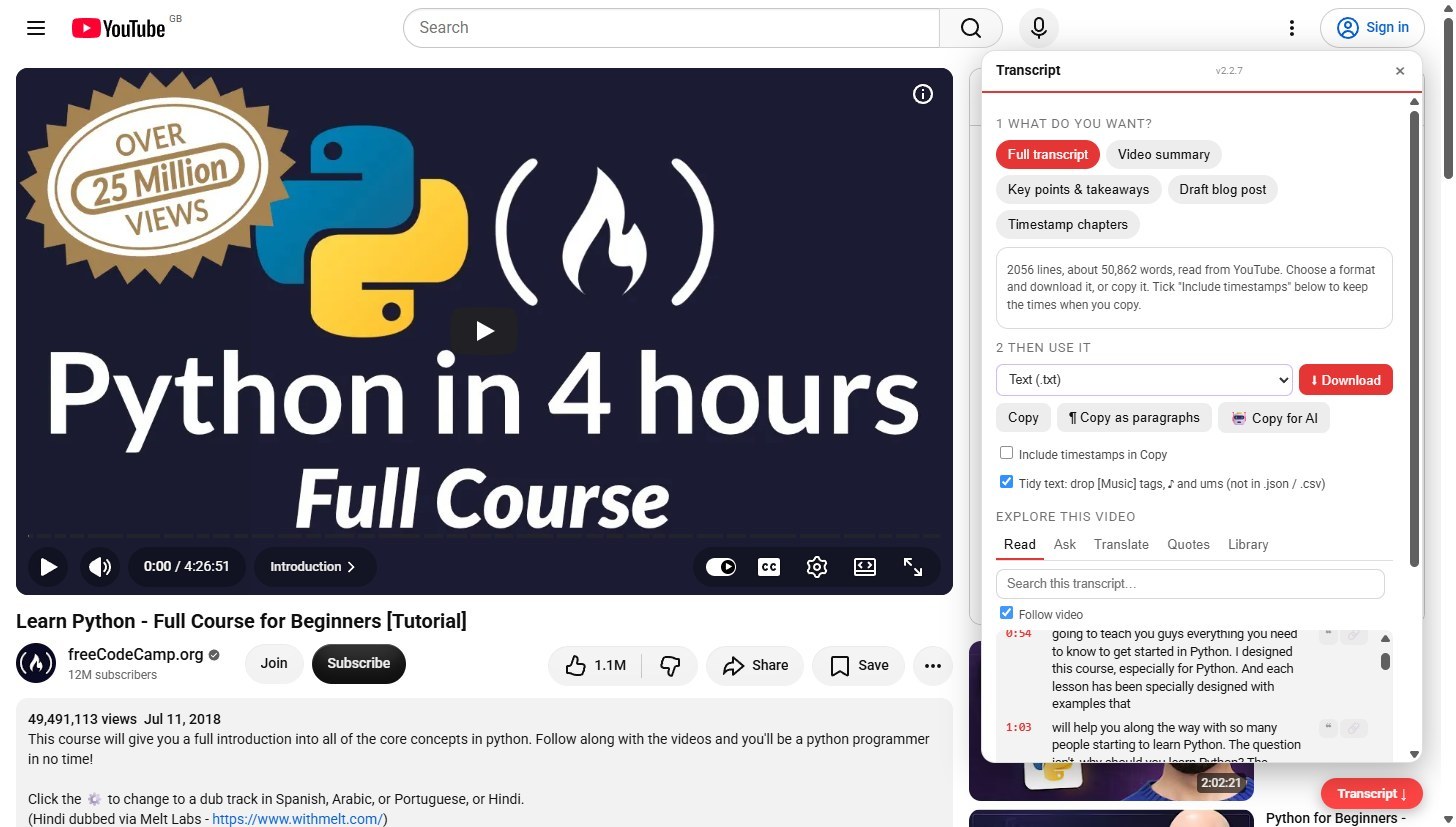
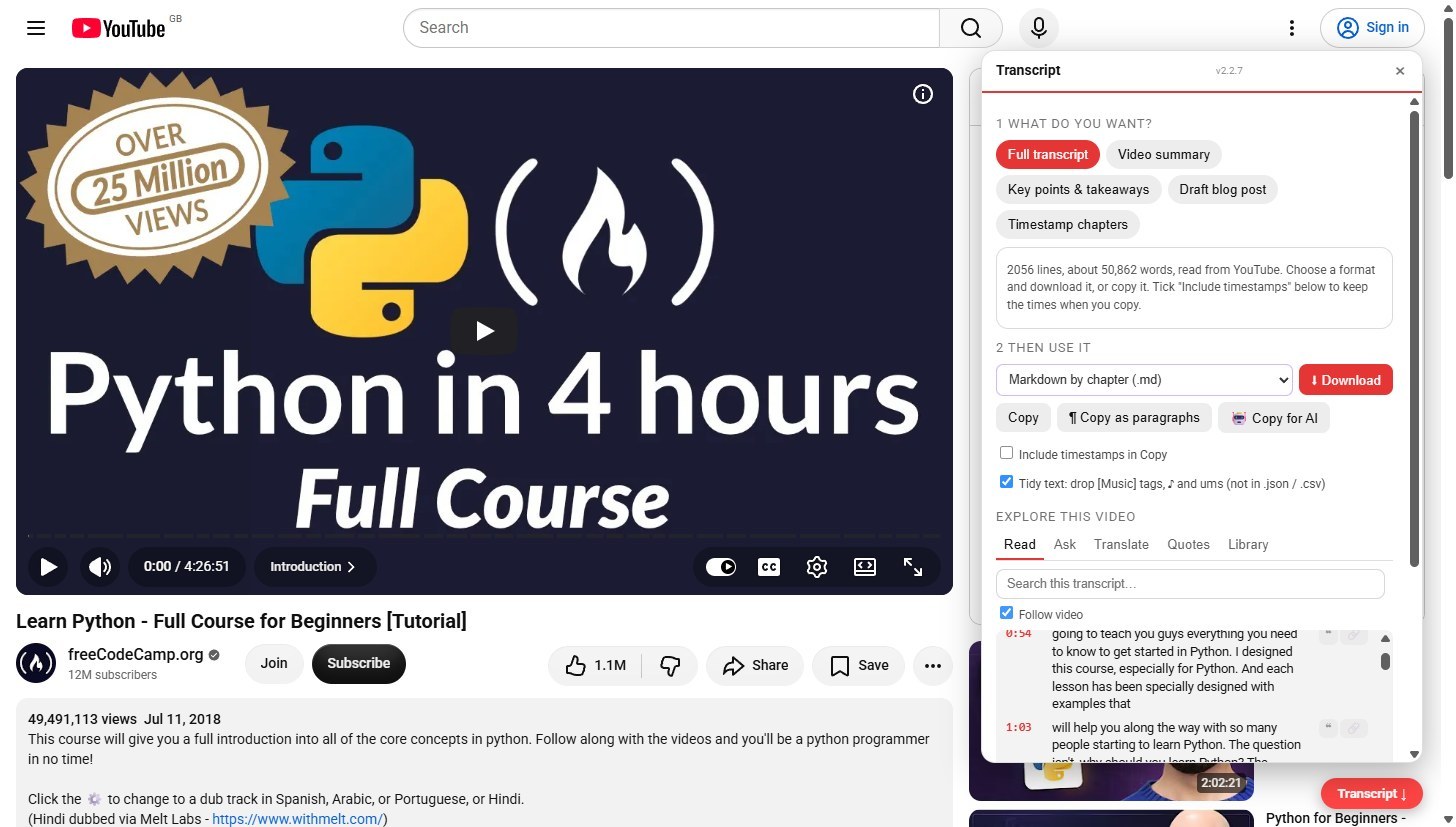
Download it in any format
Pick a format, then press Download: plain text, clean paragraphs, SRT or VTT subtitles, Markdown with the video link, with a link on every line, split by chapter or for Obsidian and Notion, JSON, or a spreadsheet CSV.
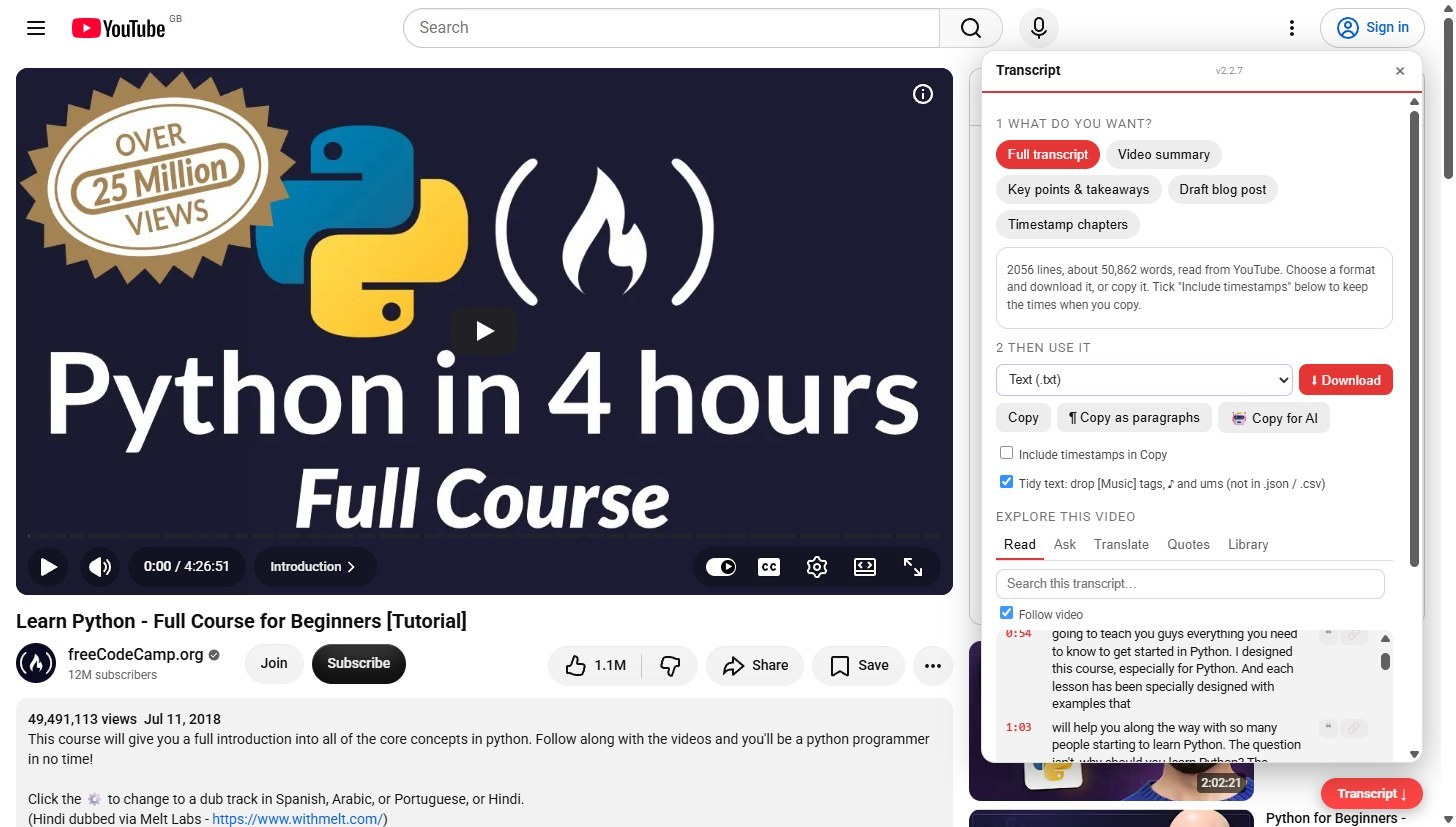
Copy it for an AI
Copy for AI puts the right task for what you chose, plus the transcript, on your clipboard. Paste it into ChatGPT, Claude or Gemini. Nothing is sent from here.
Or write it on your device
Choose Video summary, Key points, Draft blog post or Timestamp chapters and press Write it on this device. Chrome built-in AI writes it on your device, so the transcript is not sent anywhere. The first run loads the model and can take a minute: a bar and a clock show progress, and Stop ends it.
What is counted
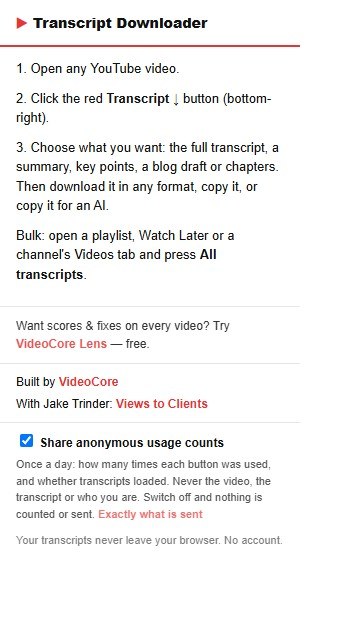
The popup has one switch, Share anonymous usage counts. On, it sends once a day how often each button was used and whether transcripts loaded, never the video or who you are. Off, nothing is counted or sent. The popup also says who built it.
Why it works this way
The transcript comes from the page YouTube already shows you, and the summaries, key points, blog draft and chapters are written by Chrome built-in AI on your own device. No account, and your transcripts never leave your browser.