Read, search, ask and keep quotes from a YouTube transcript
Under the buttons is a workspace: read the transcript beside the video, search it, ask it a question, save the lines that matter with a link to the moment, and see what the video is made of.
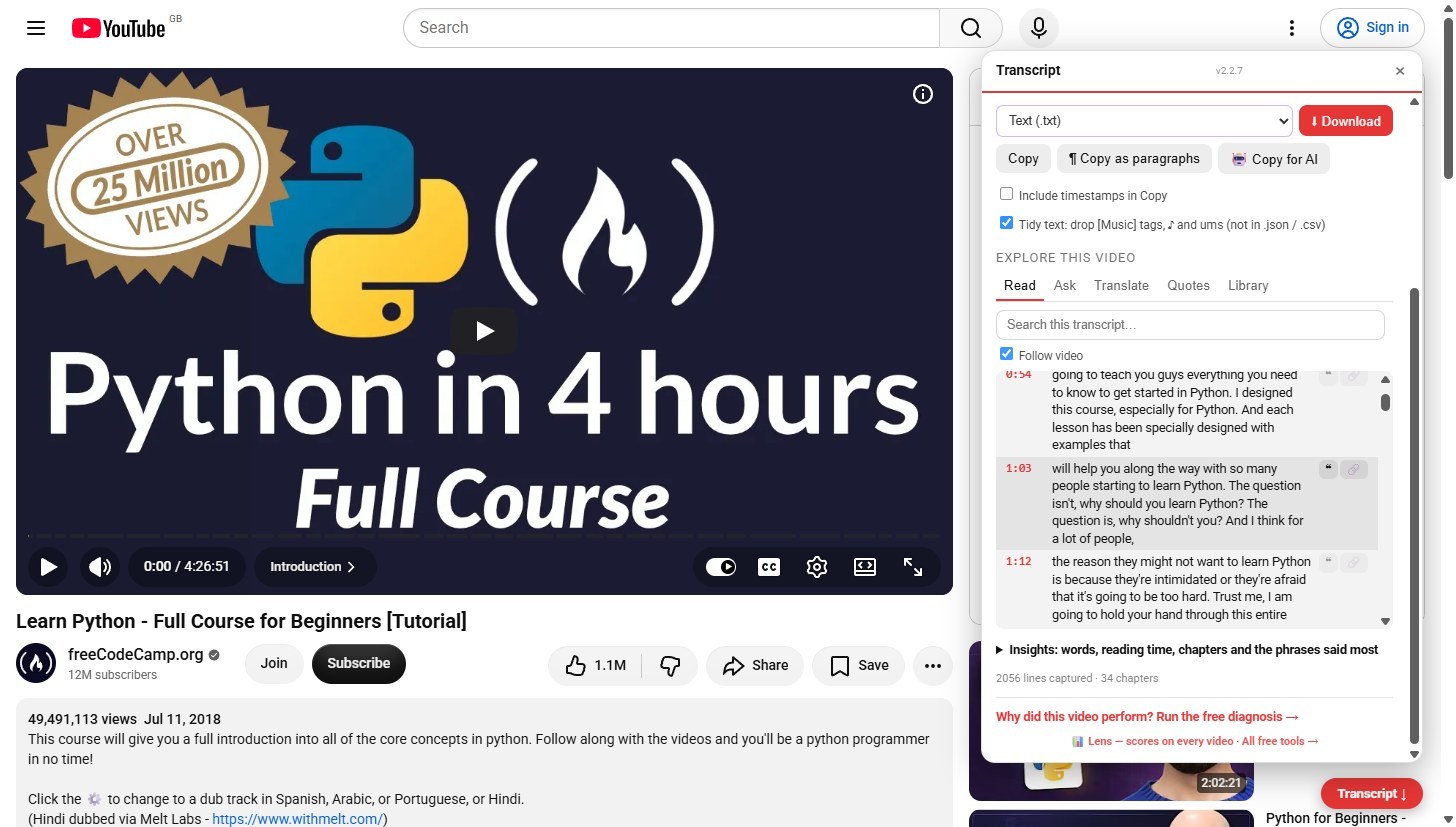
Read along
The Read tab lists the transcript. Click a time and the video jumps there. With Follow video ticked, the line being said stays marked as the video plays.
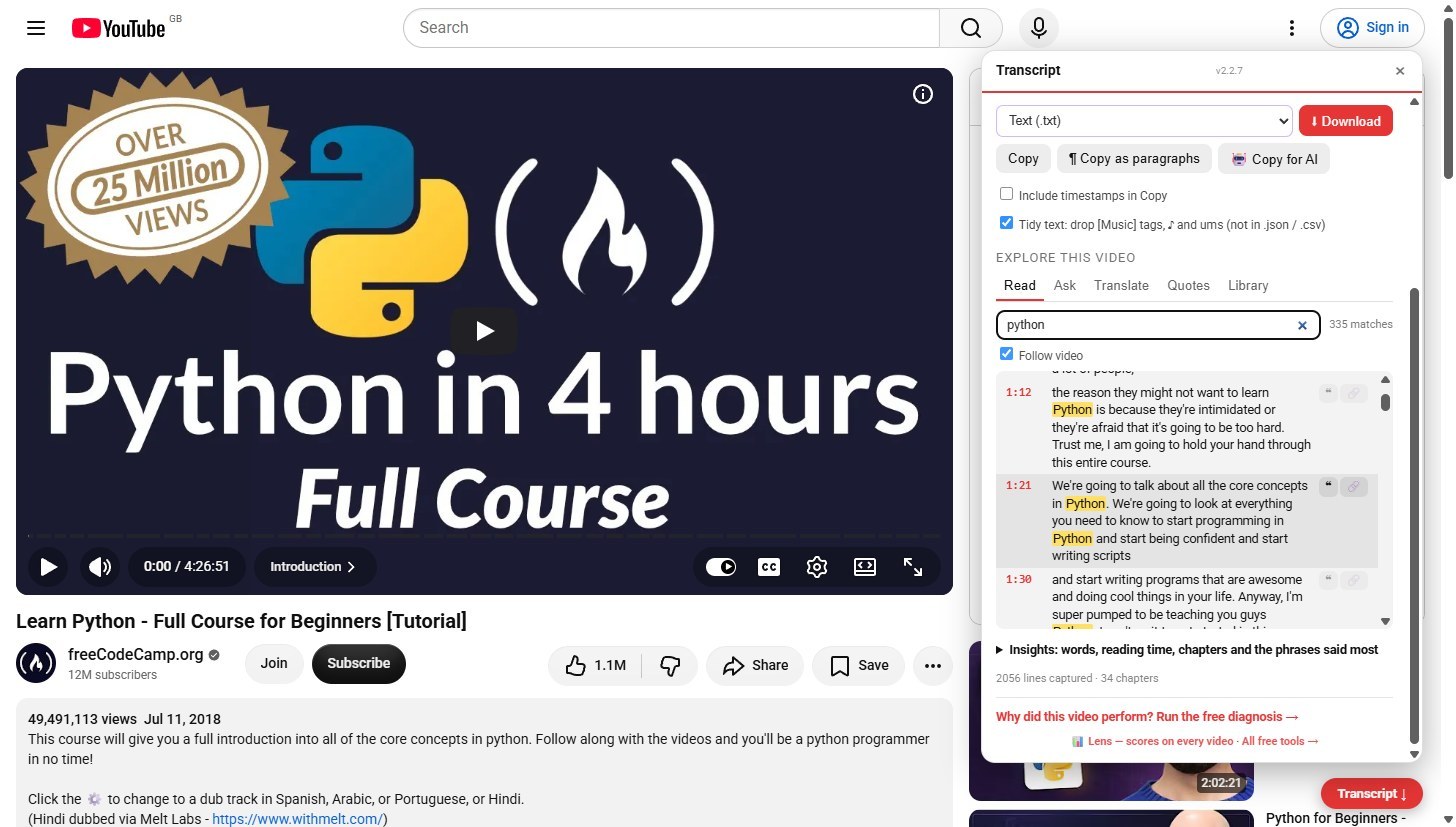
Search it
Type a phrase and the list shows only the lines that contain it, highlighted, with a count. Clear the box to go back to the whole transcript.
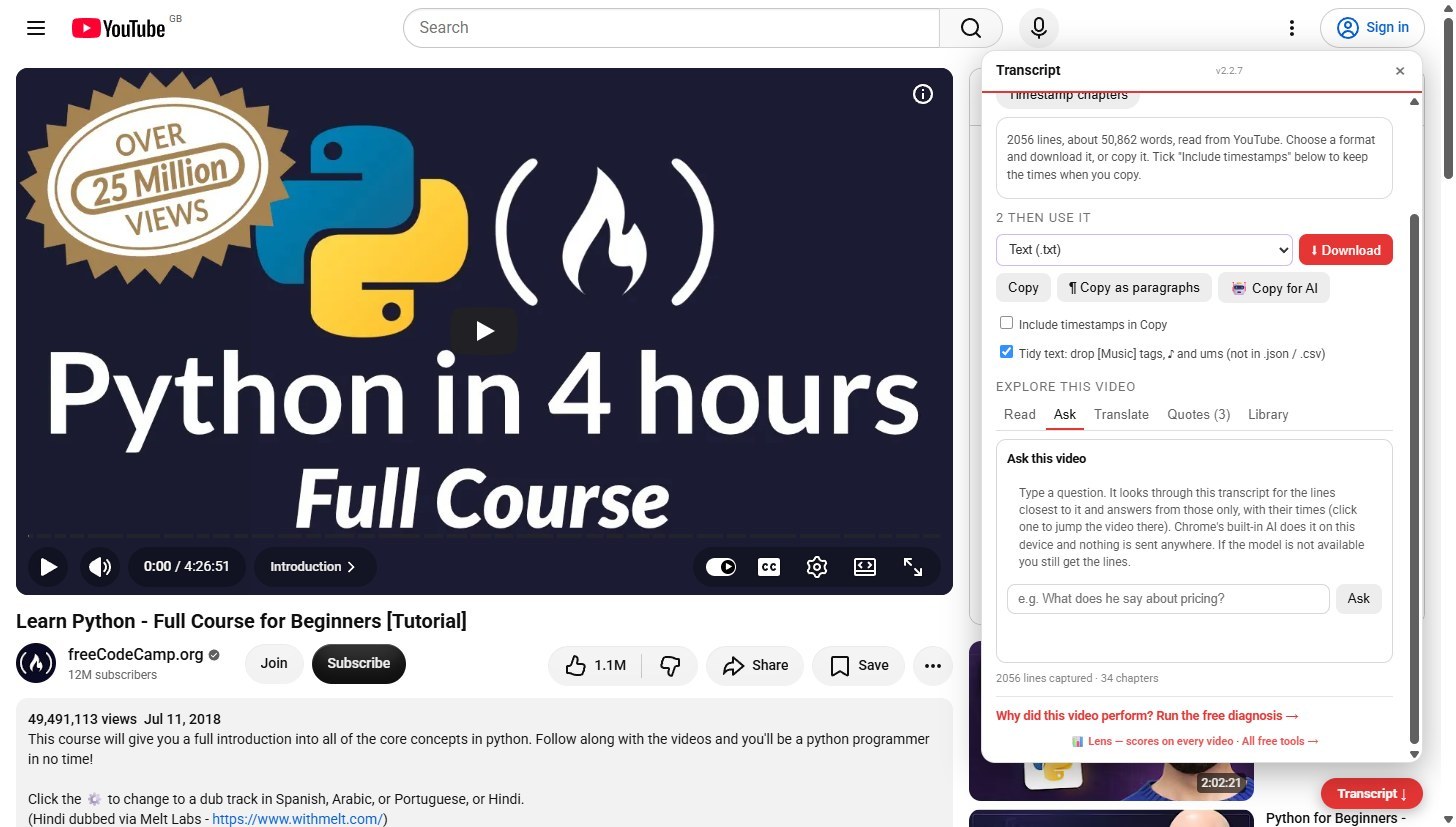
Ask this video
Type a question. The extension finds the lines closest to it and answers from those, with their times. If Chrome built-in AI is not available on your device you still get the lines.
Keep quotes
Hover a line and press the quote mark to save it. The Quotes tab keeps them across videos, with a link to each moment, and they stay in this browser.
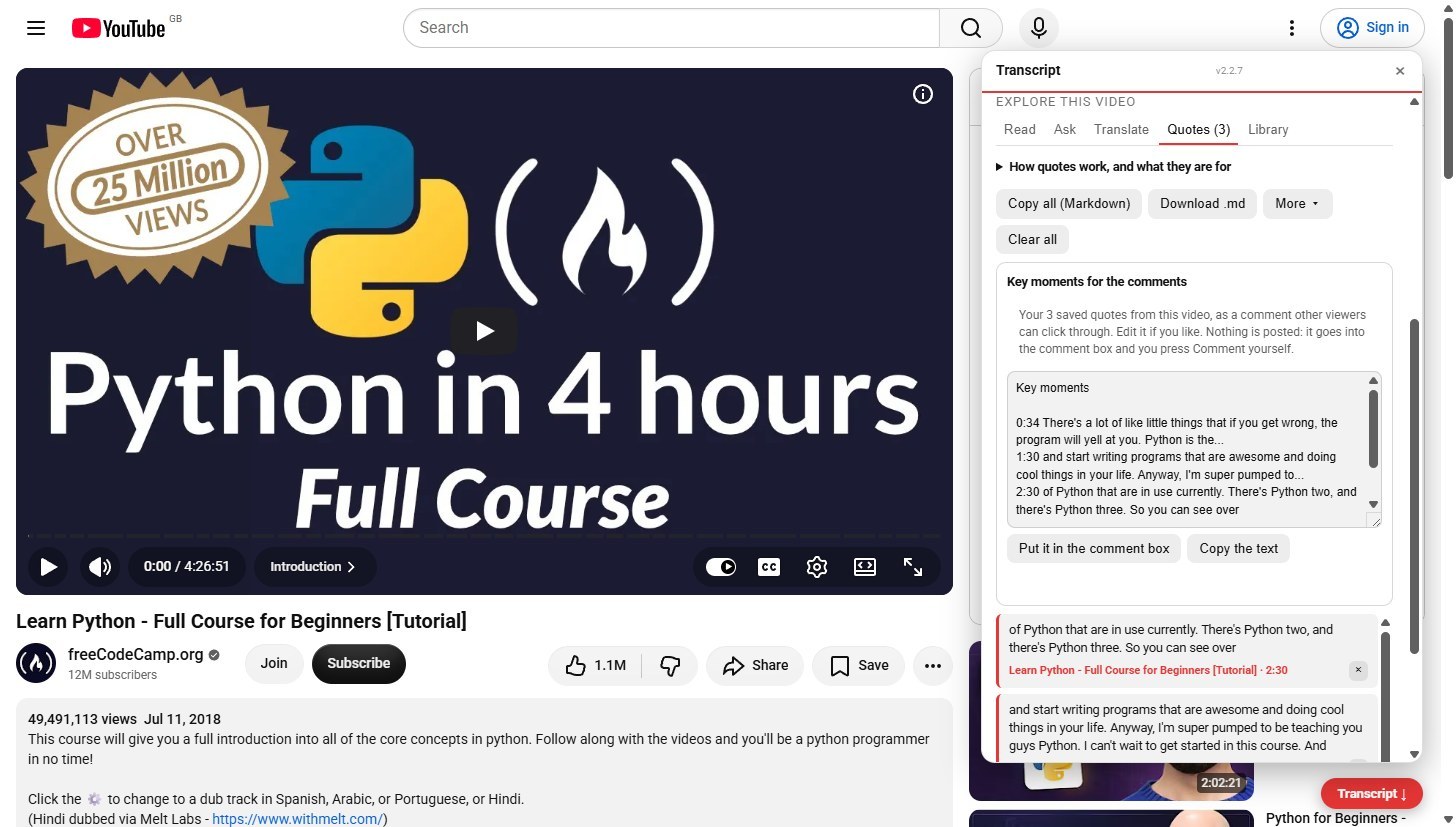
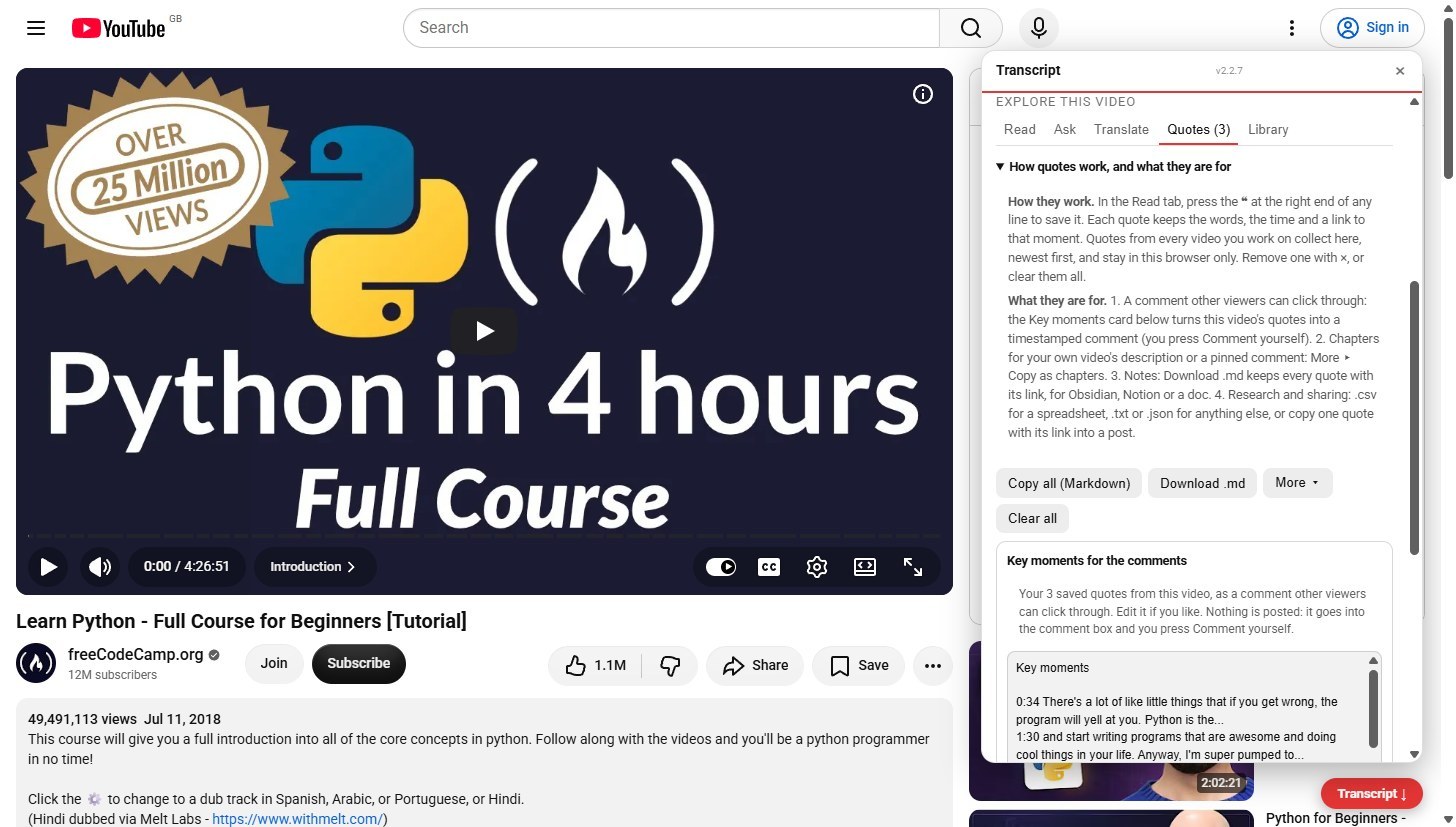
What quotes are for
The Quotes tab explains it: turn them into a timestamped Key moments comment that you post yourself, copy them as chapters for your own video, download them as Markdown for your notes, or as a spreadsheet.
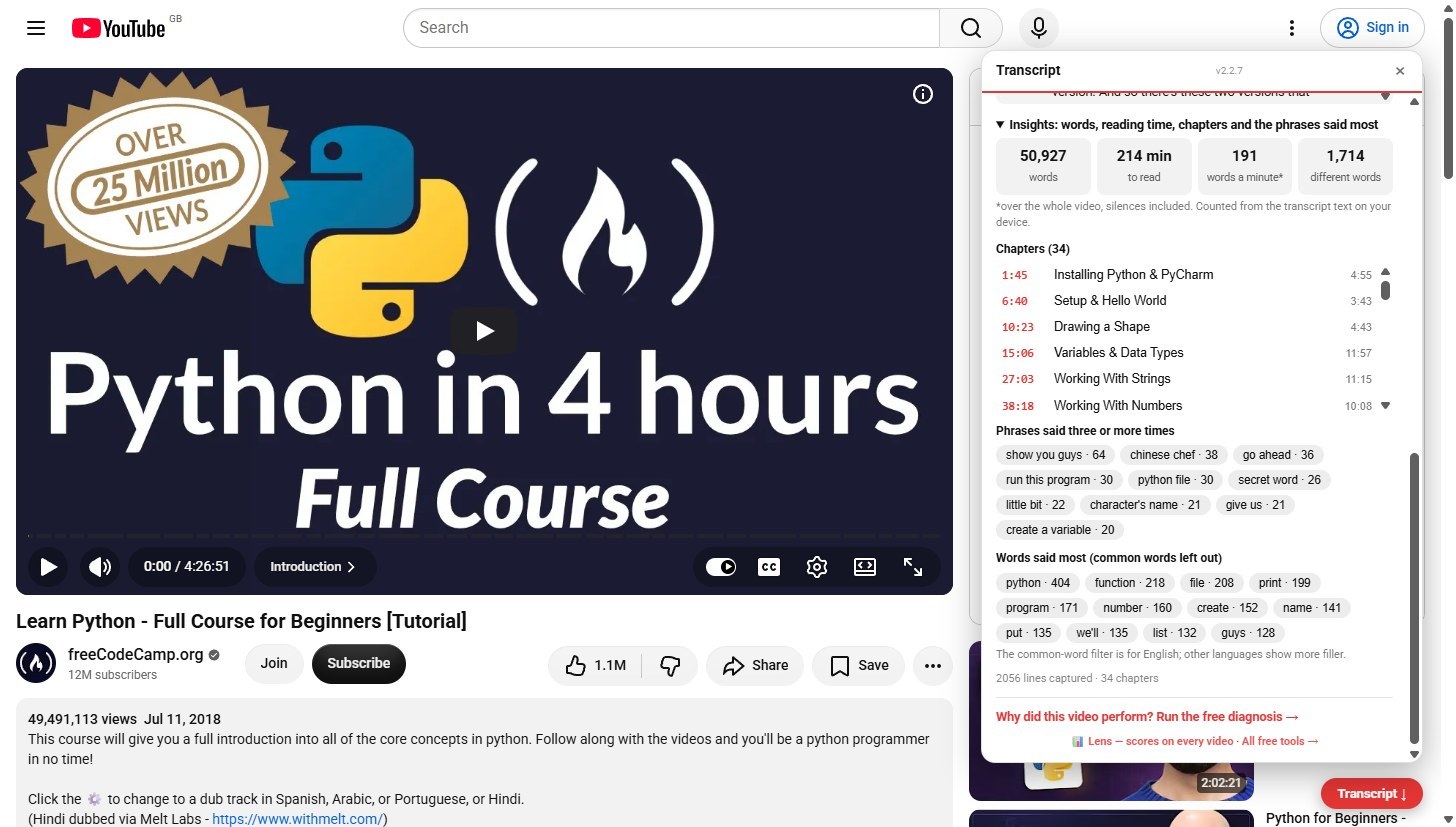
See what it is made of
Insights, folded under the list, counts words, reading time and words a minute from the transcript on your device, lists the chapters with their lengths, and shows the phrases and words said most.
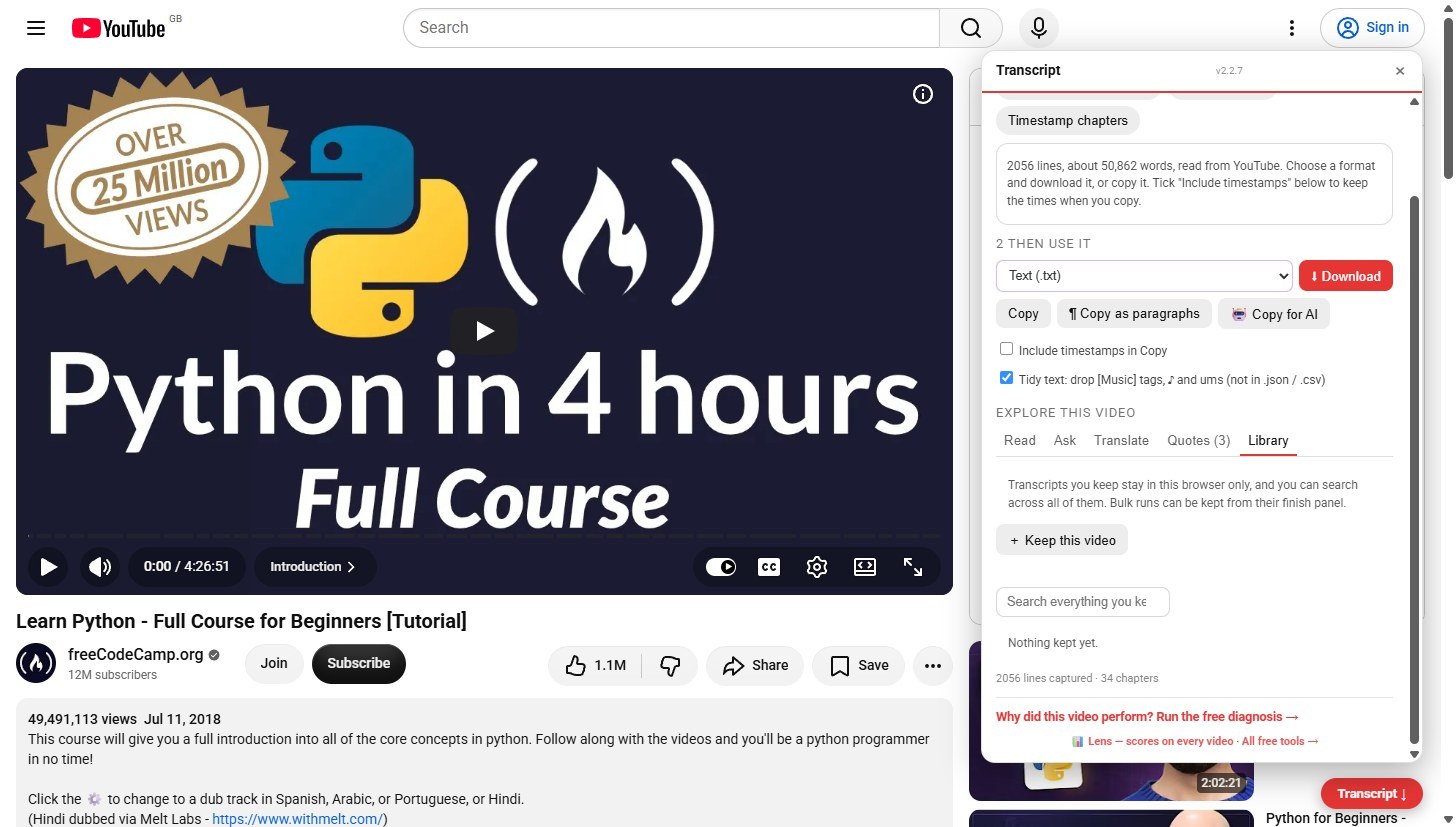
Keep a library
Keep a video, or a whole playlist run, in your browser and search across everything you kept. The Translate tab next to it translates the transcript into 15 languages on your device.
Why it works this way
Everything here is counted, searched or answered on your own device from the lines already read from YouTube. Nothing about the video, your searches or your quotes is sent anywhere.