Summaries, key points and chapters, written on your own device
Choose what you want from a video and Chrome's built-in AI writes it on your own device: a summary, key points, a blog draft or timestamp chapters. Here it is on a real 15-minute video, with the real times it took.
Choose what you want
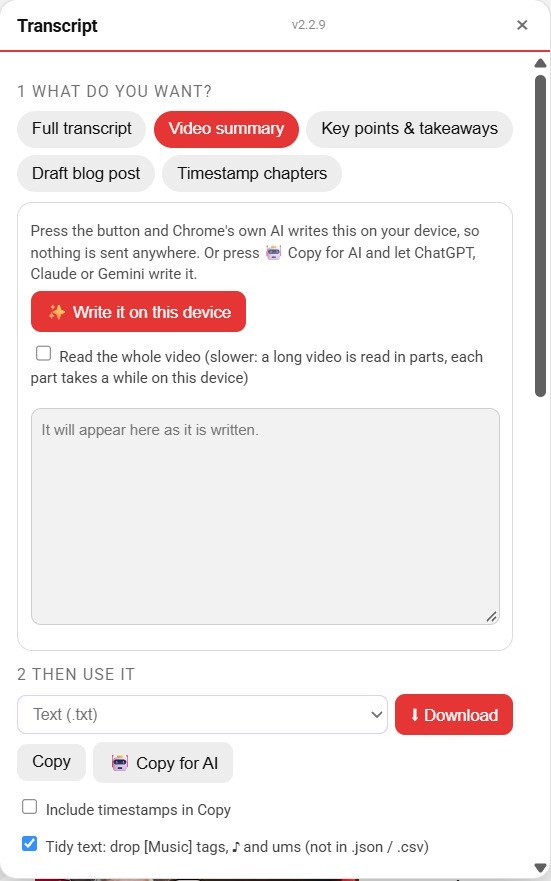
Open a video, press Transcript, and choose Video summary, Key points and takeaways, Draft blog post or Timestamp chapters. Then press Write it on this device. The first run loads Chrome's model, which can take a minute.
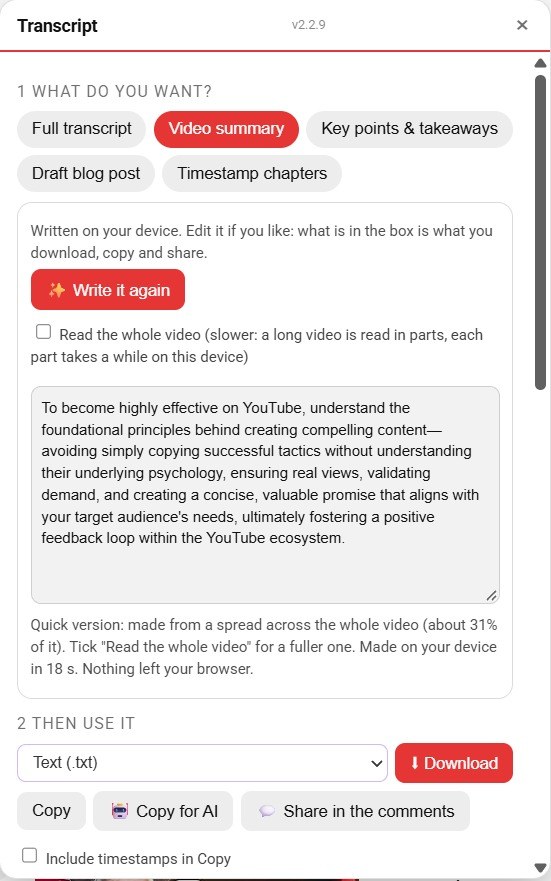
A summary
On a 15-minute video it reads a spread across the whole video, here about 31 percent of it, and says so. It took 18 seconds on this computer. It is a short, general summary: tick Read the whole video for a fuller one, which takes longer.
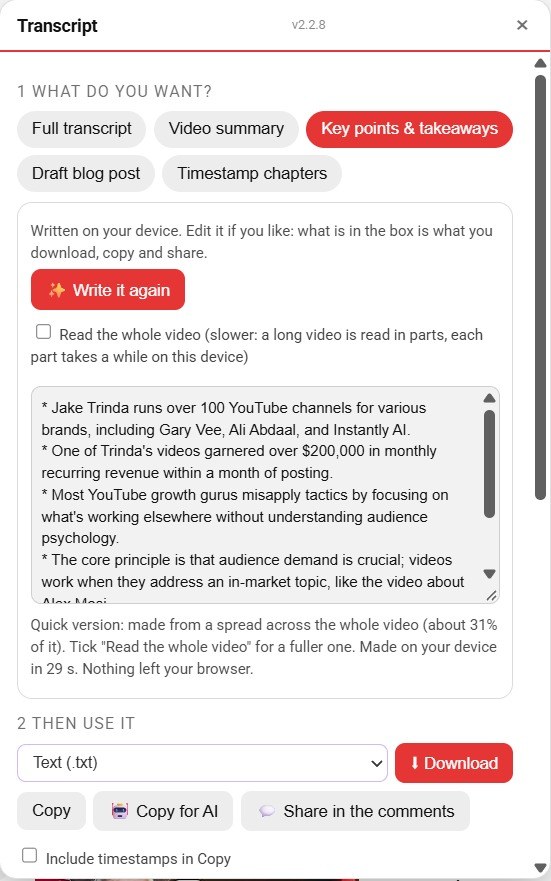
Key points
Key points took about half a minute. Always check them against the video: automatic captions can mishear names, and here a surname came out wrong.
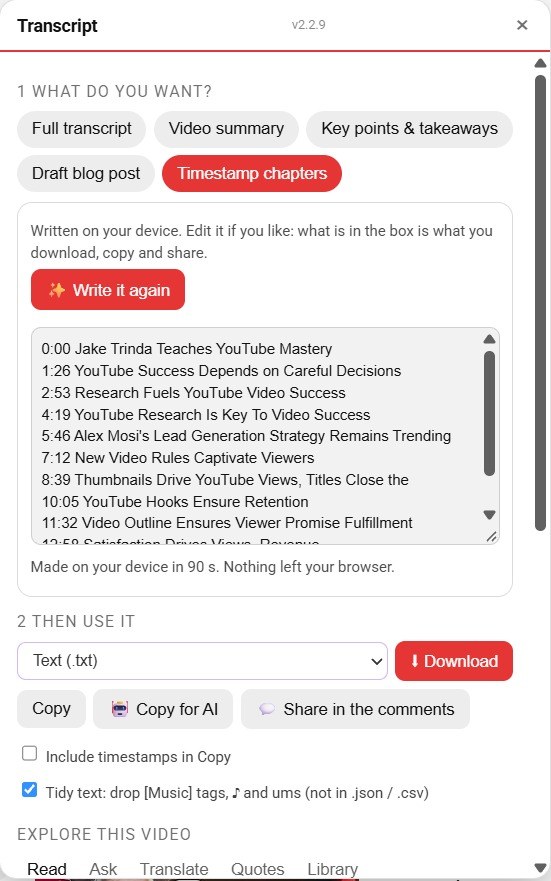
Timestamp chapters
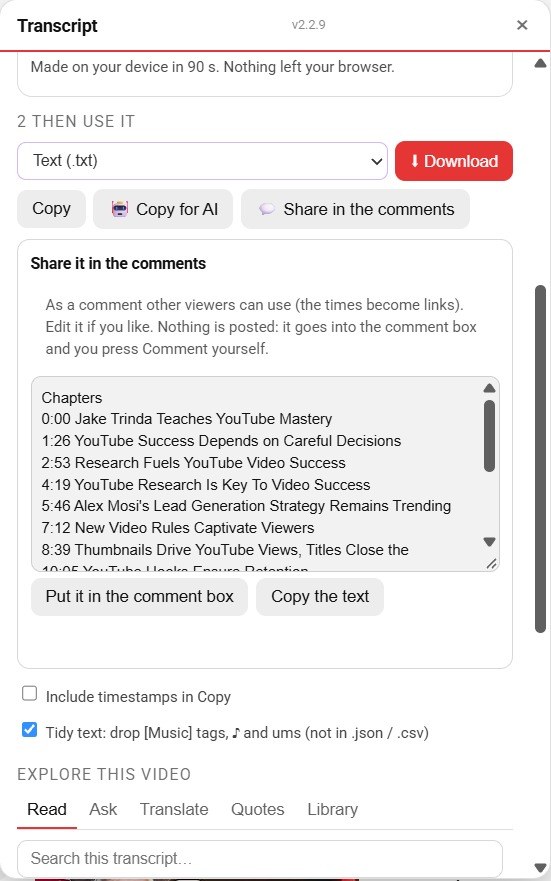
The times are cut from the transcript itself, so they are real, but they fall at even steps rather than at the exact topic changes. Chrome's AI writes only a short headline for each stretch. Eleven chapters took 90 seconds here, and you can edit any headline in the box before you use it.
Share it in the comments
Share in the comments turns what you wrote into a comment draft. It goes into YouTube's own comment box when you press the button. You read it, change it, and press Comment yourself: the extension never does.
Ask this video
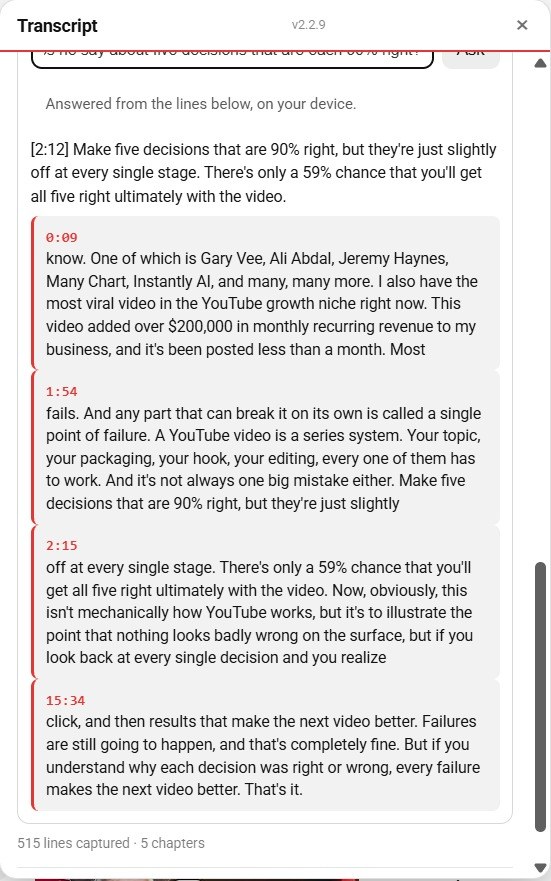
Type a question and the extension finds the lines closest to it and answers from those, with their times. Read the lines under the answer: the answer is only as good as the lines it found.
Why it works this way
The summaries, key points, chapters and answers are written on your own device by Chrome's built-in AI, which needs Chrome 138 or newer. Nothing is sent to us or to anyone, and you can edit every result before you use it.