Team Manager, editor mode and the review queue
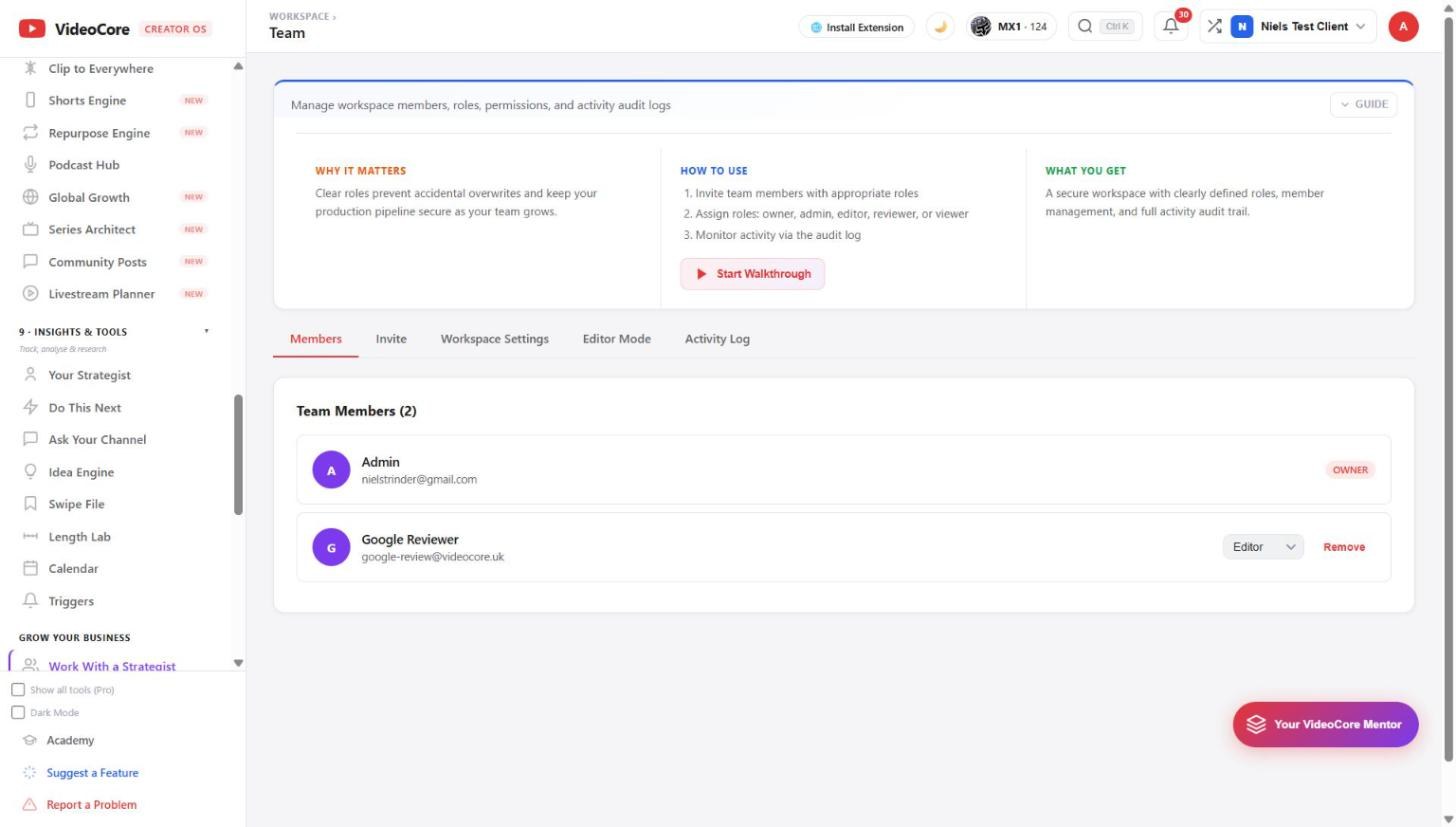
Invite members with a role, owner, admin, editor, reviewer or viewer; set workspace settings; turn on editor mode for a hand-off; read the activity log. Awaiting Review is the queue of finished cuts waiting for sign-off against their brief.
Members and roles
Members with their role and Remove; Invite sends a link with the role chosen; Workspace Settings, Editor Mode and the Activity Log are the other tabs. A viewer or reviewer can read everything and change nothing; an editor can change content; owners and admins manage the workspace.
Awaiting Review
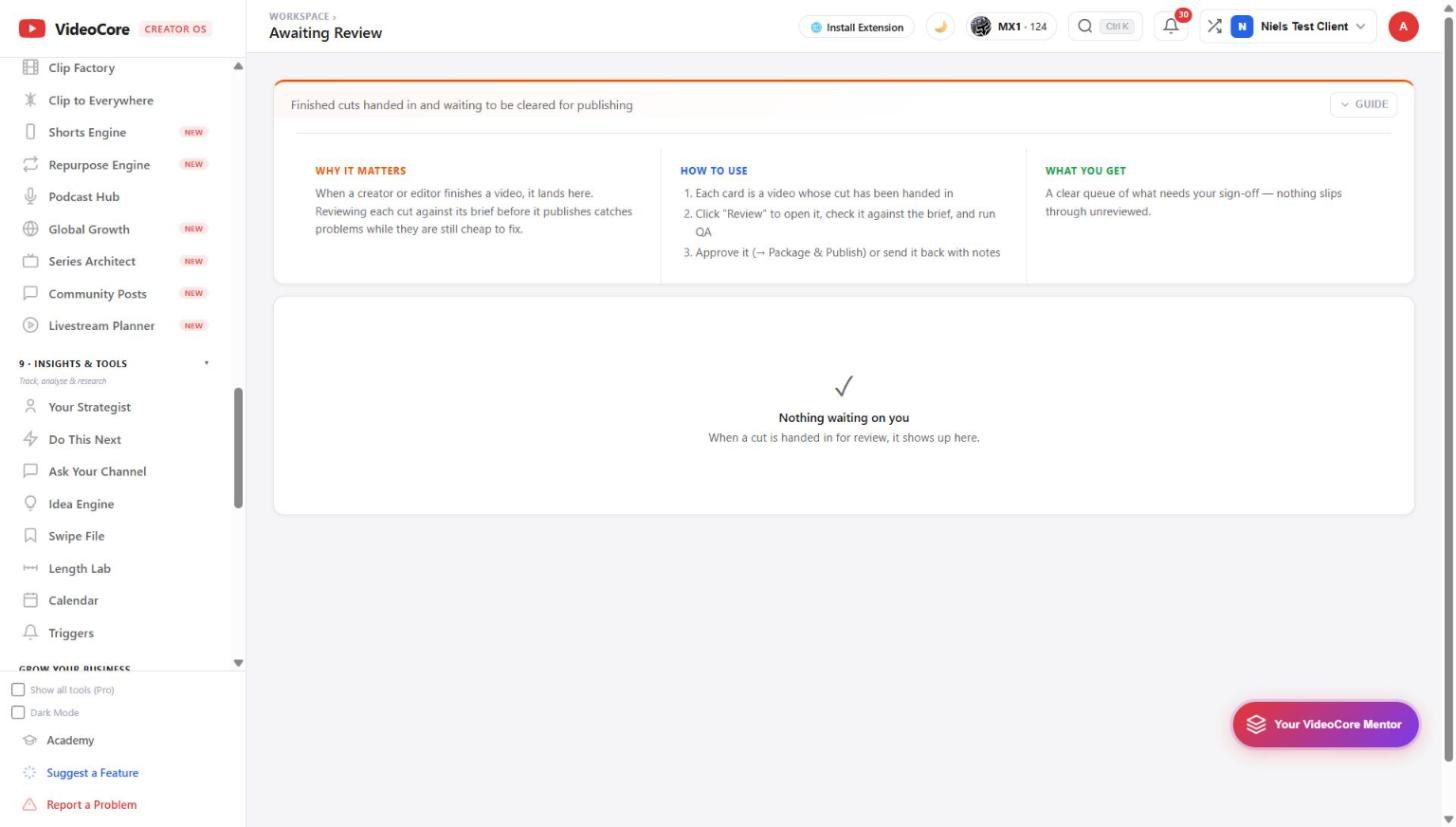
When a creator or editor hands in a cut it lands here. Review opens it against the brief with QA; approve it, which sends it on to Package and Publish, or send it back with notes. Empty means nothing is waiting on you.
Why it works this way
Roles stop an accidental overwrite, the activity log says who changed what, and a cut is reviewed against the brief it was made from before anything is published.